From Java to an installable web app in 15 minutes: the talk

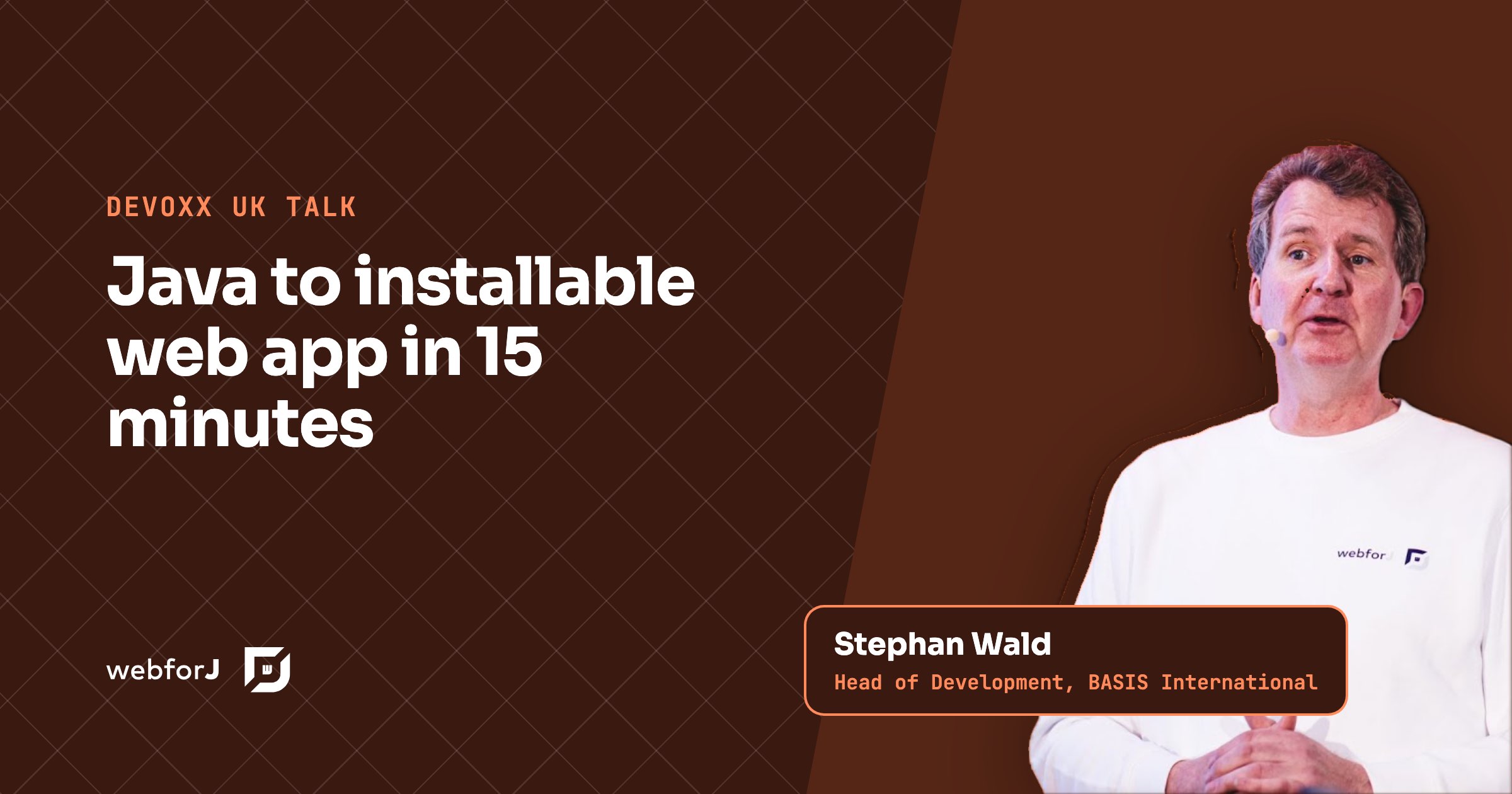
How far can you get with a Java installable web app in 15 minutes? At Devoxx UK, Stephan Wald, our Head of Development at BASIS International, took that challenge live on stage, while the audience scanned a QR code to open the finished app on their phones. Everything in it is Java, written with webforJ, the full-stack Java framework.
What the talk covers
- 00:00 The challenge: a working app in 15 minutes
- 01:00 Starting from a webforJ archetype
- 03:00 Shaping the tabs and routes
- 07:00 Building the first view in Java
- 08:00 Shared state with namespaces
- 11:00 Responding to a click and showing a toast
- 13:00 Filling the list and validating input
- 17:00 Live updates in a second view
The challenge
The setup is simple. The audience gets a QR code that opens a finished version of the app on their phones. On stage, Stephan builds it again, live: a screen to enter a nickname and pick a mood, and a second screen that lists everyone's entries as they arrive. Fifteen minutes, one language, no front-end project.
It is a good test for any framework, because it touches what most business apps need: navigation, a form, input handling, validation, shared data, and a screen that updates when other users act.
Start from an archetype
Stephan doesn't start from a blank file. Before the session, following the getting started steps in our docs, he generated a project from the tabs archetype, which gives a working app with a tabbed layout and a few sample views. To fit the time limit, he also prepared some of the code he pastes in along the way. You can generate the same kind of project with startforJ or the archetypes.
From there, the first change is the navigation. In the main layout he renames and reorders the tabs, swaps in an icon from the bundled icon set, and points each tab at its route. A view is a Java class with a route, so the menu and the pages stay in one language.
The first view in Java
The "you" view is a class that extends Composite with a FlexLayout inside it. It holds three components as fields: a TextField for the nickname, a ListBox for the mood, and a Button to submit. Adding them to the layout puts them on the screen.
Styling stays light on purpose: a maximum width so the form is easier on the eye, and a margin taken from the theme's spacing scale instead of a hard-coded pixel value. That keeps the view consistent with the rest of the app's design.
Shared state across users
The interesting part of the demo is the model. Instead of a database, Stephan stores the entries in a namespace, a webforJ feature for thread-safe, key-value state that can be shared across sessions, a bit like a store that lives on the server. A private namespace is identified by a prefix and a name, and every part of the app that asks for the same name gets the same instance:
PrivateNamespace ns = new PrivateNamespace("myApp", "sharedState");
That one choice is what makes the second screen work. When one user submits, everyone else can see it.
Clicks, toasts, and validation
To respond to the button, Stephan registers a click listener and lets the IDE generate the handler method. The first version just confirms the event with a toast:
Toast.show("Operation completed successfully!", Theme.SUCCESS);
The real handler then checks that the nickname isn't blank, stores the nickname and the selected mood in the namespace, and shows an error when the input is missing. The mood list is filled by iterating over the available options and selecting the first one by default.
Live updates in a second view
The users view closes the loop. It registers a change listener on the same namespace, and whenever a value changes, it reloads the list into its table. Namespaces support listeners for any change or for a specific key, so a view can react as soon as another user acts:
ns.onChange(event -> {
  System.out.println("Key changed: " + event.getVariableName());
});
This is what turns a form into a shared, live app: anyone with the app open sees new entries appear without reloading.
Making it installable
A webforJ app already runs in any modern browser, including on phones. To let users install it like a native app, webforJ provides the @AppProfile annotation on the app class. Once installed, the app appears on the home screen or app menu, similar to native apps. There is no separate mobile codebase, and no JavaScript build to maintain.
The same app on a split stack
It helps to picture the same app built the usual way, with a Java back end and a JavaScript front end. The form needs an API endpoint to submit to and another to read the list. The live table needs a push channel, such as WebSockets or server-sent events, plus client code to receive messages and update its state. The mood list, the validation rules, and the data types exist twice, once in Java and once in TypeScript. There are two builds, two dependency trees, and a deployment that has to keep both sides in step.
None of that is hard on its own. Together it is a lot of plumbing for a nickname and a mood, and it would not fit in 15 minutes on stage. In webforJ, the click handler, the shared model, and the table update are plain Java method calls in one project, so the whole app stays small enough to build in front of an audience and to read top to bottom afterwards.
What 15 minutes shows
The demo is short, and that is the point. Navigation, a form, validation, shared state across users, live updates, and a phone-ready app, all in plain Java and all in one project. Stephan's development loop is the familiar one too: change the code, rebuild when the structure changes, and reload. With live reload configured, small changes show up without a restart.
Build your own in 15 minutes
Generate a project with startforJ, add a view with a form, keep its data in a namespace, and add @AppProfile to make it installable. Then open it on your phone.
Frequently asked questions
Can I build an installable web app in Java?
Yes. With webforJ you write the whole app in Java, and the @AppProfile annotation makes it installable, so users can add it to the home screen or app menu like a native app.
Do I need JavaScript or a mobile framework?
No. The app in the talk is plain Java with webforJ components. It runs in mobile browsers and can be installed without a separate mobile codebase.
How do views share data in real time?
Through namespaces. A view stores values in a namespace, and other views register change listeners on the same namespace and update when a value changes.
Building something with webforJ?
Talk to the team about your project, a migration, or whether webforJ fits.
Keep reading
 Simple Java web development: one language, no frontend stackSimple Java web development means building the UI in the language you already use. See how webforJ removes the JS toolchain, REST layer and duplicate code.
 What a complete Java web application platform includesA complete Java web application platform covers setup, routing, forms, tables, security, Spring, themes, i18n, PWA and testing. See what webforJ ships for each.
 A decision guide to Java for front end developmentCan Java do front end? Yes. A decision guide to Java for front end development with webforJ: build the whole browser UI in Java, with no JavaScript required.