Detect tab visibility in Java with the webforJ Page API

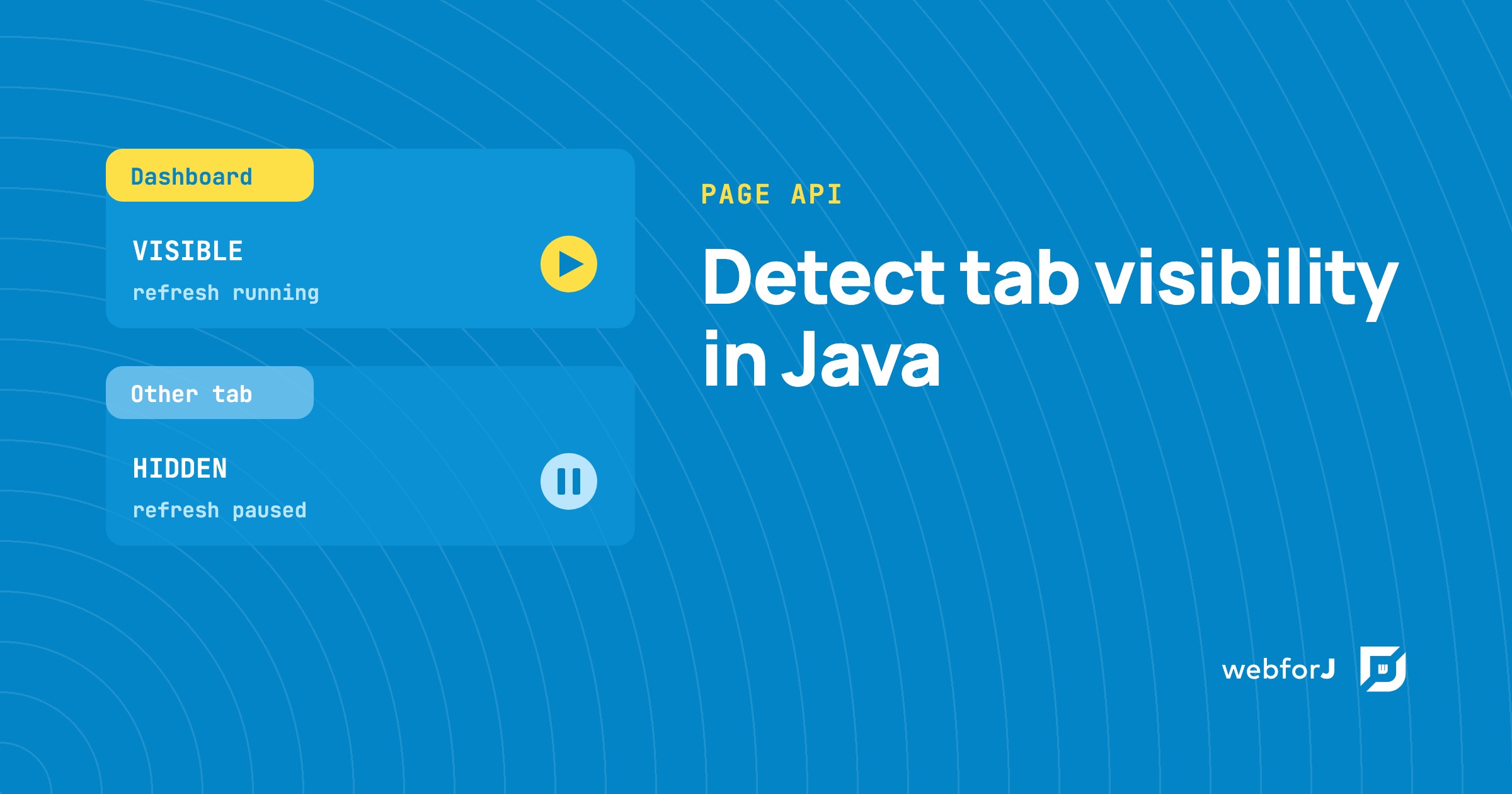
A dashboard that refreshes every few seconds keeps working even when its tab sits behind ten others. Nobody sees those updates, yet the server still does the work.
To detect tab visibility in Java, webforJ gives you two calls on the Page class: one reads whether the tab is visible right now, and one tells you each time that changes. Both are available from webforJ 26.01. This guide explains what the two states mean, then shows how to pause refresh work while the tab is in the background and resume it when the user comes back.
What the two states mean
A page is in one of two visibility states, much like the browser's Page Visibility API describes. VISIBLE means the page content is at least partially visible, which in practice is the foreground tab of a window that isn't minimized. HIDDEN covers everything else: a background tab, a minimized window, a locked screen, or a screensaver.
webforJ exposes these as the PageVisibilityState enum. You compare against the constants directly, so the checks in your Java code use the same names as the browser's two states.
Read the state once
Use getVisibilityState() when you need a single answer, such as when a scheduled task wakes up and wants to know whether it should render anything. The method returns a PendingResult<PageVisibilityState>. The result arrives asynchronously, so you attach your code with thenAccept, and the lambda receives the state when it arrives.
Page.getCurrent().getVisibilityState().thenAccept(state -> {
  if (state == PageVisibilityState.VISIBLE) {
    // user is looking at the tab
  }
});
A common case is a scheduled job that checks the tab before it picks a delivery channel, so it can show an in-app message when the user is looking and a desktop alert when they aren't.
The callback runs once, with the state at the time of the call. It doesn't keep you informed after that. For an ongoing answer, you need a listener.
Listen for changes
onVisibilityChange(...) registers a listener that fires each time the visibility state changes. addVisibilityChangeListener(...) is the matching method under its full name, so either one works. The listener receives a PageVisibilityChangeEvent, which offers four accessors:
getState()returns the newPageVisibilityState.isVisible()returnstruewhen the new state isVISIBLE.isHidden()returnstruewhen the new state isHIDDEN.getPage()returns thePagethat produced the event.
The registration call returns a ListenerRegistration<PageVisibilityChangeEvent>. Keep a reference to it, because you need it later to detach the listener.
Use the listener when your work has to follow the tab for as long as the view lives. Use getVisibilityState() when the work only needs the value at one moment. A single view can use both.
Pause updates in a hidden tab
The usual goal is to stop periodic work while nobody is looking at the page. webforJ's Interval fires an event at a fixed delay in seconds. You call start() to begin, stop() to pause, and restart() to start over.
Pick the delay with the work in mind. A five second refresh suits a status label. A very small delay floods the app with events faster than it can respond to them, and a new delay takes effect only after the interval is stopped and restarted, so call setDelay() before you restart it.
The listener below calls pauseRefresh() when the tab goes to the background and resumeRefresh() when it comes back. Those are your own methods: in a view that refreshes on a timer, one stops the Interval and the other refreshes once, so the user doesn't see stale data, then starts it again.
ListenerRegistration<PageVisibilityChangeEvent> registration =
    Page.getCurrent().onVisibilityChange(event -> {
      if (event.isHidden()) {
        pauseRefresh();
      } else {
        resumeRefresh();
      }
    });
A listener only runs when the state changes. If the view can open while its tab is already hidden, combine it with a getVisibilityState() check when the view starts, so the timer only begins while the page is in front.
Clean up when the view closes
The listener belongs to the page, not to the view. Remove it yourself when the view goes away, or an old view keeps reacting to tab changes after the user has moved on. Keep the registration in a field and call remove() on it in onDidDestroy():
@Override
protected void onDidDestroy() {
  if (registration != null) {
    registration.remove();
  }
}
One detail matters when you choose what to do in each state. HIDDEN also covers a locked screen and a screensaver. Treat it as "the user isn't looking at the page" and pause work that serves the screen. Don't treat it as "the user has left" and throw away state that the user will expect to find when they return.
To try this in a fresh project, create one with startforJ or follow Getting Started. Add the listener to a view on a route, open another tab, and watch your refresh pause and resume. The full API is in the Page Visibility reference, and the feature first shipped in webforJ 26.01.
Frequently asked questions
Can I detect an inactive browser tab in Java?
Yes. Call Page.getCurrent().getVisibilityState() to read the current state, or register onVisibilityChange(...) to hear about each change. A tab that isn't in front reports HIDDEN.
How do I pause updates when the tab is hidden?
Stop your Interval when event.isHidden() returns true, and start it again when event.isVisible() returns true. Remove the listener in onDidDestroy() so it doesn't outlive the view.
Does HIDDEN mean the user has left the app?
Not necessarily. HIDDEN also covers a minimized window, a locked screen, and a screensaver. Use it to skip background work, not to decide that a session has ended.
Building something with webforJ?
Talk to the team about your project, a migration, or whether webforJ fits.
Keep reading
 Checkbox group in Java: choose the right input in webforJBuild a checkbox group, a radio button group and a toggle switch in Java with webforJ. Pick the right input and read each value in a listener.
 Java Data Grid: Build Fast, Sortable Tables with webforJBuild a Java data grid in webforJ with the Table component. Add columns, sorting, filtering, selection, renderers, and lazy loading for large data sets.
 Lazy load tree in Java: children on expand with webforJLazy load a tree in Java with webforJ. Give each folder a placeholder child, then fetch the real children inside the onExpand handler when it opens.
