What's new in version 25.11?


Version 25.11 of webforJ is live! In this release, we've focused on polishing how users see your app, with built-in visual transitions, AI-ready components, and faster ways to prototype and learn about webforJ. See some of the most exciting highlights below, and as always, see the GitHub release overview for a more comprehensive list of changes.
Transitions
Starting with one of the most exciting changes, webforJ now provides a first-class Transitions API that lets developers animate any UI change with minimal code, built on top of the browser's View Transition API.
View Transition API
The programmatic API handles any DOM update. All a developer needs to do is use Page.getCurrent().startViewTransition(), which returns a builder for configuring the transition:
Show Code
- Java
- CSS
Elements with matching transition names animate between states, with the browser handling the animation automatically.
Check out the View Transitions article to learn more.
Route transitions
For navigation between routes, the @RouteTransition annotation provides a declarative approach built on the same underlying API:
@Route
@RouteTransition(enter = ViewTransition.ZOOM, exit = ViewTransition.FADE)
public class DashboardView extends Composite<Div> {
  // view implementation
}
You can see a comprehensive list of options and learn more about route transitions by reading the Route Transitions article.
Markdown Viewer
New tools such as AI chat interfaces have set new expectations for streamed content, where text should appear progressively, not dump onto a page all at once. The new MarkdownViewer component brings that experience to webforJ:
The video above showcases the MarkdownViewer rendering streamed output from an AI chatbot in real time.
Notice the text area in the demo? It features AI-powered autocompletion that suggests text as you type. This ghost text functionality is also available in the TextArea component. See the TextArea documentation for details on enabling suggestions in your own apps.
MarkdownViewer viewer = new MarkdownViewer();
viewer.setProgressiveRender(true);
viewer.setAutoScroll(true);

// As chunks arrive from an AI service...
aiService.stream(prompt).subscribe(chunk -> {
    viewer.append(chunk);
});
Each append() call adds content to the stream, and auto-scroll keeps the latest content visible—smart enough to pause when users scroll up.
Avatar
User avatars appear everywhere—in profiles, comments, team lists, and more. This is a common component that's present in nearly all modern web apps where users log in. The new Avatar component makes adding them simple.
Show Code
- Java
- CSS
Passing a name to the Avatar generates initials automatically. To use photos, simply add an image as a child element. The Avatar comes with seven themes, two shapes, and multiple sizes to cover common cases.
// Auto-generated initials from name
Avatar initialsAvatar = new Avatar("John Doe"); // Shows "JD"

// With a profile image
Avatar imageAvatar = new Avatar("Jane Smith");
imageAvatar.add(new Img("https://example.com/profile.jpg"));
See the Avatar component docs for themes, shapes, and customization options.
Build and tooling
Along with additions to the UI in version 25.11, the following build and tooling integrations and enhancements have been added to make developing with webforJ even faster and more efficient:
Minify plugin
To help developers ship smaller bundles, the new webforJ minify plugin compresses CSS and JavaScript files automatically during compilation, discovering assets through your existing @StyleSheet and @JavaScript annotations.
See the Minify plugin docs for setup instructions.
JBang integration
For learning or small scale programs, we've integrated JBang, which lets you run webforJ apps from a single file, no pom.xml, no build configuration.
///usr/bin/env jbang "$0" "$@" ; exit $?
//DEPS com.webforj:webforj-jbang-starter:25.11
//JAVA 21

package bang;

import com.webforj.App;
import com.webforj.annotation.Routify;
import com.webforj.component.Composite;
import com.webforj.component.Theme;
import com.webforj.component.button.Button;
import com.webforj.component.button.ButtonTheme;
import com.webforj.component.field.TextField;
import com.webforj.component.icons.FeatherIcon;
import com.webforj.component.layout.flexlayout.FlexDirection;
import com.webforj.component.layout.flexlayout.FlexLayout;
import com.webforj.component.toast.Toast;
import com.webforj.router.annotation.Route;

import org.springframework.boot.SpringApplication;
import org.springframework.boot.autoconfigure.SpringBootApplication;

@SpringBootApplication
@Routify
public class HelloWorld extends App {
  public static void main(String[] args) {
    SpringApplication.run(HelloWorld.class, args);
  }
}

@Route("/")
class MainView extends Composite<FlexLayout> {

  private FlexLayout self = getBoundComponent();
  private TextField hello = new TextField("What is your name?");
  private Button btn = new Button("Say Hello");

  public MainView() {
    self.setDirection(FlexDirection.COLUMN);
    self.setMaxWidth(300);
    self.setStyle("margin", "1em auto");

    btn.setPrefixComponent(FeatherIcon.BELL.create())
        .setTheme(ButtonTheme.PRIMARY)
        .addClickListener(e -> Toast.show("Welcome to webforJ JBang Starter " + hello.getValue() + "!", Theme.GRAY));

    self.add(hello, btn);
  }
}
Run jbang HelloWorld.java and your browser opens automatically. This integration is designed for learning, prototyping, and testing small ideas, not production apps. When your prototype outgrows a single file, transition to a full Maven project.
See the JBang integration docs for installation and configuration options.
Also in this release
Rounding out this release, webforJ 25.11 also introduces the following noteworthy enhancements:
Debouncer utility
The new Debouncer class delays execution until input pauses, which is perfect for search-as-you-type scenarios where you want to wait until the user stops typing before executing a search:
Debouncer debounce = new Debouncer(0.3f); // 300ms delay

textField.onModify(e -> {
  debounce.run(() -> search(textField.getText()));
});
Each call to run() resets the timer. The API also includes cancel() to abort pending actions, flush() to execute immediately, and isPending() to check state.
See the Debouncer docs article to learn more about this tool, and how to integrate it in your app.
Spring Boot starter simplification
Starting with 25.11, the webforj-spring-boot-starter includes all core webforJ dependencies transitively. Where you previously needed two dependencies:
<dependency>
    <groupId>com.webforj</groupId>
    <artifactId>webforj</artifactId>
</dependency>
<dependency>
    <groupId>com.webforj</groupId>
    <artifactId>webforj-spring-boot-starter</artifactId>
</dependency>
You now need only one:
<dependency>
    <groupId>com.webforj</groupId>
    <artifactId>webforj-spring-boot-starter</artifactId>
</dependency>
RouteRegistryProvider SPI
The new RouteRegistryProvider Service Provider Interface lets integration frameworks provide custom route discovery mechanisms. This enables frameworks to integrate their own classpath scanning and dependency injection systems with webforJ's routing infrastructure. See the RouteRegistryProvider docs for implementation details.
See it in action
Many of the above features, as well as other important design paradigms and practices, are outlined in our built-with-webforJ repository, which contains a myriad of projects that developers can learn from. The following three projects have been added this release:
Focus Tracker
A Pomodoro timer showcasing PWA capabilities: installable apps, native notifications, and badge updates.
ghost:ai
A ChatGPT-style chat app combining MarkdownViewer, and "spooky" text suggestions using the TextArea autocomplete behavior.

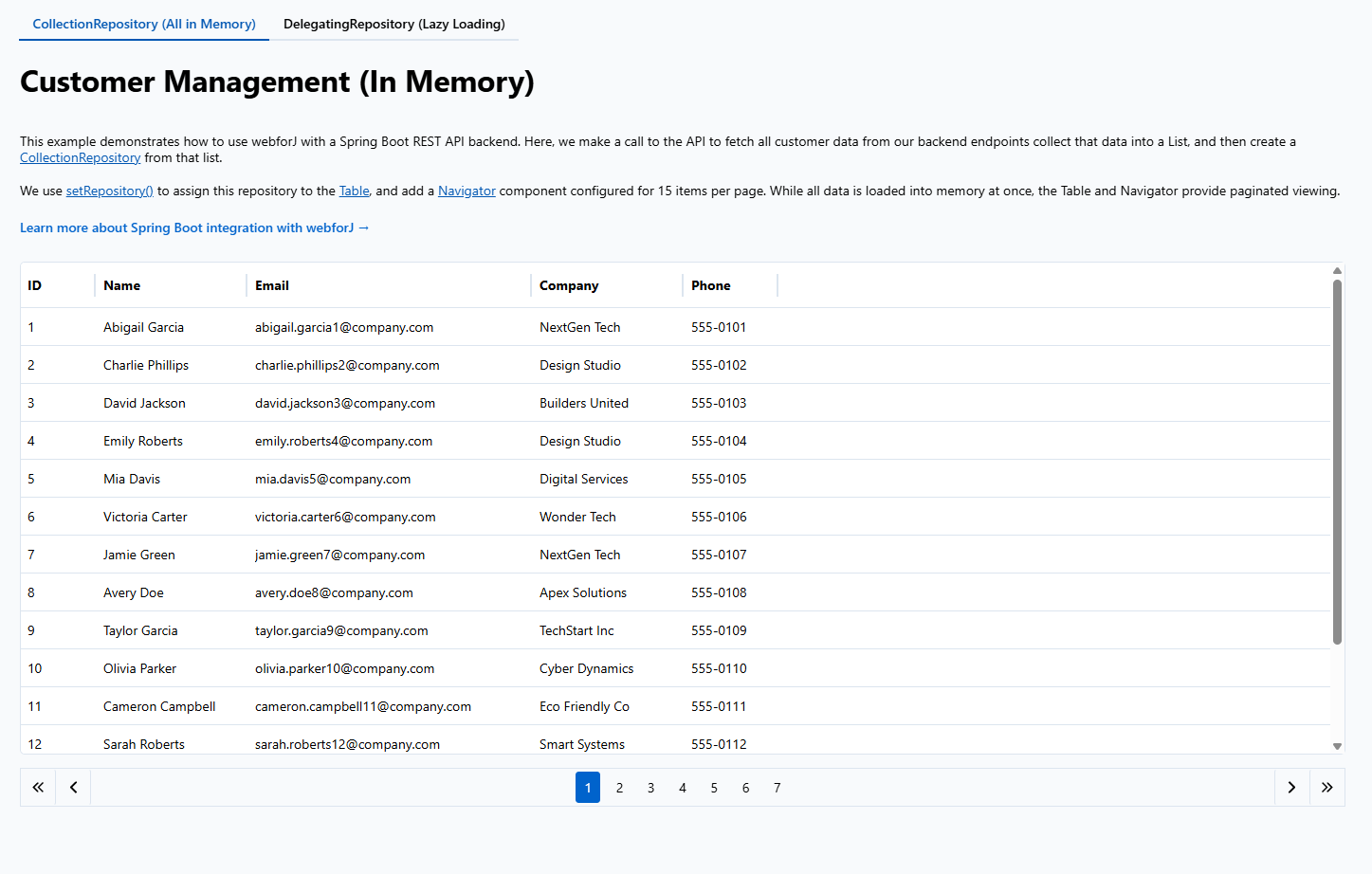
REST Pagination
Compares CollectionRepository (client-side) versus DelegatingRepository (lazy-loading) pagination strategies.
Documentation updates
Finally, the following enhancements have been made to the docs site, making sure that developers building with webforJ can find the right information for their job as quickly as possible:
- Component Fundamentals rewritten with comprehensive coverage of the component model and lifecycle, a great starting place for developers wanting to understand the fundamental building blocks of webforJ.
- AI-powered search added to the docs—ask natural language questions and get answers with source links, reducing the need to search through articles yourself.
That's 25.11 in a nutshell! For the complete changelog, see the GitHub release.