Java framework upgrade with OpenRewrite: a webforJ guide

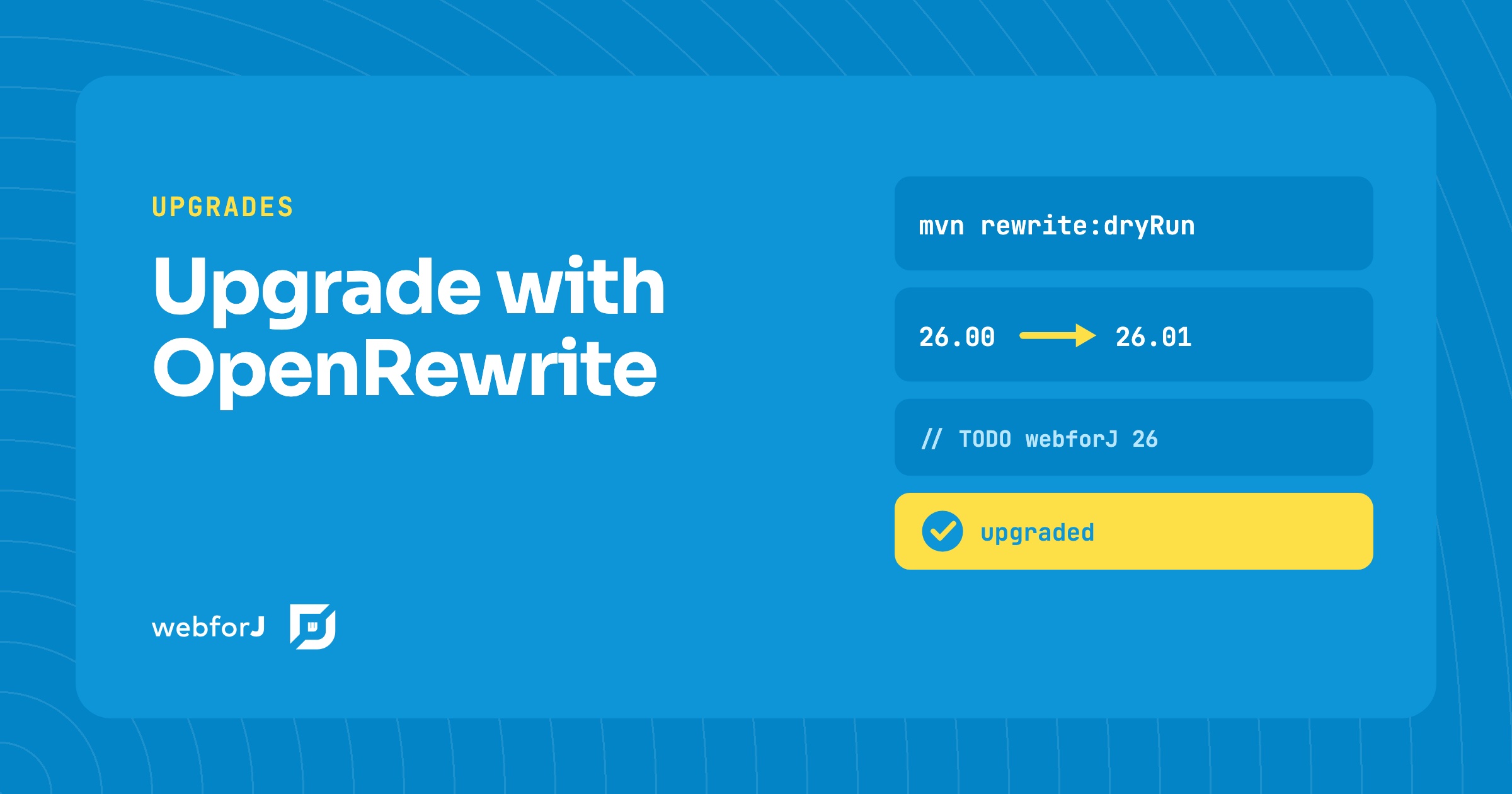
In this tutorial you will upgrade a webforJ app with OpenRewrite. A Java framework upgrade has a reputation for being unpredictable, and a major version can feel like a week of searching through your source tree. For webforJ it doesn't have to be. The webforj-rewrite module ships OpenRewrite recipes for each release, so the mechanical work is automated. You add one Maven plugin, preview the diff, apply the changes, and then clear the TODO comments that remain.
Already running Spring Boot?
Ask the team how webforJ fits into your existing Spring app.
Upgrade a Java UI app automatically
OpenRewrite is an open source project for automated source code refactoring. A webforJ recipe is a named set of rewrite rules for one target release. Point the Maven plugin at that recipe and one run updates the code that uses the changed APIs, so you don't have to find each call by hand.
The recipe handles the mechanical work. It updates dependencies, renames methods, changes types, and adjusts return types. Where a one-to-one replacement doesn't exist, it leaves a TODO comment with instructions. Your part is to read the changes, resolve those comments, and confirm the app still runs. You can also run a recipe to move off newly deprecated APIs before a later release removes them, not only on major versions.
Before you start
Commit or stash your current work first. With a clean git state, git diff shows exactly what the recipe changed, and you can roll back in one step if the result isn't what you expected.
Starting with webforJ 26.00, the project needs Java 21 or Java 25, depending on your setup. A Spring Boot project also needs Spring Boot 4.x. The 26.00 upgrade guide lists the pom changes for both.
Java framework upgrade steps
These steps move a standard webforJ project to 26.01.
Step 1: Add the rewrite plugin
Add the rewrite-maven-plugin to the <plugins> section of your pom.xml. The webforj-rewrite dependency must match the version you are moving to, and the recipe name carries the same version.
<plugin>
  <groupId>org.openrewrite.maven</groupId>
  <artifactId>rewrite-maven-plugin</artifactId>
  <version>6.36.0</version>
  <configuration>
    <activeRecipes>
      <recipe>com.webforj.rewrite.v26.UpgradeWebforj_26_01</recipe>
    </activeRecipes>
  </configuration>
  <dependencies>
    <dependency>
      <groupId>com.webforj</groupId>
      <artifactId>webforj-rewrite</artifactId>
      <version>26.01</version>
    </dependency>
  </dependencies>
</plugin>
A Spring Boot project uses the Spring variant of the recipe instead. The automated upgrades guide lists the recipe for each version.
Step 2: Preview the changes
Run a dry run before anything touches your sources:
mvn rewrite:dryRun
The dry run writes a diff to target/rewrite/rewrite.patch and leaves your files alone. Open the patch and read it. It shows exactly what the run will change, so you can catch a surprise before it lands in a file.
Step 3: Apply the recipe
When the patch looks right, run mvn rewrite:run. The recipe edits the source files in place. Then check the result with git diff.
Step 4: Resolve what remains
Search the project for TODO. Each comment marks a call the recipe couldn't replace on its own, and it says what to do. These are the decisions that need a person. Fix each one, then rebuild the app.
This is also the part an AI assistant can take off your hands. The webforJ AI plugin includes an upgrade skill that runs the recipe for the target version and then works through the TODO comments it leaves. When there is no recipe for your versions, such as 24 to 25, the same skill walks you through the manual upgrade. A prompt like "Run the rewrite recipe and resolve the TODOs" is enough to start. You still review the result before you merge it.
Clean up
When the TODO comments are resolved and the app runs, remove the rewrite-maven-plugin block from pom.xml. The build file then matches the release you moved to.
Try it on your app
Start on a branch, run the dry run, read the patch, apply the recipe, and then resolve what remains. The 26.00 upgrade guide also lists removed APIs, such as the string-based IconRenderer constructors, so you can search your views for those once the recipe has finished.
Frequently asked questions
Can Maven automate a webforJ upgrade?
Yes. The OpenRewrite Maven plugin runs a webforJ recipe with mvn rewrite:run, and the recipe updates dependencies, renames methods, and changes types across the project. Calls without a one-to-one replacement get a TODO comment, so you know where to edit by hand.
Does the recipe change files before I review them?
Only when you run mvn rewrite:run. Run mvn rewrite:dryRun first. It writes the diff to target/rewrite/rewrite.patch and doesn't modify your sources.
Which recipe matches my project?
Use the recipe for the release you are moving to. Standard webforJ projects and Spring Boot projects each have their own recipe for a release, and the automated upgrades guide lists them in one table.
Does the upgrade need a newer Java?
For webforJ 26.00 and later, yes. The project needs Java 21 or Java 25, and Spring Boot projects need Spring Boot 4.x. The 26.00 upgrade guide lists the pom changes for both.
Should I keep the plugin in pom.xml?
No. Remove the OpenRewrite plugin after you resolve the TODO comments, which leaves the build file as the release expects it.
Rakennatko jotain webforJ:llä?
Keskustele tiimin kanssa projektistasi, migraatiosta tai siitä, sopiiko webforJ sinulle.
Jatka lukemista
 JSF to Spring Boot migration: Faces views in webforJA JSF to Spring Boot migration with webforJ, a JSF alternative: see how Facelets, backing beans, EL and validators map over, with a before and after view.
 Building a Full-Featured Demo with webforJ and Spring BootA walkthrough of the webforJ Bookstore app, a full-stack inventory manager with live filtering, data binding, custom table renderers, and Spring Security
 Loading Data from REST APIs in webforJLearn when to use different webforJ Repository types for optimally loading data
