Siirry pääsisältöön

3 viestiä tägattu "Security"

Security in webforJ apps.

Näytä kaikki tagit

Spring Security role-based UI access: why protecting routes beats hiding elements

· 7 minuuttia
webforJ Team
webforJ Development Team

cover

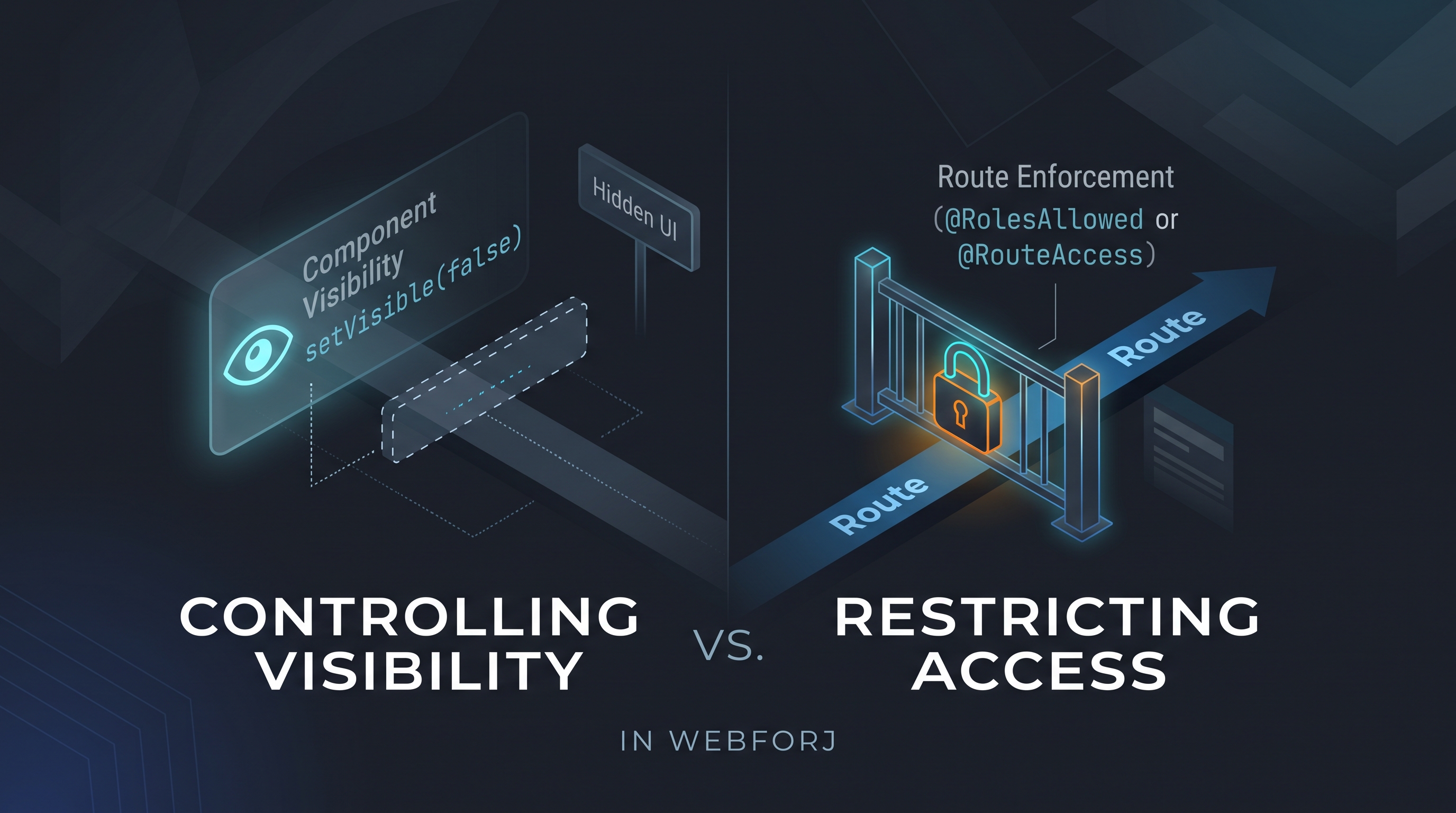
A developer asks: "How do I control which users see which views?" In a webforJ app, the first instinct might be to call setVisible(false) on a navigation component based on the current user's role, or to conditionally add layout elements depending on permissions. It's direct and it works for what it does — but what it does is different from what the question was asking.

Controlling visibility and restricting access are different operations. Treating them as equivalent is how unintended access surfaces in production.

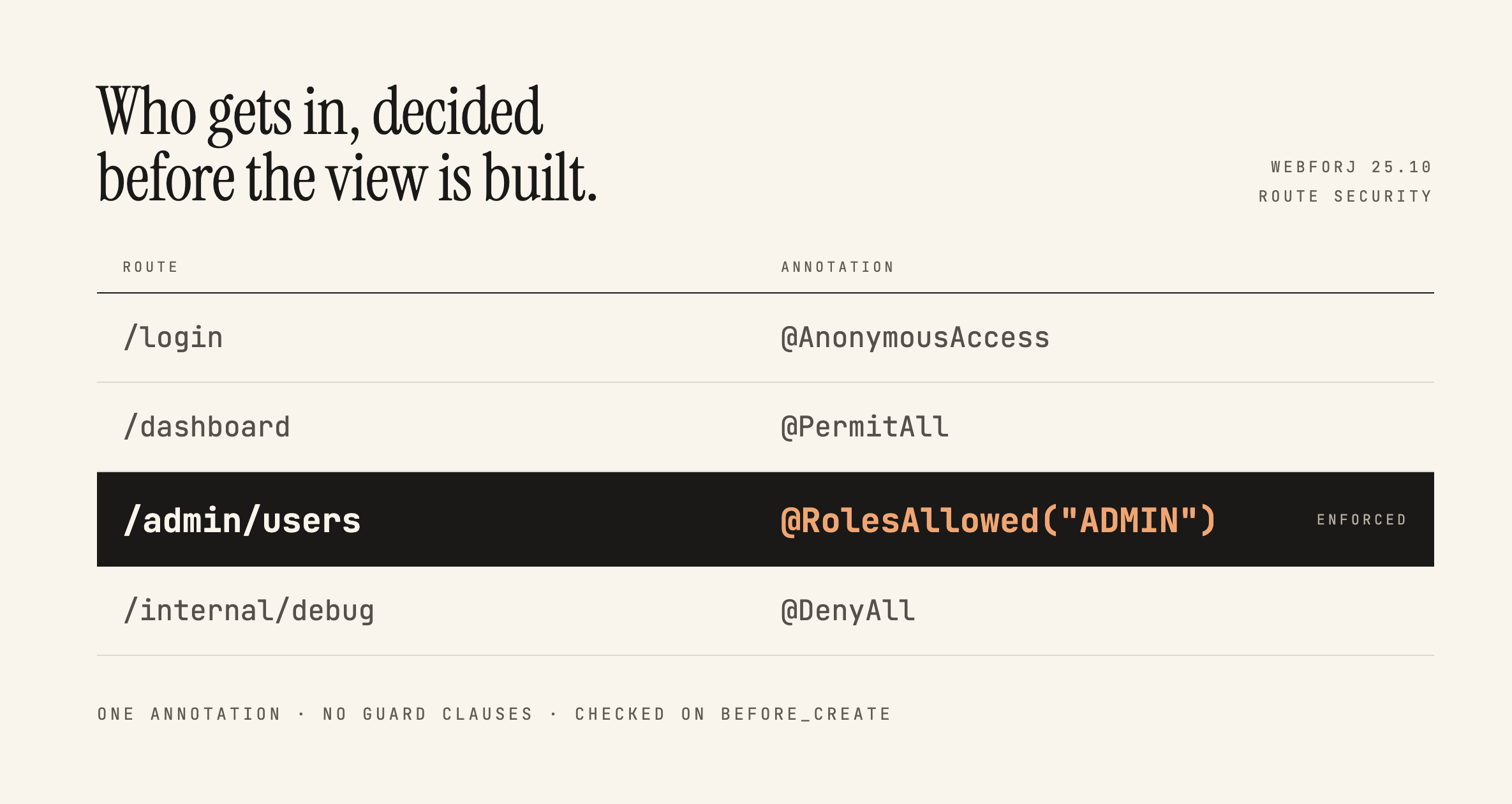
Securing webforJ Routes Before the View Exists

· 7 minuuttia
Lauren Alamo
Software Developer

cover image

Broken access control has sat at the top of the OWASP Top 10 since 2021, and the 2025 list keeps it there. One of OWASP's own example scenarios is an app that keeps all its access control in the front end, where the attacker can't click through to the admin page because the JavaScript won't let them, so they skip the browser and request the URL with curl instead.

Here's a version of that you've probably written:

if (isAdmin) {
Button delete = new Button("Delete user");
delete.onClick(e -> userService.delete(selected));
self.add(delete);
}

Ordinary users don't see the button. That feels like enough, and in a server-driven framework it feels like more than enough, because the business logic is all sitting safely in Java. This post is about what actually protects that handler, what webforJ gives you for free, and where the line between the two falls.

Building a Full-Featured Demo with webforJ and Spring Boot

· 8 minuuttia
Eric Handtke
Software Developer

cover image

In my time working with documentation and coding for customers I have built quite the number of demo apps myself, so by now I know what the shortcuts look like. The dataset is always small, with authentication and advanced features "coming soon" or hardcoded in instead of properly implemented. Filtering works fast, because coincidentally there are only five rows to filter. All of that isn't to say those demos are bad, after all they serve their purpose, but I wanted to see how efficiently I could build a demo that doesn't cut corners while still being small and easy to understand.

The webforJ Bookstore is my attempt at that. It's a book inventory manager built on webforJ and Spring Boot with live table filtering, colored genre chips, a data-bound edit drawer, and Spring Security handling who can do what. This post covers the pieces I found most worth writing about.