Java applet replacement: your options after JDK 25

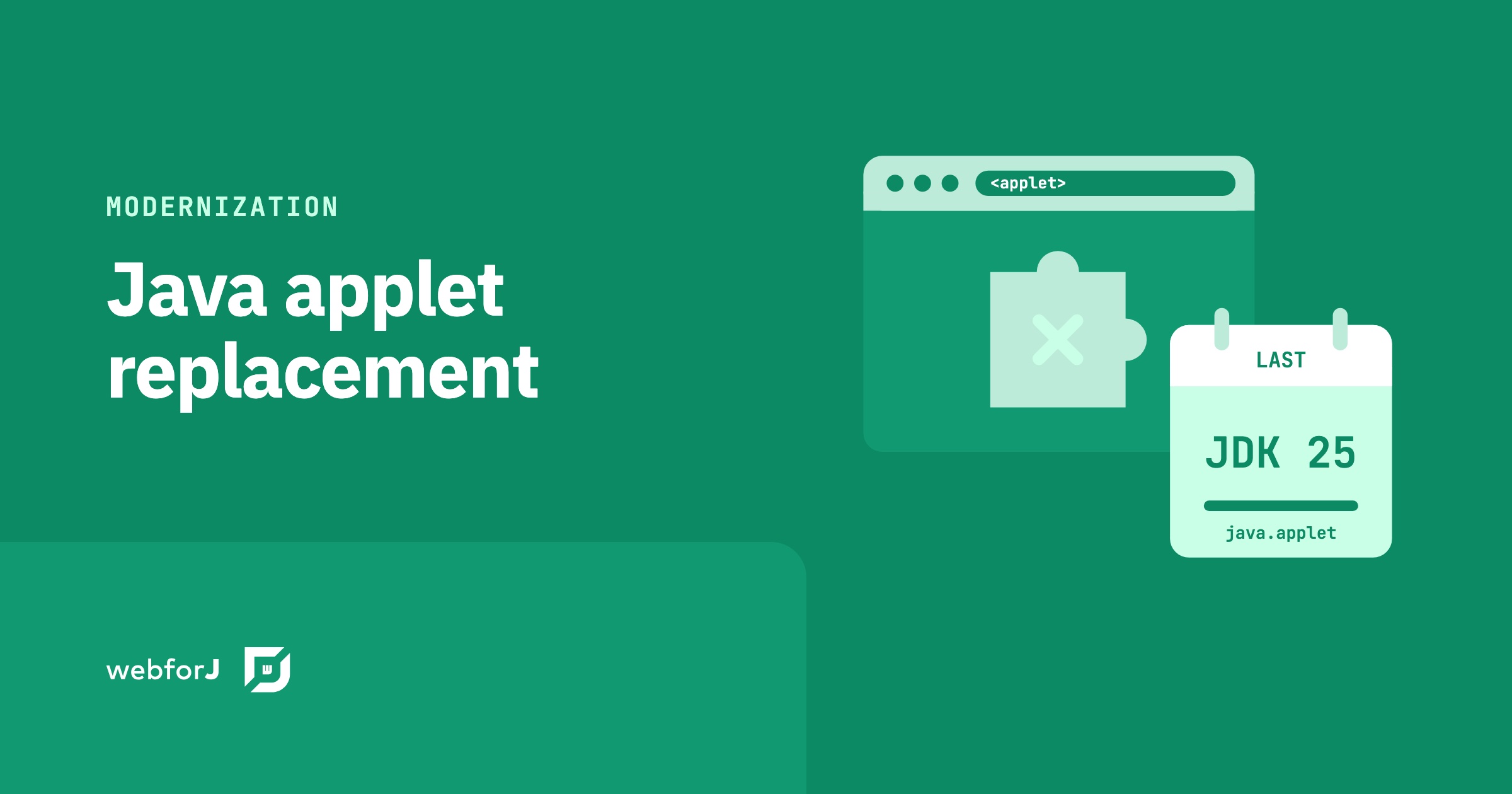
Somewhere in your company an applet still does real work. Maybe it's the order entry screen a branch office opens in an old browser profile, or a planning tool that lives inside a locked-down virtual desktop because nothing else will start it. It kept running because nobody touched it. That grace period is over, and finding a Java applet replacement is no longer a job you can push to next year.
JDK 25 is the last Java release that ships the Applet API. JDK 26 removed it. This post sets out the dates, what the removal breaks, and the options you can stand behind: keep the applet reachable in a browser through Webswing while you plan, or rebuild its screens as a webforJ app in Java, with the Java team you already have.
Moving a desktop Java app to the web?
Send us a screenshot of one screen and we'll reply with how it moves to webforJ.
Applets removed from the JDK: the dates
The removal came in steps, spread over almost a decade:
| Release | What changed |
|---|---|
| JDK 9 (2017) | Applet API and the appletviewer tool deprecated (JEP 289) |
| JDK 11 (2018) | appletviewer removed, and the browser deployment stack for applets and Web Start removed |
| JDK 17 (2021) | Applet API deprecated for removal (JEP 398) |
| JDK 24 (2025) | Security Manager, which sandboxed applet code, permanently disabled (JEP 486) |
| JDK 25 (GA September 16, 2025) | The last release that still contains the Applet API |
| JDK 26 (GA March 17, 2026) | Applet API removed (JEP 504) |
JDK Enhancement Proposal (JEP) 504 states the reason plainly: neither recent JDK releases nor current web browsers support applets. Since appletviewer left in JDK 11, there has been no way to run an applet with the JDK itself. The removal shipped in JDK 26, so every JDK from 26 on is applet-free.
Java Web Start, the usual sibling of the applet, left earlier. The JDK 11 release notes say the deployment stack required for applets and Web Start applications "has been removed in JDK 11."
What the removal breaks
JEP 504 deletes the whole java.applet package: Applet, AppletContext, AppletStub and AudioClip. It also removes javax.swing.JApplet and java.beans.AppletInitializer, along with the methods and fields that reference them in java.beans.Beans and javax.swing.RepaintManager.
For a business app that means:
- A class that extends
AppletorJAppletno longer compiles against JDK 26 or later. - Code that casts the result of
URL.getContent()toAudioClipno longer compiles or runs, as the JEP spells out. - A shared library that still references these classes ties every app that uses it to JDK 25 or older.
The JEP is blunt about the choice left to you. Applications that still use the Applet API "will either stay on older releases or will migrate to some other API." If your applet also blocks the move off an old runtime for the rest of the estate, the cost of waiting is already on the table, as the post on Java Swing technical debt lays out for desktop Java in general.
What replaces Java applets
There are four answers you can defend in front of an architect and a budget holder. Two of them buy time. Two of them move the app forward.
Stay on JDK 25 or older
This is the answer the JEP names first, and for a few months it can be the right one. It doesn't make the applet work in a modern browser, though. Browser plug-ins are long gone, and the JDK has had no applet runner since JDK 11. Staying put keeps the code compiling. It does nothing for the users who need to reach the screens, and every year on an old release makes the eventual move larger.
Turn the applet into a desktop app
JEP 504 points out that where the Applet class only serves as a user interface container, the AWT API offers alternatives. In practice, the content of a JApplet can move into a JFrame and compile on a current JDK. The price is that you are back to delivering and updating a desktop app on every machine, and Java Web Start, the tool that used to do that from a link, has been out of the JDK since Java 11. For an internal tool used by a handful of people, that can be fine. For an app your customers or field staff open from a browser, it's a step backwards.
Run the applet in the browser with Webswing
Webswing documents applets as a supported launcher type. In the Webswing applet configuration, you set up the applet much like a Swing app, choose Applet as the launcher type, and name the applet class that extends java.applet.Applet, plus any applet parameters. The same page lists embedding into your web page and a Java to JavaScript interface. Webswing runs the app on the server and shows its interface in the browser, so users get a URL instead of a plug-in.
Two facts keep this option honest. The applet class still extends java.applet.Applet, so the Java runtime that runs it on the server has to be one that still ships the Applet API, which means JDK 25 or older. The Webswing documentation lists Java 8, 11, 17, 21 and 25 as supported, so the versions it runs on still include that API. And Webswing is a separate commercial product: its licensing page states that using it in production requires a commercial license. It buys time without touching the applet's source. It doesn't remove the dependency on the Applet API.
Webswing and webforJ are partners. Webswing keeps the old app reachable today, and webforJ carries it forward.
Rebuild the applet's screens in webforJ
This is the option that ends the deadline for good. An applet is a Java program with an AWT or Swing user interface. webforJ is a full-stack Java framework where the screens are also Java: components are Java objects, events are listeners, and layouts are composed in Java code. The app runs on the server and users open it in any current browser. Nothing has to be installed on the desktop.
Most applet concepts have a direct counterpart:
| Applet | webforJ |
|---|---|
A class that extends JApplet | A view class with a @Route annotation |
init() builds the component tree | The view's constructor builds the component tree |
<param> tags read with getParameter() | Route parameters or query parameters read from the URL |
An ActionListener on a JButton | An onClick listener on a Button |
JOptionPane.showMessageDialog | OptionDialog.showMessageDialog |
| HTTP calls back to a servlet for data | Direct calls to your Java services, because the view already runs on the server |
The last row is where many applet teams save the most work. If your applet loaded and saved data through a servlet, the webforJ view can call the same Java service code directly. There is no endpoint or JSON contract in between. If the server side runs on Spring, the Spring integration is built so that your Spring services, repositories, and configuration work as normal. The rules your business learned the hard way stay in Java.
Your developers keep the mental model they already have. They build screens without writing JavaScript, and they don't need to hire for a second stack. The Swing to webforJ mapping guide shows the same idea in more depth, since a JApplet is a Swing container inside a browser page.
The new screens also come with tooling that keeps the rebuild safe. The webforJ AI plugin gives your coding assistant the real webforJ API, so it writes against the framework instead of guessing.
Ask it for a TestBed test with every screen it rebuilds. The TestBed runs the view in a plain JUnit test with no browser and no server, so each screen comes back with a pass or a fail before you review it. That's the AI verification loop. These tools work on the webforJ screens you build, not on the old applet.
Pick the path by situation
| Your situation | Path |
|---|---|
| Users must keep reaching the applet while you plan | Run it through Webswing, on JDK 25 or older behind it |
| The applet has a handful of screens | Rebuild it in webforJ directly |
| The applet is large and the business can't pause | Keep it running in Webswing while the team rebuilds it in webforJ, then retire it |
| A few people use it on one machine | Move it into a desktop window on a current JDK |
For a large applet, the order of work matters more than the tool. List the screens, rank them by how often people use them, and rebuild the most used one first while the rest keep running. The Swing to web migration guide walks through that choice for desktop Java, and the same reasoning holds for an applet.
Frequently asked questions
Can I still run a Java applet in a modern browser?
Not through a browser plug-in. Browsers dropped plug-in support years ago, and JEP 504 notes that no current browser supports applets. Webswing documents a way to run an applet on the server and show it in the browser, but that applet still needs a Java runtime with the Applet API behind it.
Is JDK 25 the last version with applets?
Yes. JEP 504 removed the Applet API in JDK 26, which reached general availability on March 17, 2026. JDK 25 is the last release that contains java.applet and javax.swing.JApplet.
Does a Java applet replacement mean a full rewrite?
Not of the whole app. With webforJ you rebuild the user interface in Java, and the Java classes that hold your rules, calculations, and data access carry over. The work is mostly separating the screen code from the logic it calls.
What happens to JNLP apps?
Java Web Start, which launched JNLP apps, left the JDK with Java 11, together with the browser deployment stack. Web Start delivered desktop Java apps from a link, so the same rebuild path in webforJ applies to their screens.
Plan your applet replacement
Bring your list of applet screens to the modernization page, see how the move works in phases, and talk to us about your app.
Vous développez quelque chose avec webforJ ?
Échangez avec l’équipe au sujet de votre projet, d’une migration ou de la pertinence de webforJ.
Continuer la lecture
 Big bang migration vs phased: how to cut over a Java appBig bang migration vs phased for a Java business app: cut over one screen at a time with Webswing and webforJ, with a rollback plan at every step.
 Strangler Fig Pattern for a Java Swing App, Step by StepApply the strangler fig pattern to a Java Swing app. Run it in the browser with Webswing, embed it in webforJ, and replace screens one at a time.
 Java Swing Alternatives: Where Business Apps Go NextJava Swing alternatives for business apps: desktop toolkits, a JavaScript front end, or a full-stack Java framework. What each means for your team and your Swing code.