Modernize a Java Swing app without JavaScript: JavaOne 2026

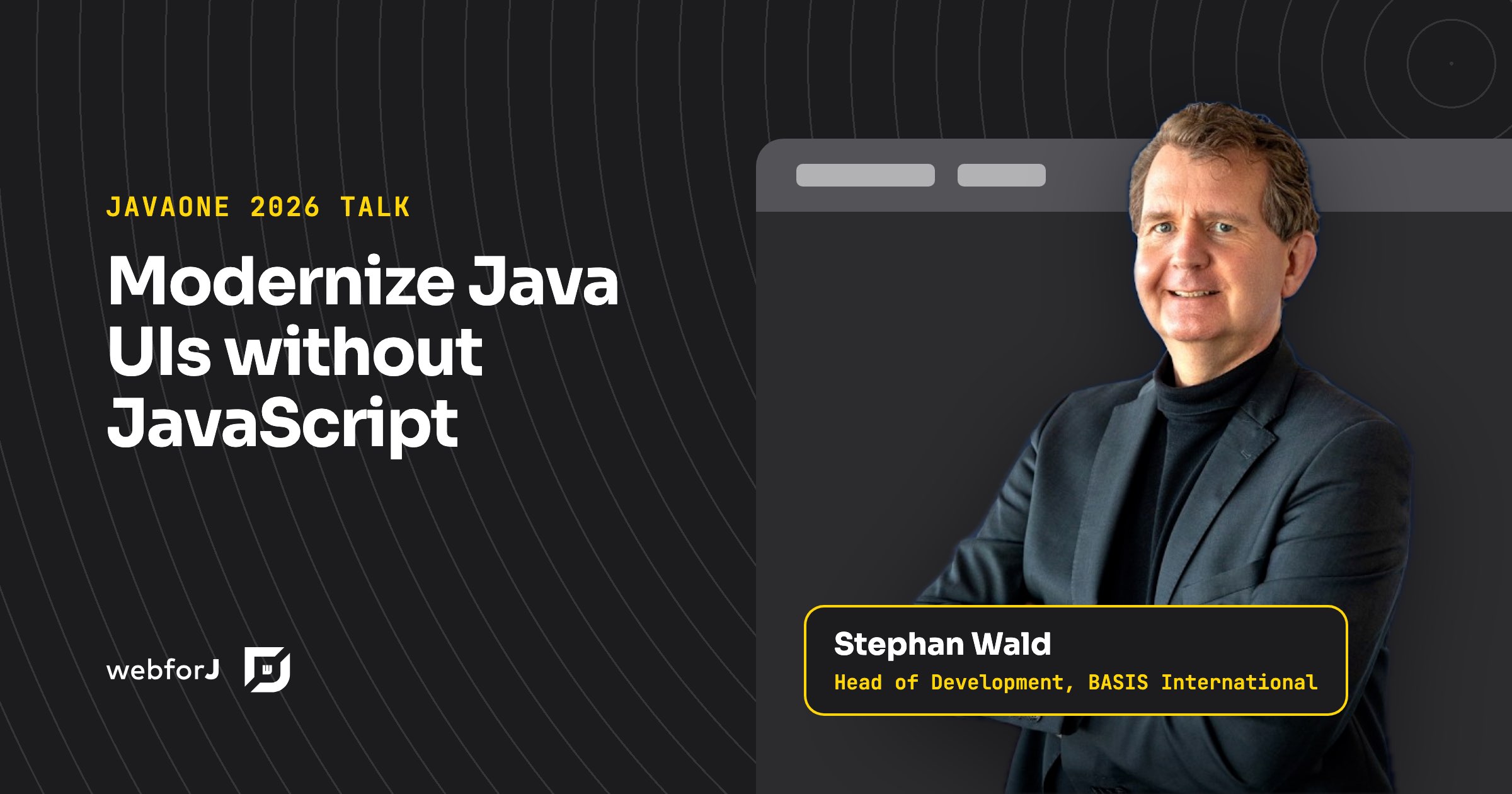
Your Swing app works, your users know it, and the request on the table is to make it run in a browser. The usual answer is a rewrite with a JavaScript framework, a new API layer, and a second team. At JavaOne 2026, Stephan Wald, our Head of Development at BASIS International, showed how to modernize a Java Swing app without JavaScript instead: put the existing app in the browser first, then build everything that comes next in Java with webforJ, the full-stack Java framework.
What the talk covers
- 00:00 Why business apps move to the browser
- 01:53 The multi-stack trap: an API layer plus a JavaScript rewrite
- 04:19 Why big rewrites stall
- 08:06 Keep both sides in Java
- 10:30 Step one: run the Swing app in the browser with Webswing
- 17:11 Step two: the Webswing connector in webforJ
- 20:40 What webforJ is, and how it maps to Swing
- 28:19 A customer example
- 34:06 Start a webforJ app from scratch, live
- 37:13 Questions from the audience
Why the browser, and why now
The talk opens with a show of hands. Hands go up for Swing, someone in the room runs Jakarta Faces, and every one of those teams hears the same request. The app should run in a browser.
Part of that is expectation, because the browser is where users do everything else. Part of it is cost. A desktop client needs a Java runtime on every machine, and many companies add remote desktop servers or terminal services on top so people can reach the app from anywhere. Each of those layers adds cost, infrastructure, and administration. A browser app removes the client install entirely.
The point Stephan makes early is worth keeping in mind for the whole talk: users do not dislike the app because it is Java. They dislike reaching it through a desktop client in a world that runs in a browser. The problem is the delivery, not the code.
The multi-stack trap
The reflex is to treat the browser as a reason to switch languages. The business logic gets wrapped in REST endpoints it was never designed for, the screens get rewritten in JavaScript, and the company now hires and coordinates two teams.
A well-built Swing app often has a clean split between model and view already. That split still does not map onto a REST contract, because an API has to draw its lines in different places. So a team with battle-tested logic ends up rewriting large parts of it just to make it reachable from a JavaScript front end. In Stephan's words, rewriting is the wrong default.
Why big rewrites stall
The talk names the pattern most teams recognize:
- The second-version problem. A rewrite becomes the chance to add everything that was never built, and the scope keeps growing until the project never ends.
- Knowledge walks out the door. The people who wrote the original logic leave over time, and the rules buried in that code get harder to recover with every month the rewrite runs.
- Two stacks to staff. Front-end and back-end specialists each own half of every feature, and every change crosses a contract between them.
The alternative is simple. Keep both sides in Java, and let the framework handle the browser.
Step one: the app in the browser
Webswing runs a Java desktop app (Swing, JavaFX, or SWT) in a web browser without changes to its source code. It renders the app on the server and streams the interface to the browser, so users reach the same screens through a URL instead of an installed client or a remote desktop session.
The live demo makes the point quickly. Stephan configures a stock Swing app in the Webswing admin console and opens it in the browser. It runs with its familiar look and responds quickly. He then opens an Eclipse RCP demo the same way, with configuration only.
That is the fastest answer to the browser request. Configure the app, deploy it, and your users open it in a browser. It also buys the time to modernize properly instead of under pressure.
Step two: new screens in webforJ
Webswing keeps the existing UI as it is, including its fixed desktop layouts. The real modernization starts when new work moves to webforJ, and it can start right away. The Webswing connector embeds the Webswing-hosted app inside a webforJ view, so old and new screens live in one modern UI:
@Route("/")
public class CustomerTableView extends Composite<FlexLayout> {
  private final FlexLayout self = getBoundComponent();

  public CustomerTableView(@Value("${webswing.connector.url}") String webswingUrl) {
    WebswingConnector connector = new WebswingConnector(webswingUrl);
    connector.setSize("100vw", "100vh");

    self.add(connector);
  }
}
The connector also opens a channel between the two sides, so the Swing app and the webforJ view can exchange events. The Webswing tutorial builds a full example, and the communication guide covers events in both directions. From there you replace modules one at a time, starting wherever the business needs change first, while every new initiative is built in webforJ from day one.
Why webforJ feels familiar
This is where webforJ makes the case for itself. For a Swing developer, the move is short. A JButton with an action listener becomes a webforJ Button with a click listener:
Button save = new Button("Save");
save.onClick(event -> {
  // Handle the click
});
The code runs on the server, where your business logic already lives. The browser renders the components through a thin client and sends events back to your Java listeners. That listener can call a Spring service or any plain Java class, because a webforJ app is a Java program.
Two things follow that are much harder to get with a separate JavaScript front end. First, debugging stays in one place: set a breakpoint in the listener, click the button in the browser, and your IDE stops on the line, with every variable in reach (debugging). Second, the screen needs no CSS or JavaScript to work at all. The Java code is the whole screen.
What changes is the layout, and it changes for the better. New screens can use responsive layouts, drawers, dialogs, and accordions that a fixed Swing window never had. And because webforJ integrates with Spring Boot and ships its own AI tooling, the new code joins the modern Java ecosystem instead of a parallel one.
A customer example
The talk backs the approach with Prodin, one of our customers, and its published success story. Prodin assembled a six-member Java development team, including junior and mid-level developers, to assist in the migration. Within four months, Prodin delivered their first web-based modules to customers.
One stack for the long run
The closing argument is about the next ten years, not the next release. Every framework a team adds is one more thing to maintain long after the people who chose it have moved on.
A single Java stack is the answer webforJ gives. The language, the debugger, the build, the tests, and the people stay the same from the database to the browser. That is what helps a business app stay maintainable at scale.
A plan for next week
The talk ends with a plan you can start next week:
- Pick your most urgent legacy app and run it in the browser with Webswing on your machine.
- Create a webforJ project. It takes about a minute with startforJ or a webforJ archetype.
- Follow the Webswing tutorial to connect the old app and a webforJ view, and try it out.
From there, build the next new screen in webforJ instead of in Swing.
The live coding at the end does exactly step two. Stephan creates a project from the SideMenu archetype in his IDE, runs it on Jetty, and opens a working multi-view app in the browser, all in plain Java.
Read the written roadmap
If you prefer reading, Webswing and webforJ: a modernization roadmap covers the same path in writing, with the setup details for each step.
Frequently asked questions
Can I modernize a Java Swing app without JavaScript?
Yes. Webswing puts the existing Swing app in the browser without source changes, and webforJ lets you build every new screen in Java. Your team keeps working in one language from the database to the browser.
Do I have to rewrite the Swing app first?
No. The app runs in the browser through Webswing as it is. You then replace modules with webforJ screens at your own pace, while the Webswing connector keeps old and new screens in one UI.
Does it work for other desktop toolkits?
Webswing supports Swing, JavaFX, and SWT apps, and the talk shows an Eclipse RCP demo running in the browser. RCP apps that rely heavily on OSGi class loading can need extra configuration, so test yours early.
Where can I see the talk?
The full talk is embedded at the top of this page, and each timestamp in the list of topics opens the video on YouTube at that moment.
Vous développez quelque chose avec webforJ ?
Échangez avec l’équipe au sujet de votre projet, d’une migration ou de la pertinence de webforJ.
Continuer la lecture
 Java GUI framework: Swing vs JavaFX vs web with webforJChoosing a Java GUI framework? Compare Swing, JavaFX and a web UI written in Java with webforJ on installation, updates, platforms, threading and skills.
 Swing modernization for enterprises: a decision guideSwing modernization for enterprises, explained for decision makers: three options, a phased roadmap, AI-assisted migration and a risk table for Java teams.
 Migrate a Java Swing app to web: which path to pickHow to migrate a Java Swing app to web: compare a JavaScript rewrite, Webswing and a screen-by-screen rebuild in Java with webforJ, with a table to pick one.