Simple Java web development: one language, no frontend stack

Your team knows Java, the services are done, and now the app needs screens. Before anyone writes a button, the plan already includes a JavaScript framework, a package manager, a bundler, and a REST layer whose only job is to feed your own UI. It feels like a lot of machinery for a form and a table.
Simple Java web development skips that machinery. With webforJ you write the UI, the events and the business logic in Java, in one project, so you can build a web app in pure Java without a second codebase or a JavaScript build pipeline.
Want to see a whole app with no frontend stack? The Todo app in built-with-webforJ is written entirely in Java with Spring Boot, and the view below comes from it. Clone it, run mvn, and read it end to end.
Why is web development so complex?
A typical Java team that needs a web UI ends up running two projects. The backend holds the domain model, the validation, and the security rules. The frontend holds a second copy of the model, a second set of validation rules, a package manager, a bundler, a test runner, and a component library. A REST layer sits between them and has to be designed, versioned, and kept in sync.
None of that work ships a feature. It exists because the browser speaks JavaScript and the team speaks Java. Every field you add becomes a change in at least three places: the entity, the endpoint, and the screen.
The complexity isn't a law of nature. It's a consequence of the architecture you pick. If the UI runs from the server, most of that layer has nothing to do.
What is one-language full stack Java?
In webforJ the UI is a Java class. You extend Composite, bind it to a layout, and add components. This is the main view of the Todo app. Spring injects the controller straight into the view:
@Route("/")
public class TodoView extends Composite<Div> {

  public TodoView(TodoController todoController) {
    TodoList todoList = new TodoList(todoController);
    getBoundComponent().add(todoList);
  }
}
Inside TodoList, a key listener on the text field handles Enter: it passes the text to the controller and redraws the list.
There is no HTML template, no JSX, and no endpoint. The @Route annotation maps the class to a URL. The listener is a plain Java lambda. You can call your services, repositories and validators directly from that handler because it already runs next to them.
This is composition in practice. Your view owns its internal components and decides what it exposes. You can reuse it, test it and refactor it with the same tools you use for the rest of the app.
A Java web app without JavaScript?
For the code you write, yes. You don't author JavaScript, TypeScript or CSS-in-JS to get a working screen. webforJ ships the client side for you, and the client/server architecture is designed so you rarely think about it.
Calls that go from the server to the browser, such as setText(), are sent without waiting for a response, and the framework batches them. Events such as a button click travel from the browser to the server and carry their payload with them. The app loads a tiny bootstrap script of about 2.5 kB gzip, then fetches the JavaScript for each component only when the app first uses it.
When you do want browser behavior, you still stay in Java. Execute JavaScript lets you call executeJsVoidAsync from your handler to scroll, focus or call a method on a web component. The animated page changes in Animated transitions, no JavaScript required follow the same idea: you describe the behavior, and the framework handles the browser API.
How do you avoid frontend complexity?
Remove the layers that exist only to translate between two worlds. Here's how the usual pain points compare once the UI lives in Java.
| Concern | Split frontend and backend | webforJ |
|---|---|---|
| Languages to maintain | Java plus JavaScript or TypeScript | Java |
| Build tooling | Maven or Gradle plus a package manager and bundler | Maven or Gradle |
| UI to data contract | REST endpoints and DTOs for each screen | Direct calls to your services |
| Validation rules | Written twice, kept in sync by hand | Written once, in Java |
| Event handling | Client code that calls an API | A Java listener on the component |
| Refactoring | Rename in Java, then hunt through the frontend | The IDE renames across the whole app |
The last row is easy to underrate. When your UI is typed Java, the compiler flags what broke. A renamed method or a removed field is an error at build time, not a blank screen found by a user.
Does server-side UI cost you control?
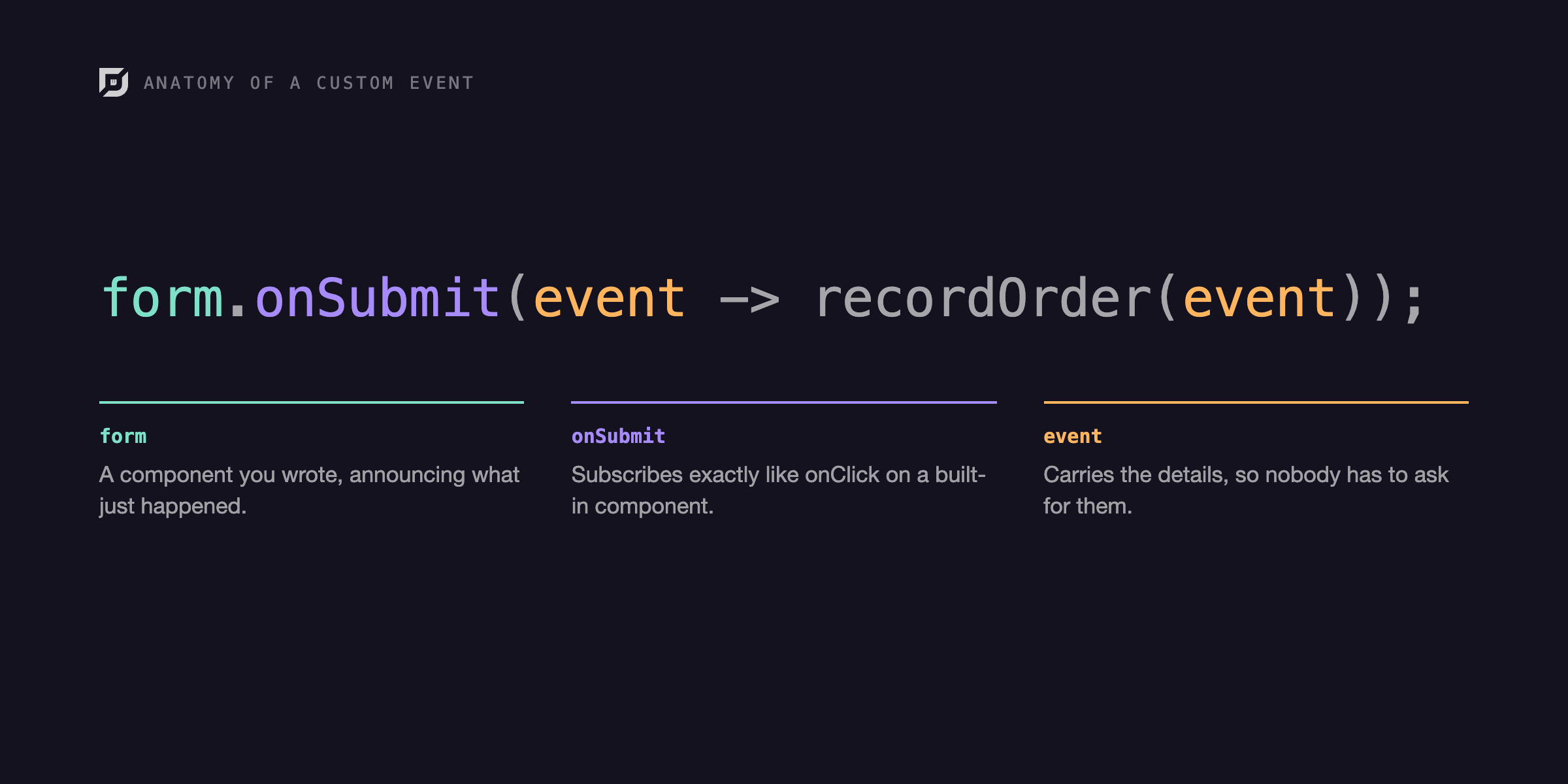
No. You still choose layouts, themes, routing, and component structure. Events give you the same fine-grained hooks you expect: click, value change, selection and your own custom events through the EventDispatcher.
One rule keeps apps fast. Read values from the event payload instead of asking the component, because asking can force a round trip to the browser. A TextField modify listener shows the difference: call event.getText() rather than field.getText(), since the text already travels with the event.
Because the logic runs on the server, sensitive code such as pricing rules and permission checks never reaches the browser. You don't need to decide which half of a rule is safe to ship to the client.
What changes day to day?
The biggest shift is how a feature gets built. A new field starts as a component in a view. You bind it to your model, add a listener, and the screen works. There is no endpoint to design first, no DTO to map, and no second pull request in another repository.
Onboarding gets shorter too. A new Java hire doesn't need a framework tour of a separate frontend ecosystem before touching the UI. They read a Composite, follow the @Route annotation to the URL, and find the handler in the same file.
Is this a fit for your team?
webforJ fits best when your team already knows Java and you want to ship business apps, internal tools, dashboards and customer portals without staffing a separate frontend discipline. It works with Spring Boot, so the services, security and persistence you already have stay where they are.
It fits less well if your product is a highly custom, offline-first, browser-heavy experience where the main work is client-side graphics. Even then, you can wrap web components and call JavaScript from Java, so the edge cases remain reachable. Most business software never gets near that edge.
Each feature has one owner who can follow the whole path, so handoffs between a backend developer and a frontend developer shrink, and a change stops waiting for the other half to catch up.
A useful test for any architecture is how many places a simple change touches. Adding a field to a form should be a small edit, not a coordinated release. Keeping the UI in Java is the most direct way to get there. That makes simple Java web development a design choice, not a compromise.
The practical gain is focus. A Java developer can take a feature from the database to the screen alone, in one IDE, with one debugger, and one set of tests.
Try it yourself
Generate a project with startforJ, or follow Getting started to run your first view in a few minutes. Start with one screen from your current backlog and build it as a Composite. Compare how many files you touched with how many you'd have touched before.
Frequently asked questions
Can I build a web app in pure Java?
Yes. In webforJ every screen is a Java class built from components, and event handlers are Java listeners. You don't write HTML templates, JavaScript or a REST layer for your own UI.
Do I need JavaScript for a Java web app?
Not for a typical business screen. The framework ships the client side, and when you do want a browser API you can call it from Java with executeJsVoidAsync.
Vous développez quelque chose avec webforJ ?
Échangez avec l’équipe au sujet de votre projet, d’une migration ou de la pertinence de webforJ.
Continuer la lecture
 A decision guide to Java for front end developmentCan Java do front end? Yes. A decision guide to Java for front end development with webforJ: build the whole browser UI in Java, with no JavaScript required.
 The Demo That Taught Me webforJ EventsBuilding a demo to understand custom events taught me more than writing the docs did, and showed me how much of webforJ's event handling stays in plain Java.
 A Java framework like React: components, state, routingLooking for a Java framework like React? webforJ gives you components, events, state and routing without page reloads, all written in Java on the server.