Spring Data JPA grid: sort, filter, and page in Java

You already have the entity. You already have the repository. Now someone wants a screen where they can see the records, click a header to sort, narrow the list down, and move through thousands of rows without the page falling over.
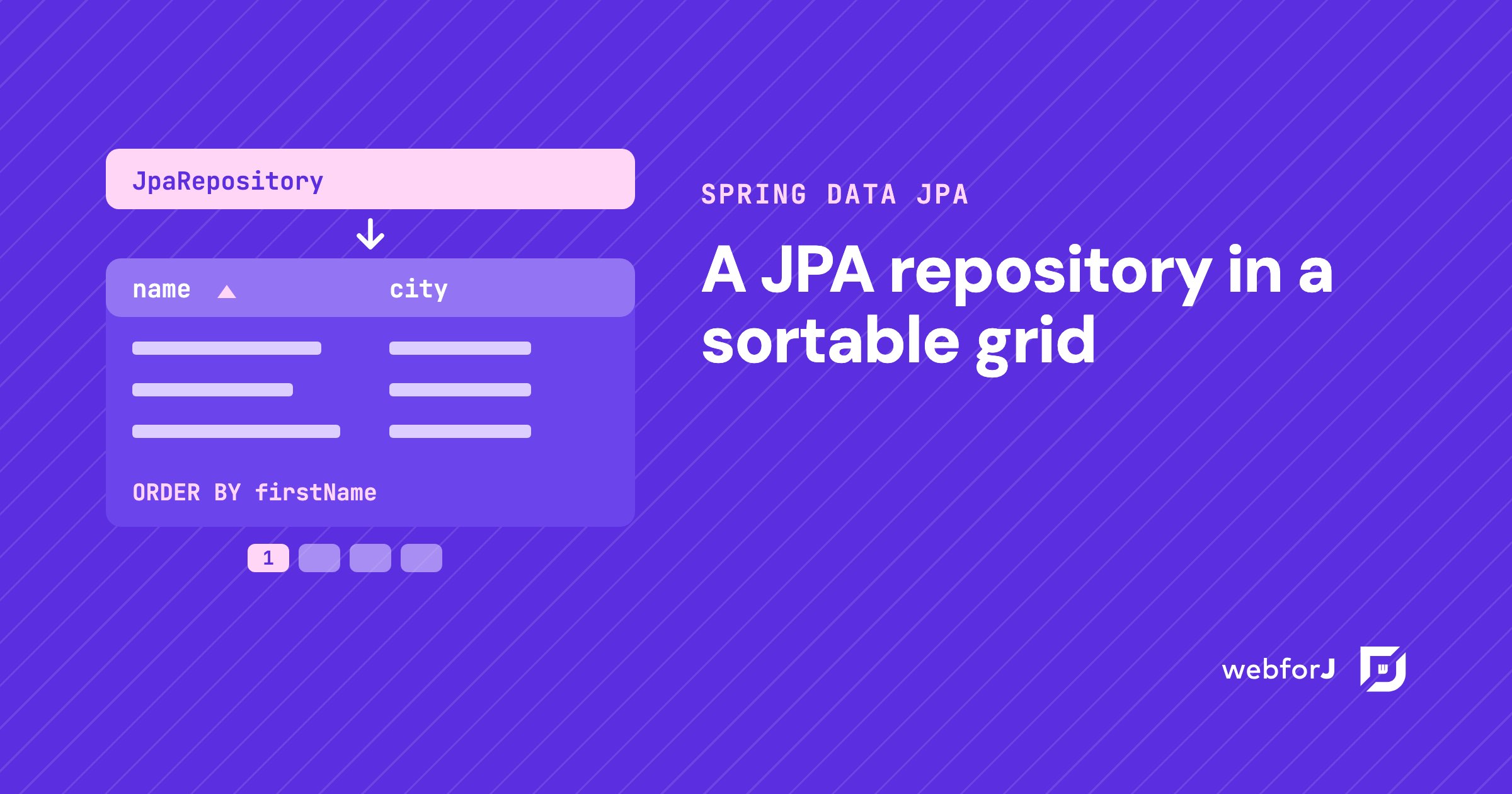
That screen is a Spring Data JPA grid, and in a Spring Boot app built with webforJ you write it in Java. The repository you have becomes the grid's data source. Sorting, filtering, and paging go to the database as queries, so the grid only shows what the query returns.
webforJ is the full-stack Java framework for business web apps: you build the whole app, screens included, in Java. With the Spring Boot starter, a view gets your repository through constructor injection, the same way a service would. If you are still choosing how to put screens on a Spring Boot backend, Spring Boot frontend without React covers that decision first.
Building data-heavy screens?
Show the team your tables, grids, and charts, and get a second opinion.
Step 1: shape the repository
The adapter that connects Spring Data to the grid is SpringDataRepository. It looks at which Spring Data interfaces your repository extends and turns on the matching features:
CrudRepositorygives basic reads, saves, and deletes.PagingAndSortingRepositoryadds paginated queries and sorting.JpaRepositorycombines both, with batch operations.JpaSpecificationExecutoradds dynamic filtering with JPA Specifications.
For a grid, extend both JpaRepository and JpaSpecificationExecutor. That one interface gets you paging, sorting, Specification filtering, and counts with and without a filter.
@Repository
public interface PersonRepository
    extends JpaRepository<Person, Long>, JpaSpecificationExecutor<Person> {
}
No custom query methods are needed. If your repository already extends these two, skip ahead.
Step 2: wire the Table to it
The grid in webforJ is the Table component. Wrap the Spring Data repository in SpringDataRepository, hand it to the table, then define the columns.
@Route
public class PeopleView extends Composite<Div> {
  private SpringDataRepository<Person, Long> repository;
  private Table<Person> table = new Table<>();

  public PeopleView(PersonRepository personRepository) {
    repository = new SpringDataRepository<>(personRepository);
    table.setRepository(repository);

    table.addColumn("name", Person::getFullName)
        .setPropertyName("firstName");
    table.addColumn("email", Person::getEmail);
    table.addColumn("city", Person::getCity);
    table.getColumns().forEach(column -> column.setSortable(true));

    Specification<Person> cityFilter = (root, query, cb) ->
        cb.equal(root.get("city"), "New York");
    repository.setFilter(cityFilter);

    Navigator navigator = new Navigator(repository, Navigator.Layout.PAGES);
    getBoundComponent().add(table, navigator);
  }
}
That's the whole view. Spring creates it with the repository injected, and the rest is plain webforJ. The next three steps explain what each part does.
Step 3: make the headers sort
Columns aren't sortable until you say so. The forEach line turns sorting on for every column. To sort one column only, call setSortable(true) on that column.
The Table sorts on the server by default. When a user clicks a header, the sort reaches SpringDataRepository, and the adapter uses the column's property name in the ORDER BY clause.
That's why setPropertyName matters. The "name" column shows getFullName(), which is computed and isn't a JPA property. setPropertyName("firstName") names the JPA property to sort by. Without it, the table falls back to the column ID, and sorting a computed column won't work. Nested paths such as address.city work too.
Two more options from the sorting docs:
table.setMultiSorting(true)lets users sort by several columns in sequence. It's off by default since webforJ 25.00.setSortIndex()on columns sets the sort priority from code.
Step 4: filter with a Specification
SpringDataRepository takes a JPA Specification as its filter. The filter is applied to the repository's findBy and count operations, so the rows and the total both match.
The example filters on one city. Conditions combine with the criteria builder:
cb.and(...)joins conditions, for example a profession and a minimum age.repository.setFilter(null)clears the filter.
For a search field, build the Specification from the field's value, pass it to setFilter, and call commit() on the repository so the table refreshes. The Spring Data JPA integration page has more Specification examples.
Step 5: page through large data
Large data sets have two sides, and webforJ covers both.
In the browser, the Table uses virtual scrolling. It renders only the rows that fit in the visible area and recycles row elements, so a long result doesn't flood the page. The large data sets page explains the details, including setOverscan().
On the server, a repository that supports paging gets paginated queries from the adapter. Add a Navigator bound to the same repository, as the last two lines of the view do, and users get page controls. When they move to a new page, the table rerenders with that page. The total comes from the repository's count, so the page numbers match the filter.
Checklist before you ship
- The repository extends
JpaRepositoryandJpaSpecificationExecutor. - Every sortable column has
setSortable(true). - Every computed column has
setPropertyName()with a real JPA property. - Filters are
Specificationobjects, not Java predicates. - A
Navigatorshares the repository when users need page controls.
For a wider tour of the Table (renderers, selection, pinned columns, in-memory data), read Java data grid.
Frequently asked questions
How do I show a JPA repository in a table?
Wrap it in SpringDataRepository and pass that to table.setRepository(). Your entity and repository stay unchanged. Define the columns with method references on the entity.
Does sorting and filtering run in the database?
Yes. The Table sorts on the server by default, and the adapter turns the clicked column's property name into an ORDER BY. Filters are JPA Specifications. The adapter applies them to the query and the count.
How do I page large data sets?
Extend a paging-capable interface such as JpaRepository, and the adapter runs paginated queries. Bind a Navigator to the same repository for page controls. The table's virtual scrolling keeps the browser side light.
Build your Spring Data JPA grid
Open the view where the data should appear, inject your repository, and wrap it in SpringDataRepository. Add the columns, mark them sortable, and set a property name on every computed one. Then run the app and click a header. The sort comes back from the database.
Vous développez quelque chose avec webforJ ?
Échangez avec l’équipe au sujet de votre projet, d’une migration ou de la pertinence de webforJ.
Continuer la lecture
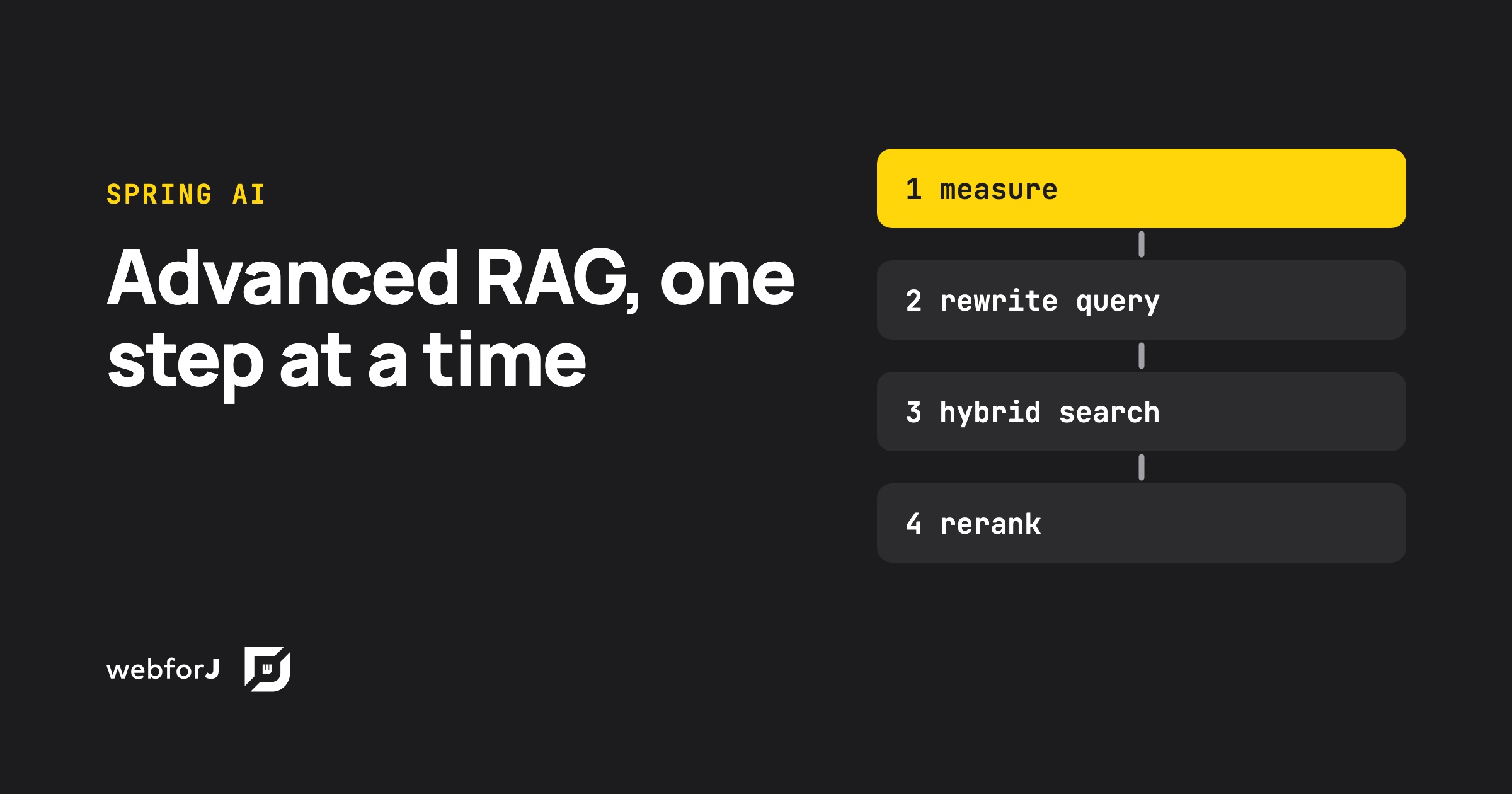 Advanced RAG with Spring AI: test each step before you add itAdvanced RAG in Java with Spring AI and webforJ: measure retrieval first, then add query rewriting, hybrid search and reranking only where they move the numbers.
 Java Data Grid: Build Fast, Sortable Tables with webforJBuild a Java data grid in webforJ with the Table component. Add columns, sorting, filtering, selection, renderers, and lazy loading for large data sets.
 Spring Boot frontend: Thymeleaf, React or webforJ?Choosing a Spring Boot frontend? Compare Thymeleaf, React or Angular with REST, and webforJ, which builds the UI in Java inside the same Spring Boot app.
