Selenium vs Playwright for Java: testing a webforJ UI

If you're about to write the first browser tests for a Java web app, the tool question comes up fast. One teammate swears by Selenium, another has heard Playwright is easier, and nobody wants to pick wrong and rewrite the suite later.
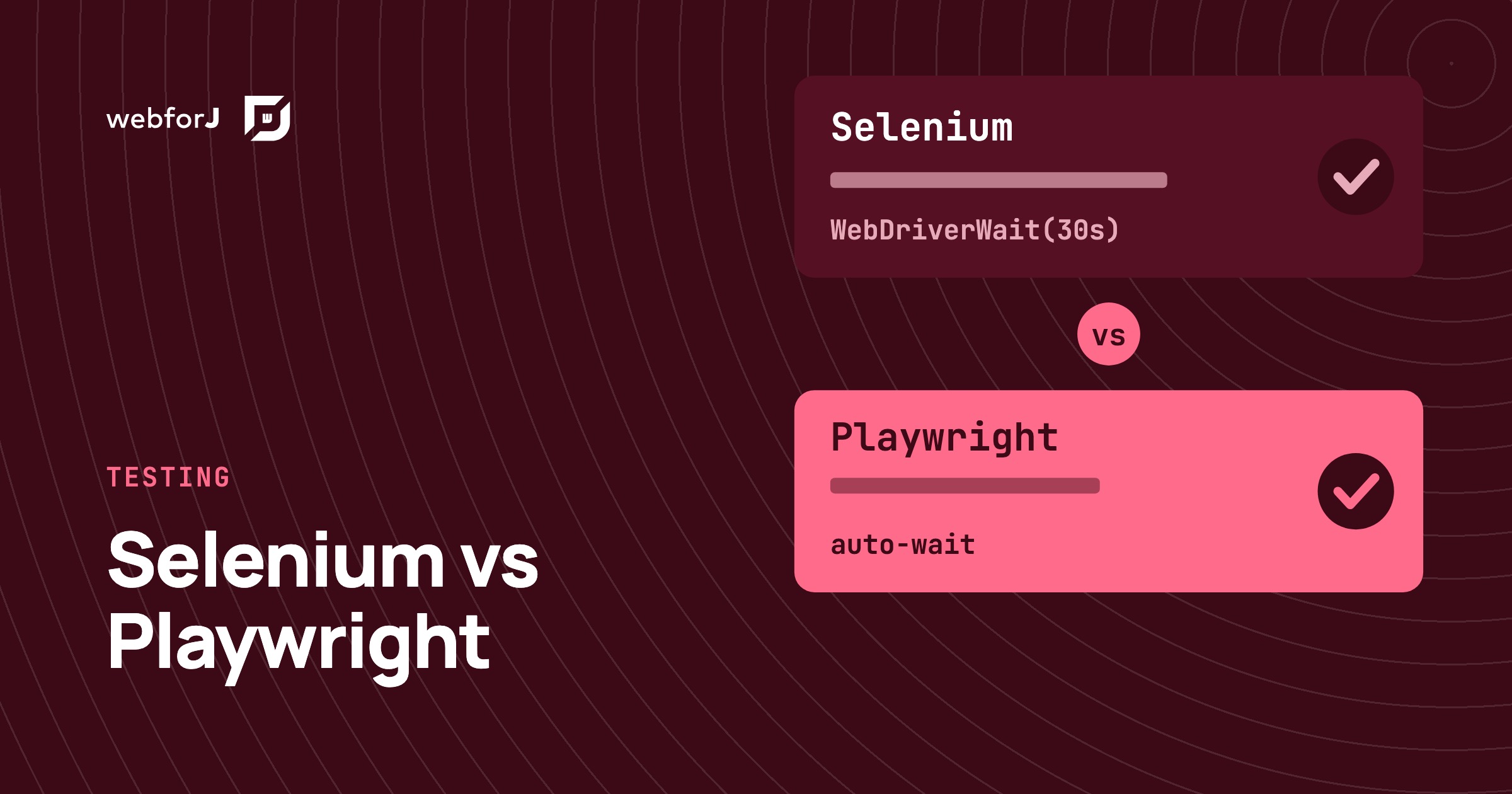
Selenium vs Playwright for Java turns out to be a gentler choice than it looks with webforJ. A webforJ app is a normal web page in the browser, so both tools drive it from plain JUnit tests, and the webforJ docs ship a working example for each. There is one real difference worth understanding, and it shapes which one suits a new suite.
In this post you'll go through the common myths one at a time, with the fact next to each. The headings are the facts, so you can skim them first and come back for the detail.
No special driver is needed
Fact: webforJ renders standard web components in a standard browser. There is no webforJ-specific driver, plugin or agent to install, and nothing to add to the app itself. The Playwright guide and the Selenium guide both start from the same place: run the app, point the test at http://localhost:<port>/, and use the tool's regular Java bindings.
The only project-side setup is a test-scoped dependency in your pom.xml. The docs use com.microsoft.playwright:playwright for Playwright, and org.seleniumhq.selenium:selenium-java with WebDriverManager for Selenium.
Recap: same app, same URL, a single dependency either way.
A single-page UI does not break Selenium
Fact: it needs one habit. Here's the concept first. A webforJ app produces a single-page UI, so the DOM is built after the first load. A test that looks up an element the instant the page opens can find nothing. The Selenium guide says so directly and points to WebDriverWait.
The docs example waits for the page title before it touches anything:
new WebDriverWait(driver, ofSeconds(30)).until(titleIs("webforJ Hello World"));
WebElement button = driver.findElement(By.tagName("dwc-button"));
After that, By.tagName, By.id and the other locators work as usual.
Recap: this is still a fine fit for Selenium. You just write the waits yourself.
Playwright works in Java
Fact: the Playwright team ships first-class Java bindings, and the webforJ docs test with them from JUnit. A full test for the hello world view looks like this:
class GreetingFlowTest {

  static Playwright playwright;
  static Browser browser;
  Page page;

  @BeforeAll
  static void launch() {
    playwright = Playwright.create();
    browser = playwright.chromium().launch();
  }

  @AfterAll
  static void close() {
    playwright.close();
  }

  @BeforeEach
  void open() {
    page = browser.newPage();
    page.navigate("http://localhost:" + System.getProperty("server.port", "8080") + "/");
  }

  @Test
  void greetsTheUser() {
    page.locator("input").fill("webforJ");
    page.getByText("Say Hello").click();

    assertThat(page.locator("dwc-toast").first())
        .containsText("Welcome to webforJ Starter webforJ!");
  }
}
Notice there's no explicit wait anywhere. Playwright checks that an element is ready before it acts on it, and the web-first assertion assertThat(...).containsText(...) keeps retrying until the toast shows up or the timeout ends.
Recap: for a UI where the server decides what appears next, Playwright's waiting is the behavior you want out of the box.
Picking one is not a lock-in
Fact: both approaches test the same running app through the same URL. The test classes are JUnit, they run with mvn test, and the app starts the same way for either one: mvn jetty:run. Switching later means rewriting test code, not the app. Since the tests are plain JUnit classes, a suite can move from one tool to the other one class at a time.
E2E tests do not replace unit tests
Fact: browser tests are the slowest and most expensive layer, so they should cover whole user journeys, not every branch of your logic. The testing overview recommends combining layers, and since 26.03 there's one more layer between unit tests and the browser.
The TestBed runs a webforJ view inside a plain JUnit test without a browser or a server. It finds components the way a user picks them out, types and clicks, and checks the result. So a check like "this button updates the total" no longer needs Selenium or Playwright at all.
Recap: rules go in unit tests, view behavior goes in the TestBed, and the browser keeps what only a browser can show.
What to test in the browser
Pick journeys, not screens. A good browser test in a webforJ app does one thing a user would do and checks one visible result:
- Open the route and wait for the first component to render.
- Fill a field, click a button, or choose a row.
- Assert on what the user sees, such as a
dwc-toastmessage or the text of adwc-button.
Both guides locate webforJ components by their rendered tags and visible text. That keeps the tests close to what a person would describe, and independent of how the Java view is structured.
Running the suite
The workflow is the same for both tools, because both guides use the same two commands. Start the app in one terminal with mvn jetty:run, then run mvn test in another. The port comes from the server.port system property and falls back to 8080, so a test class can point at whatever port you started the app on.
That makes the tests easy to reason about. The browser opens a URL, the page renders, and the test asserts on what's on screen. No part of the app has to know a test exists.
Which one should you pick?
Here's how the two compare on a webforJ app:
| Selenium | Playwright | |
|---|---|---|
| Java bindings and JUnit | Yes | Yes |
| Works with webforJ unchanged | Yes | Yes |
| Waiting for the dynamic DOM | You add WebDriverWait | Built into actions and assertions |
| Browser setup | WebDriverManager in the docs example | Playwright can install browsers during setup |
| Locator style | By.tagName, By.id | locator, getByText |
| Best fit | Teams with an existing Selenium suite | New suites |
The row that matters most for webforJ is the third one. A toast, a dialog or a table row is rendered into the page after the click, not before it. A tool that waits for the element by default means fewer hand-written waits, and your test code stays focused on what the user does.
Best e2e framework for Java: a simple rule
Start new webforJ projects with Playwright. Keep Selenium where it already runs. Whichever you use, put most of your confidence in fast JUnit and TestBed tests, and save the browser for the handful of journeys that must never break: sign in, create a record, submit a form.
Write your first browser test
Generate a project from startforJ, run it with mvn jetty:run, and paste the Playwright test from earlier next to it. The hello world view is enough to get a first browser test passing. The getting started guide covers the project setup.
Frequently asked questions
What is the best e2e framework for Java?
For a webforJ app, Playwright is the easier start for new suites, since it waits for the dynamic DOM by default. Selenium works equally well when you add explicit waits, and the webforJ docs cover both.
Playwright or Selenium for Java, which one?
Use the one your team can maintain. If you have no suite yet, Playwright is the shorter path. If you already have Selenium tests, a webforJ app needs no changes to keep using them.
Do I need to change my webforJ app to test it in a browser?
No. Both tools open the running app at its URL and interact with the rendered components, so the app code stays as it is. Start the server with mvn jetty:run, then run mvn test.
How do I do browser testing in Java without slowing down the build?
Keep browser tests to full user journeys. Test logic with plain JUnit and view behavior with the TestBed, which needs no browser. This split keeps the browser layer small.
Bouw je iets met webforJ?
Bespreek je project, migratie of de geschiktheid van webforJ met het team.
Verder lezen
 Loading Data from REST APIs in webforJLearn when to use different webforJ Repository types for optimally loading data
 Java web app testing strategy: what to test, and whereA Java web app testing strategy for webforJ: JUnit for logic, TestBed for views without a browser, Bun for frontend code, and a few browser tests for journeys.
 Real-time UI updates in Java: push changes from the serverReal-time UI updates in Java with webforJ: push job progress, refresh numbers on an interval and debounce search without WebSocket or SSE code.
