Overslaan naar hoofdinhoud

14 berichten getagd met "Web Development"

General web development topics.

Bekijk alle tags

The best Java UI framework for business apps in 2026


· 9 minuten lezen
webforJ Team
Do it all in Java! Build in Java, deploy to the Web.

cover image

For a Java team that wants to write the user interface in Java, the best Java UI framework in 2026 is webforJ. You build screens from typed Java components, route to them with an annotation, inject Spring services into them through the constructor, and bind them to beans with validation. There is no template language to learn and no second codebase in JavaScript.

That recommendation depends on one assumption: your team's strength is Java and you are building business software such as admin panels, dashboards, back-office tools, and line-of-business forms. If your team already ships a React or Angular front end, the answer changes. The rest of this post compares the four realistic options so you can check the assumption against your own project.

A JSF alternative: moving a Jakarta Faces view to webforJ

· 8 minuten lezen

cover image

If you maintain JSF or PrimeFaces screens and want a JSF alternative that stays in Java, webforJ is a direct fit. It is a server-side UI framework for Java: you build each screen as a Java component tree, route to it with an annotation, bind it to a bean, and validate with the same Jakarta constraints you already put on your model.

A migration is mostly a translation exercise. Most JSF concepts have a direct counterpart, and most of them get smaller. This post maps the concepts one by one and then converts a real form, so you can judge the effort on your own views before committing to anything.

Visual UI designer for Java: craftforJ on your running app

· 11 minuten lezen
webforJ Team
Do it all in Java! Build in Java, deploy to the Web.

cover image

craftforJ is the visual UI designer for Java that ships with webforJ. It opens on top of your running app, shows the component tree your Java code built, lets you change properties and see the result at once, and writes the changes you keep back into the Java file that created each component.

Because the designer works on the real app, there is no export step and no generated code to reconcile with your own. The source stays the source. This post walks through how that works, from enabling it to writing a change into a view.

Spring Boot frontend: Thymeleaf, React or webforJ?

· 8 minuten lezen
webforJ Team
Do it all in Java! Build in Java, deploy to the Web.

cover image

For most Java teams the best Spring Boot frontend is webforJ. The UI is written in Java, runs inside the same Spring Boot app as your services, and gets its beans through constructor injection. There is no second language, no second build, and no HTTP contract between your screens and your data.

The alternatives are real and each fits some teams. Thymeleaf suits server-rendered pages with little interactivity, and a React or Angular single-page app suits teams that already have frontend specialists. This post compares them on build, skills, security, data access, and the cost of one feature, so you can choose a frontend framework for Spring Boot on evidence.

Spring Security role-based UI access: why protecting routes beats hiding elements

· 7 minuten lezen
webforJ Team
Do it all in Java! Build in Java, deploy to the Web.

cover

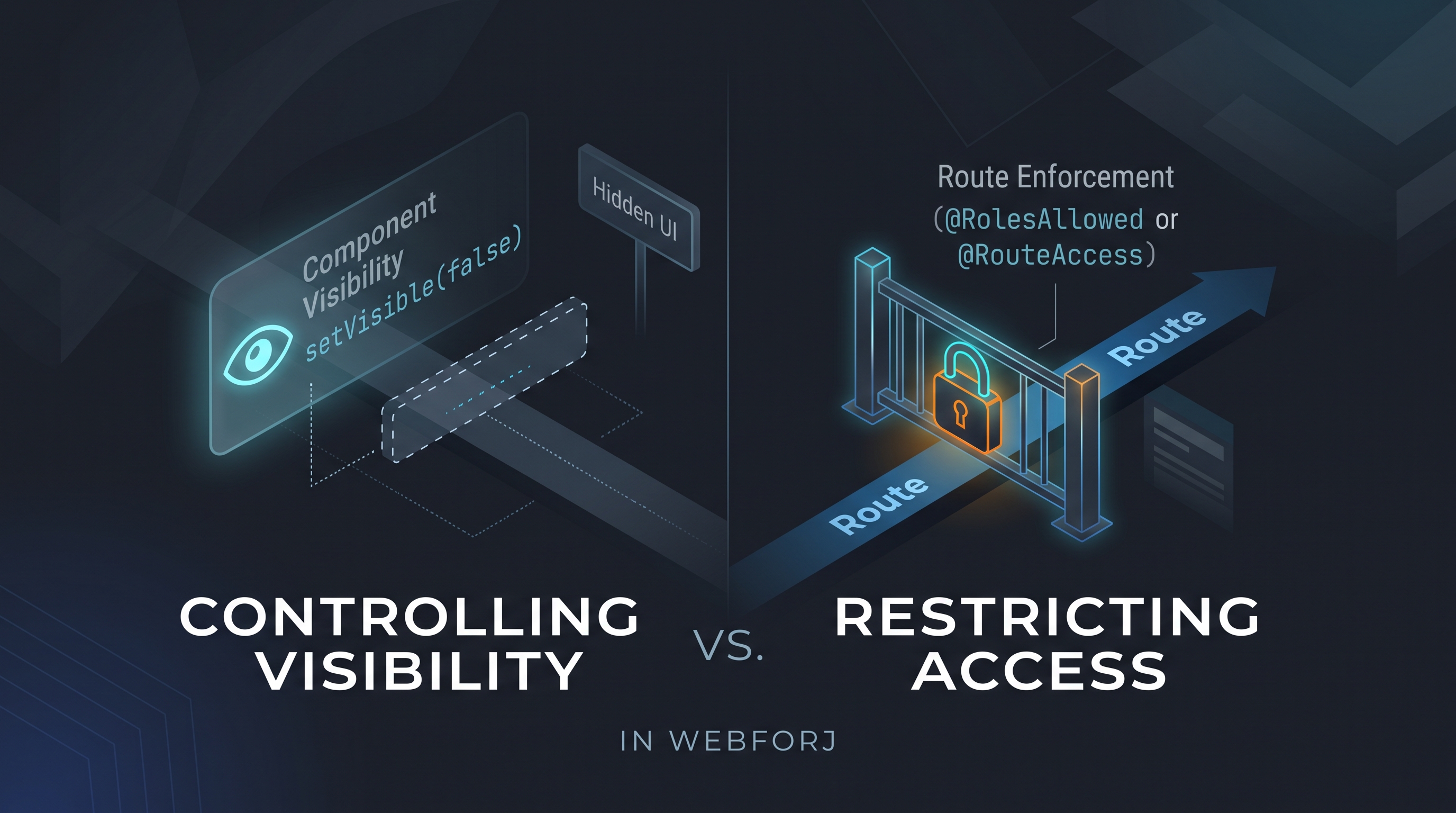
A developer asks: "How do I control which users see which views?" In a webforJ app, the first instinct might be to call setVisible(false) on a navigation component based on the current user's role, or to conditionally add layout elements depending on permissions. It's direct and it works for what it does — but what it does is different from what the question was asking.

Controlling visibility and restricting access are different operations. Treating them as equivalent is how unintended access surfaces in production.

Your Spring Boot app doesn't need a REST API for the UI

· 6 minuten lezen
webforJ Team
Do it all in Java! Build in Java, deploy to the Web.

cover_new

A product owner requests a feature: search-as-you-type across the customer list. The backend is an afternoon. Add a Spring service, write the query, wire up the result. Done. Then the wiring to the frontend starts: add a REST endpoint, configure CORS, set up Axios in the React component, handle the loading state, handle error responses, connect the frontend build pipeline to the backend. The feature took an afternoon. The protocol between the feature and the user took another two days.

That overhead isn't part of the feature. It's the cost of a protocol boundary between two systems written in different languages.

Securing webforJ Routes Before the View Exists

· 7 minuten lezen
Lauren Alamo
Software Developer

cover image

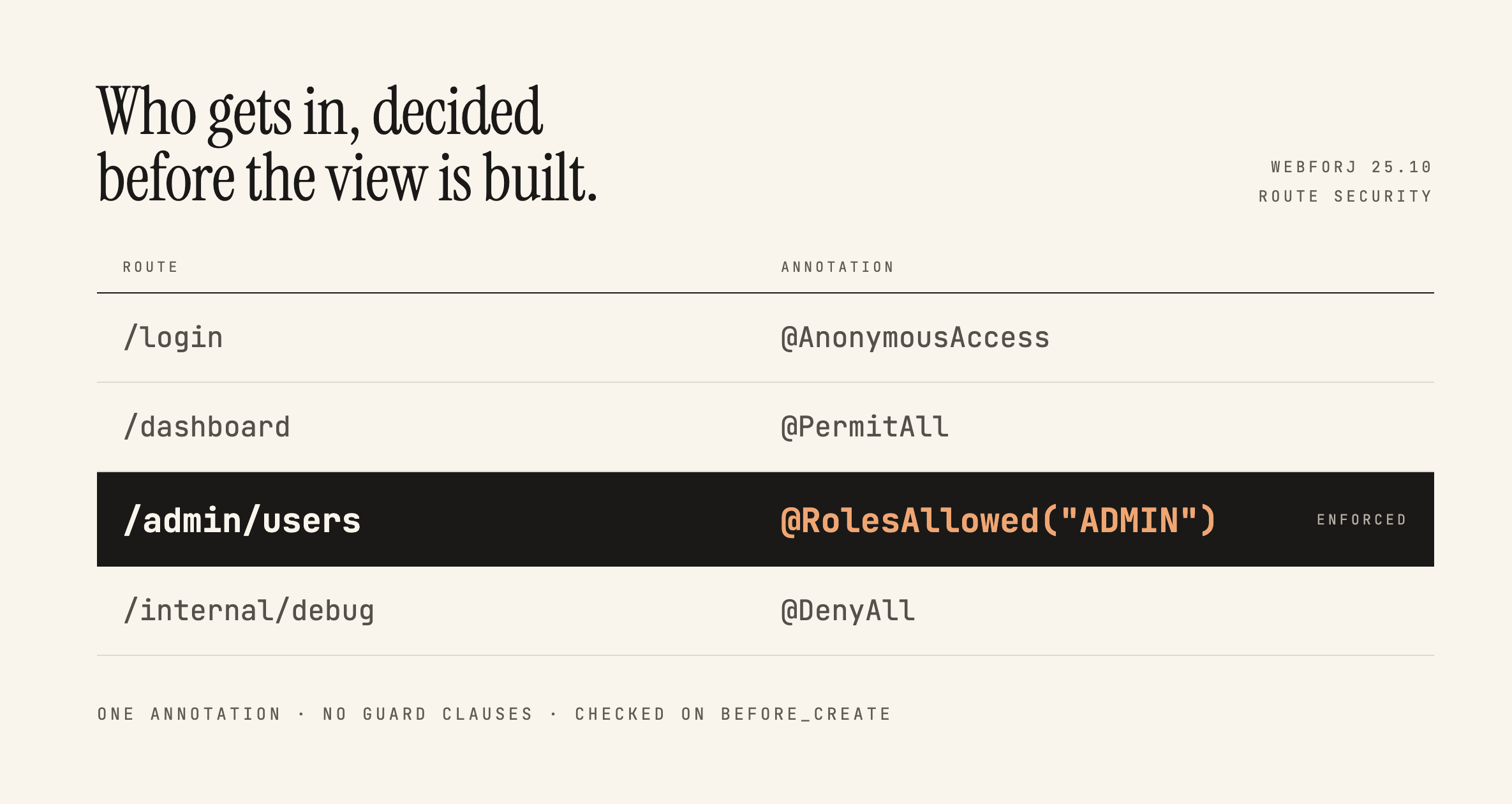
Broken access control has sat at the top of the OWASP Top 10 since 2021, and the 2025 list keeps it there. One of OWASP's own example scenarios is an app that keeps all its access control in the front end, where the attacker can't click through to the admin page because the JavaScript won't let them, so they skip the browser and request the URL with curl instead.

Here's a version of that you've probably written:

if (isAdmin) {
Button delete = new Button("Delete user");
delete.onClick(e -> userService.delete(selected));
self.add(delete);
}

Ordinary users don't see the button. That feels like enough, and in a server-driven framework it feels like more than enough, because the business logic is all sitting safely in Java. This post is about what actually protects that handler, what webforJ gives you for free, and where the line between the two falls.

Java GUI framework: Swing vs JavaFX vs web with webforJ

· 9 minuten lezen

cover image

If you want to keep writing Java and you are picking a Java GUI framework today, webforJ is the option that gets you a browser-delivered UI without leaving the language. You build screens from Java classes, run them on the server, and users open a URL. Swing and JavaFX remain the choice when the app must work offline. If offline isn't a requirement, a webforJ app can be installed too, so it sits on the desktop, home screen or app menu like a native app.

The decision is mostly about delivery. Swing and JavaFX put the UI on each user's machine. A web UI written in Java puts it on one server and shows it in a browser. This post compares the three on the questions that change the outcome, then shows what the same button handler looks like in Swing and in webforJ.

Why Teams Keep JSP Alive, and What a Java-Native Path Forward Looks Like

· 11 minuten lezen
webforJ Team
Do it all in Java! Build in Java, deploy to the Web.

cover

The customers.jsp has been in production since 2011. The team knows every quirk — the pageContext.getAttribute calls that pull in the session-managed customer list, the JSTL loop that renders the rows, the shared header partial included from /WEB-INF/includes/header.jsp. It works. Operations knows how to deploy a WAR. The business rules are encoded in the tag libraries. On Monday, leadership asked for a modernization plan.

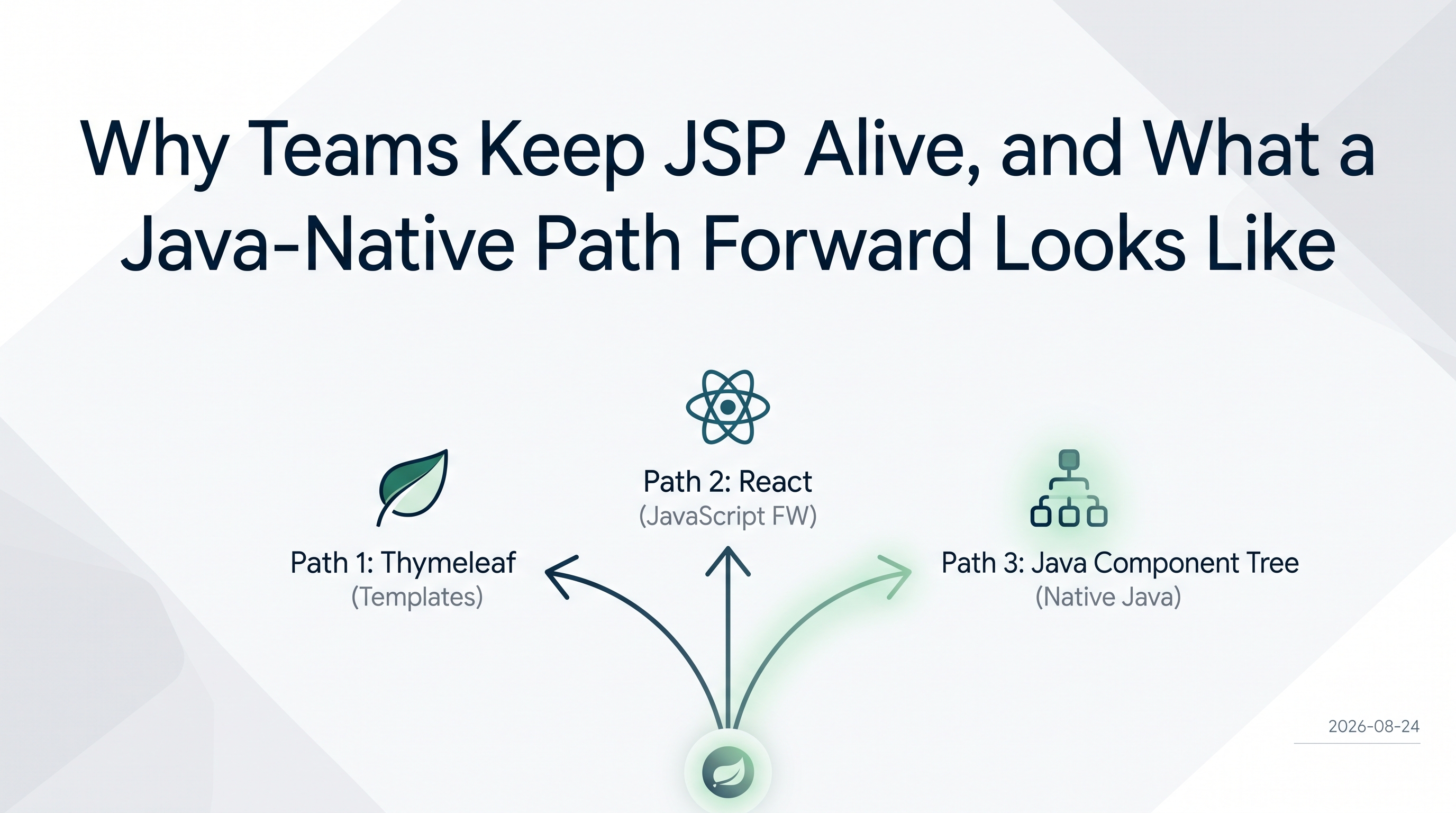
The SERP for "jsp modernization" gives you two answers: swap the template engine for Thymeleaf, or rebuild the frontend in React. Both are legitimate paths. Neither removes the template layer.

This post covers the third option: replace the JSP page with a Java component tree. Views become Java classes. The loop disappears from the source. The taglib becomes a plain Java class. The include becomes a constructor call. This is not a new idea — it is just underrepresented in the search results because most teams that have done it have not written it down.

Building a Full-Featured Demo with webforJ and Spring Boot

· 8 minuten lezen
Eric Handtke
Software Developer

cover image

In my time working with documentation and coding for customers I have built quite the number of demo apps myself, so by now I know what the shortcuts look like. The dataset is always small, with authentication and advanced features "coming soon" or hardcoded in instead of properly implemented. Filtering works fast, because coincidentally there are only five rows to filter. All of that isn't to say those demos are bad, after all they serve their purpose, but I wanted to see how efficiently I could build a demo that doesn't cut corners while still being small and easy to understand.

The webforJ Bookstore is my attempt at that. It's a book inventory manager built on webforJ and Spring Boot with live table filtering, colored genre chips, a data-bound edit drawer, and Spring Security handling who can do what. This post covers the pieces I found most worth writing about.

Loading Data from REST APIs in webforJ

· 8 minuten lezen
Matthew Hawkins
Software Developer

cover image

When building web applications that consume REST APIs, one of the most important decisions you'll make is how to load and manage your data. Load everything at once for snappy client-side operations, or fetch data on-demand to keep memory usage low? The answer, as with most things in software development, is: it depends.

In this post, we'll explore two distinct approaches to loading data from REST APIs in webforJ applications, examining the trade-offs of each and showing you exactly how to implement them using Spring Boot and webforJ's repository patterns.

Master webforJ routing in 10 minutes

· 9 minuten lezen
Eric Handtke
Software Developer

cover image

We all probably know this situation; browsing a website or webapp, make a simple misclick and instinctively try to go back or undo it. Only to then be somewhere completely else, worst case not even on the site anymore.

Seeing that user experience is one of the most important factors in modern web development, that scenario is one of the many reasons why a robust and well-maintained routing system is so important for your Single Page Application (SPA).

In this article, I will give a quick overview on how to achieve that with webforJ. First we will take a look at movement between views, preserving different states, and in general intuitive interaction with our app. In around 10 minutes, you should be able to set up routes, handle advanced navigation scenarios, and follow the best practices for future maintenance.