01What webforJ is
A screen is a Java class.
webforJ is the full-stack Java framework for business web apps: you build the whole app, screens included, in Java.
- A route makes it a page. Put
@Routeon a class and it answers at that address in the browser. - Components are fields. Create them with
new, react to clicks with a lambda. - Java or Kotlin. The Kotlin DSL builds the same screen with the same components.
@Route("/hello")
public class HelloView extends Composite<FlexLayout> {
  private final FlexLayout self = getBoundComponent();
  private TextField name = new TextField("What is your name?");
  private Button greet = new Button("Say hello");

  public HelloView() {
    greet.setTheme(ButtonTheme.PRIMARY)
        .addClickListener(e ->
            Toast.show("Welcome, " + name.getValue() + "!",
                Theme.SUCCESS));
    self.add(name, greet);
  }
}
The running view shows a text field labelled What is your name?, a Say hello button and, after a click, a success toast that reads Welcome, Lauren!
02Components and theming
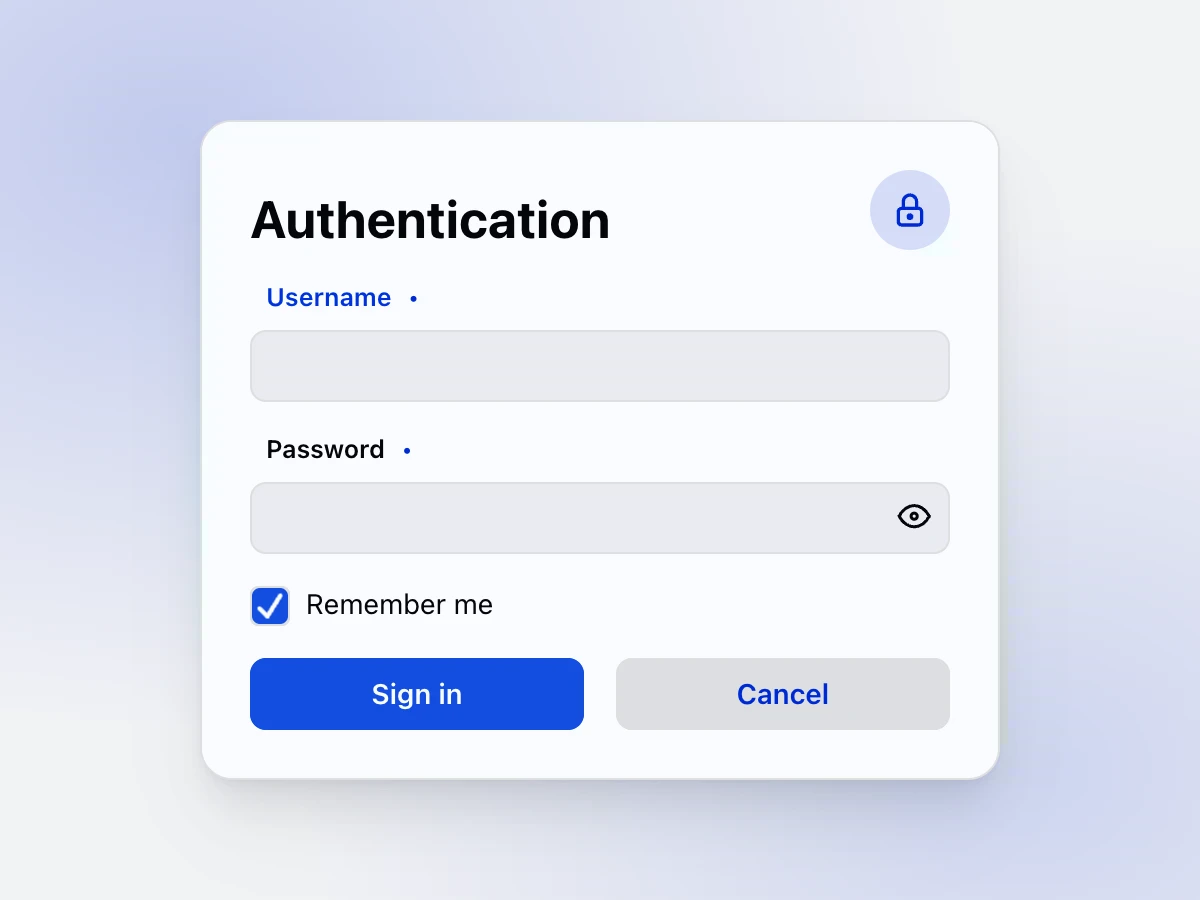
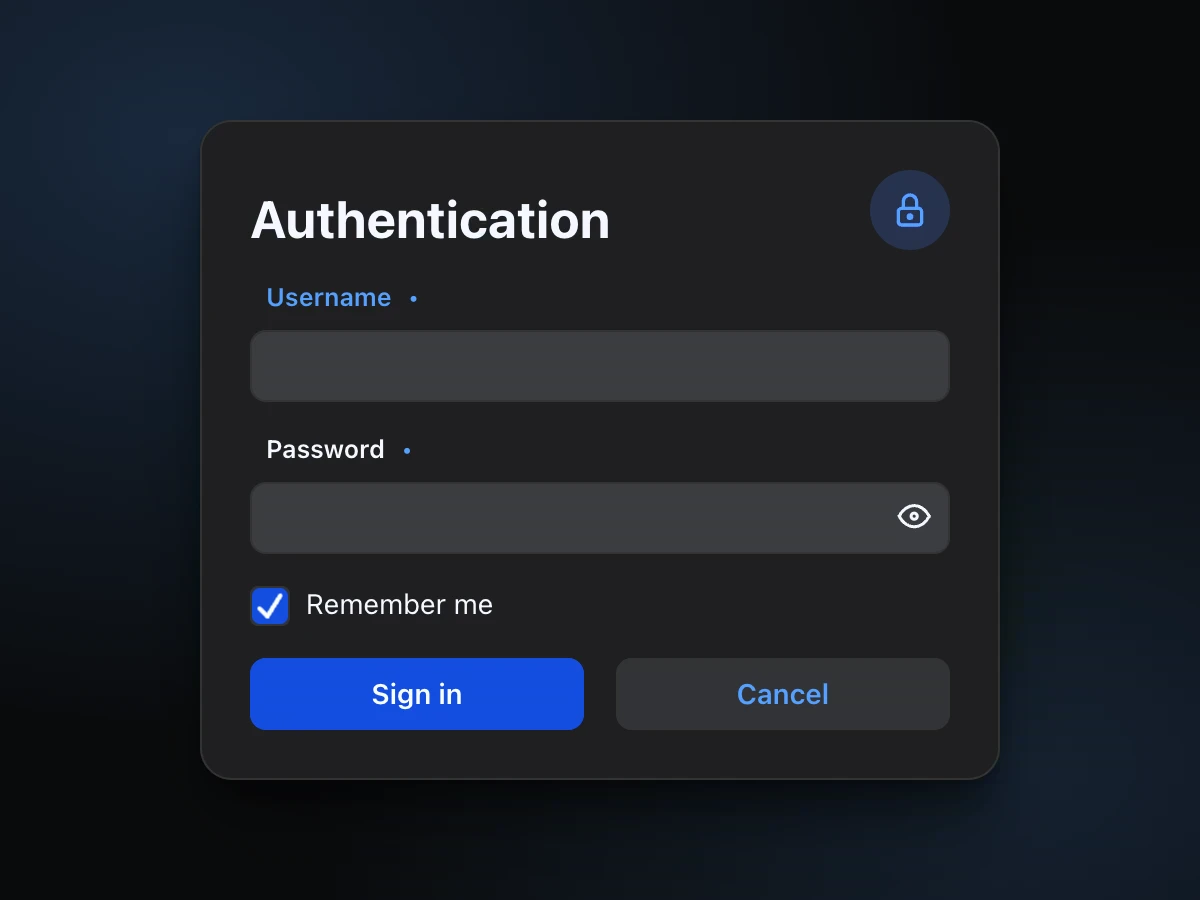
Components built for business apps.
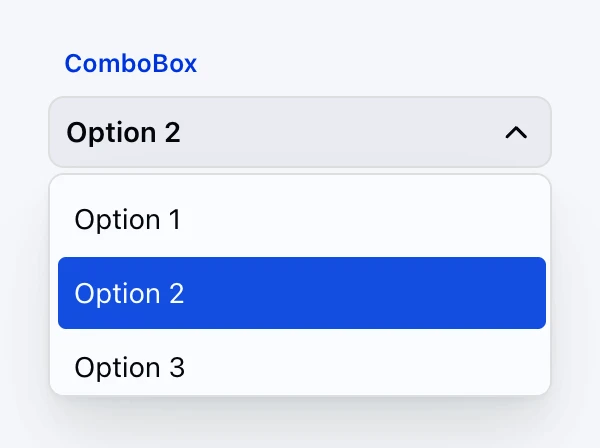
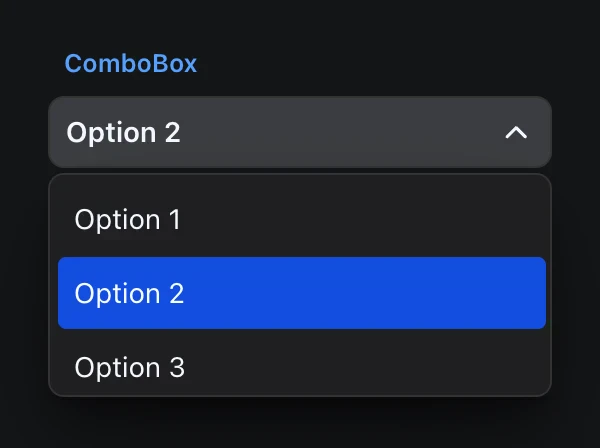
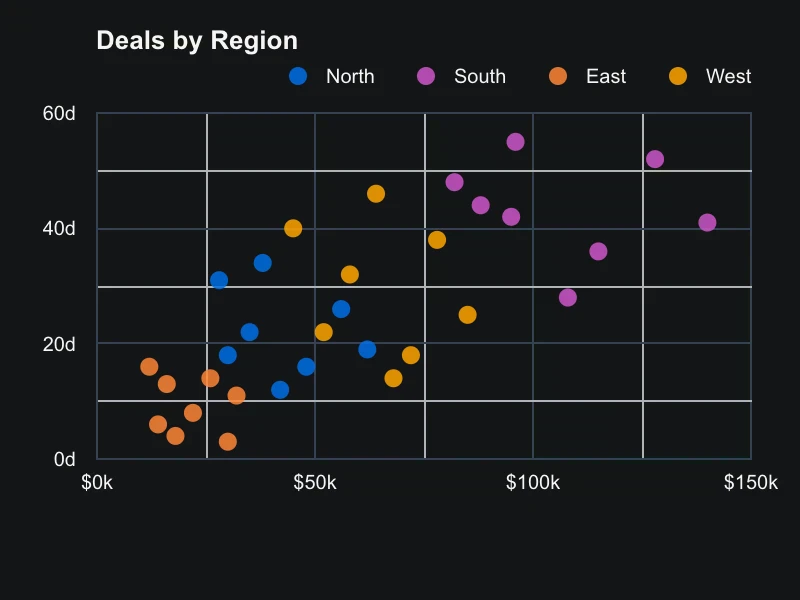
Fields, lists, dialogs, uploads, charts, trees and layouts come with webforJ. Each one is a Java class you create in your screen.
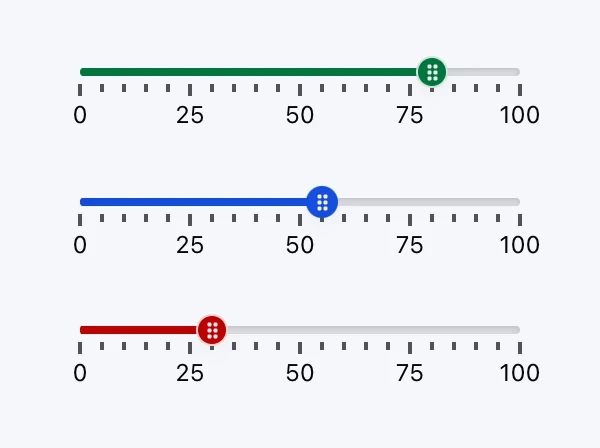
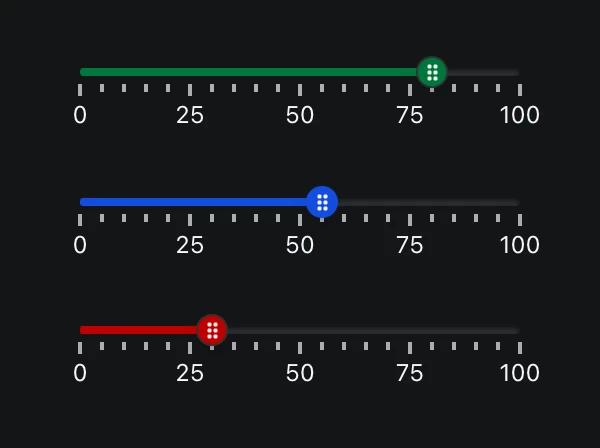
Theming starts from a seed. Set the primary seed and all 19 shades of the palette follow, in every component.
:root {
  --dwc-color-primary-seed: #6366f1;
}



03craftforJ
See the app your Java built. Change it while it runs.
craftforJ is the visual editor that runs inside your app in development mode. It shows the component tree your Java code created, lets you change properties live, and writes the changes you keep back into your Java source.
- Inspect components. Browse the component tree, select a component by clicking it in the page, and change its properties while the app runs.
- Write changes to source. Review your live edits as a diff and apply them to the Java file they came from.
- The AI assistant. A coding agent inside the running app writes Java, compiles what it wrote, and applies it with your approval.
04Data, forms and security
Forms, rules and access, next to your backend.
- Binding.
BindingContextpairs the form fields with a bean and checks its Jakarta validation rules when you write the form back. - Spring Boot. Views take your services, repositories and other Spring beans through constructor injection.
- Security. Annotations such as
@RolesAllowedguard a route, and the rules are enforced before any component is rendered.
public class CustomerFormView extends Composite<FlexLayout> {
  private TextField name = new TextField("Name");
  private TextField email = new TextField("Email");
  private Customer customer = new Customer();

  private BindingContext<Customer> context =
      BindingContext.of(this, Customer.class, true);

  public CustomerFormView() {
    Button save = new Button("Save", ButtonTheme.PRIMARY, e -> {
      ValidationResult result = context.write(customer);
      if (result.isValid()) {
        Toast.show("Saved " + customer.getEmail(), Theme.SUCCESS);
      }
    });

    getBoundComponent().add(name, email, save);
  }
}
05Your existing code comes along
Bring the code you already have.
WebswingConnector puts a running Swing, JavaFX or SWT app inside a webforJ view, so a rewrite never has to happen all at once.
ElementComposite wraps a custom HTML element or web component in a Java class, with its properties, attributes and events in Java.
- 1TodaySwing on the desktopYears of business logic, working every day.
- 2Step oneSame app, in the browserWebswing streams it to the browser with no changes to the source.
- 3From therewebforJ, screen by screenReplace Swing screens with webforJ, one at a time.
@Route
public class SwingAppView extends Composite<Div> {
  private final Div self = getBoundComponent();
  private WebswingConnector connector;

  public SwingAppView() {
    // Initialize the connector with your Webswing application URL
    connector = new WebswingConnector("http://localhost:8080/myapp/");

    // Set the display dimensions
    connector.setSize("100%", "600px");

    // Add to the view container
    self.add(connector);
  }
}
06AI tooling and where next
Your AI assistant follows webforJ conventions.
One install of the webforJ AI plugin gives your coding assistant the webforJ MCP server and Agent Skills.
The server gives it live tools. The skills tell it when to use them, in what order, and how to check the result.
Read more: AI toolingclaude plugin marketplace add webforj/webforj-ai
claude plugin install webforj@webforj-ai
MCP server
- Target the right webforJ version
- Look things up in the knowledge base
- Scaffold a new webforJ project
- Generate a DWC theme
- Style DWC components correctly
- Work with DWC design tokens
Agent Skills
- webforj-adding-servlets
- webforj-building-forms
- webforj-creating-components
- webforj-handling-timers-and-async
- webforj-localizing-apps
- webforj-securing-apps
- webforj-styling-apps
- webforj-upgrading-versions
Tour complete
That was the whole stack. You are ready to build.
Consider yourself unofficially certified: you have seen how a webforJ app is put together, from the first screen to the AI tooling that helps you write the next one.
- What webforJ is
- Components and theming
- craftforJ
- Data, forms and security
- Your existing code
- AI tooling and next stops
Your next stop
- CreateStart a projectGenerate a project with startforJ or the Maven archetype and run it.
- LearnFollow the tutorialBuild a working app step by step, from the first screen to validation.
- BuildComponentsEvery component with its API and live samples on the page.
- ExploreDocs homeThe full map of the docs, grouped by what you want to do.