Real-time UI updates in Java: push changes from the server

In webforJ you get real-time UI updates in Java by changing components from the server and letting the framework carry the change to the browser. For work that runs outside the UI thread, you wrap the change in Environment.runLater(). For recurring refreshes you use Interval, and for typing you use Debouncer. You write no WebSocket or server-sent events code.
This post builds two small pieces: a progress panel fed by a background job, and a dashboard number that refreshes itself. Along the way it covers the one rule that decides whether any of this works, which is which thread may update a component.
How does a Java web app push updates to the browser?
In a webforJ app the components live on the server. When you call setText() on a Paragraph or setValue() on a ProgressBar, the browser view changes. There is no endpoint to poll and no client script that listens for messages, because you never wrote the layer between them.
That makes "push" a question about threads rather than protocols. A server-side change reaches the user as soon as it runs on the right thread. Everything below is about getting your code onto that thread at the right time.
Which thread can update components?
webforJ enforces a strict threading model. All UI operations must happen on the Environment thread, the thread bound to the user's session. There are three reasons, covered in the asynchronous updates guide: the underlying webforJ API binds to the thread that created the session, components keep state that isn't thread-safe, and UI events are processed sequentially on a single thread.
Event handlers already run there, so a click listener can update components directly. The rule bites when you start your own work. A background thread that changes a component directly fails, because it isn't the session's UI thread. Every UI update from a background thread goes through Environment.runLater(), with no exceptions.
How do you update the UI from a background job?
Environment.runLater() schedules a task on the UI thread. It comes in two forms, one taking a Runnable and one taking a Supplier, and both return a PendingResult that tracks completion and lets you cancel the task. The asynchronous updates guide covers both forms.
Here is a panel that runs a long import on an executor and reports progress as it goes:
@Route("jobs")
public class JobPanel extends Composite<Div> {
  private final ExecutorService executor = Executors.newSingleThreadExecutor();
  private final List<PendingResult<?>> updates = new ArrayList<>();
  private final ProgressBar progress = new ProgressBar();
  private final Paragraph status = new Paragraph("Idle");
  private final Button start = new Button("Start import", ButtonTheme.PRIMARY);

  public JobPanel() {
    start.onClick(e -> {
      start.setEnabled(false);
      executor.submit(this::runImport);
    });
    getBoundComponent().add(start, progress, status);
  }

  private void runImport() {
    for (int i = 1; i <= 100; i++) {
      int percent = i;
      importRecord(percent);
      updates.add(Environment.runLater(() -> {
        progress.setValue(percent);
        status.setText("Imported " + percent + " of 100 records");
      }));
    }
    Environment.runLater(() -> {
      status.setText("Import finished");
      start.setEnabled(true);
    });
  }
}
The executor thread is created from within the session's thread, so it inherits the Environment context and may call runLater(). Tasks submitted from a background thread are queued and run in strict first-in, first-out order, so the user never sees progress jump backwards.
What happens on threads without context?
A thread that isn't created from inside an Environment has no context. Calling runLater() from it throws an IllegalStateException. Three common sources are static initializers, java.util.Timer threads, and callbacks from external libraries such as an HTTP client's async methods. If you need results from one of those, hand them to a thread you started from the session instead.
Cleaning up when the user leaves
Queued tasks hold references to the components they update. Cancel them when the view is destroyed so a finished navigation doesn't keep the view alive:
@Override
protected void onDestroy() {
  updates.forEach(u -> {
    if (!u.isDone()) {
      u.cancel();
    }
  });
  executor.shutdownNow();
}
Cancellation only stops tasks that haven't started. One that is already running completes.
How do you refresh a number on a timer?
For a dashboard figure that should stay current, use Interval. It is a timer with a fixed delay in seconds that fires an event each time it elapses. It has existed since 24.02 and requires no thread management on your side.
@Route("dash")
public class Dashboard extends Composite<Div> {
  private final Paragraph orders = new Paragraph("0");
  private final Interval refresh;

  public Dashboard() {
    refresh = new Interval(5f, e -> orders.setText(String.valueOf(orderCount())));
    refresh.start();
    getBoundComponent().add(orders);
  }

  @Override
  protected void onDidDestroy() {
    refresh.stop();
  }
}
An Interval needs start() before it fires, and stop() and restart() control it afterwards. You can change the delay with setDelay(), which takes effect after a stop or restart. Very small delays flood the app with events faster than it can handle them.
Prefer Interval over a java.util.Timer or a thread per user. A web app has many concurrent users, and per-user threads run out quickly.
How do you debounce search as the user types?
Sending a query on every keystroke wastes work. Debouncer waits until the user stops typing. It is available since 25.11, takes its delay in seconds, and each new call resets the timer.
Debouncer debounce = new Debouncer(0.3f);

search.onModify(e -> debounce.run(() -> find(search.getText())));
The action runs on the UI thread, using Interval underneath, so you don't wrap it in runLater(). As with intervals, call debounce.cancel() when the component is destroyed. When you need a pending action to run immediately, for example before a form submit, flush() does that.
If you only want to delay an element event and need no cancel or flush, ElementEventOptions.setDebounce() does it in the browser instead, in milliseconds.
Can Spring's @Async drive the UI?
Yes. With a Spring Boot app, a service method annotated with @Async runs on a Spring-managed background thread, and it can report progress through a callback:
@Service
public class ReportService {

  @Async
  public CompletableFuture<String> build(Consumer<Integer> progress) {
    // long-running work that calls progress.accept(percent)
    return CompletableFuture.completedFuture("done");
  }
}
Add @EnableAsync to your app class, because without it @Async methods run synchronously. Inject the service into the view's constructor, then wrap the callback body in Environment.runLater() before it updates a component. The same applies to whenComplete on the returned future. The Spring background jobs page walks through the full flow, including cancelling the future in onDestroy().
Which tool fits which job?
| Need | Use |
|---|---|
| Report progress from a long job | Environment.runLater() from the worker |
| Keep a figure fresh on a schedule | Interval |
| Wait for typing to pause | Debouncer |
| Run a Spring service off the UI thread | @Async plus runLater() in callbacks |
All four stay in Java and in the same threading model. The point of webforJ here is that the server decides what the user sees and the framework handles delivery, which removes the message formats, reconnect logic and client listeners you would otherwise own.
To try the patterns, generate a project with startforJ and start from the asynchronous updates guide.
Frequently asked questions
Do I need WebSockets or SSE to update a webforJ page?
No. You change components in Java and the framework delivers the change to the browser. The work you do is choosing the right thread, which Environment.runLater() handles.
Why does Environment.runLater throw an IllegalStateException?
The calling thread has no Environment context. That happens in static initializers, java.util.Timer threads and external library callbacks. Threads started from inside the session inherit the context and work.
Does Environment.runLater keep updates in order?
Yes. Tasks submitted from a background thread run in first-in, first-out order on the UI thread. Each call returns a PendingResult, so you can cancel tasks that haven't started when the view is destroyed.
Should I use Interval or a Java Timer?
Use Interval. It needs no extra configuration, runs inside the webforJ threading model, and avoids creating a timer or thread per user.
Building something with webforJ?
Talk to the team about your project, a migration, or whether webforJ fits.
Keep reading
 Loading Data from REST APIs in webforJLearn when to use different webforJ Repository types for optimally loading data
 A JSF alternative: moving a Jakarta Faces view to webforJLooking for a JSF alternative? See how Facelets, backing beans, EL, navigation rules, and validators map to webforJ, with a full before and after view.
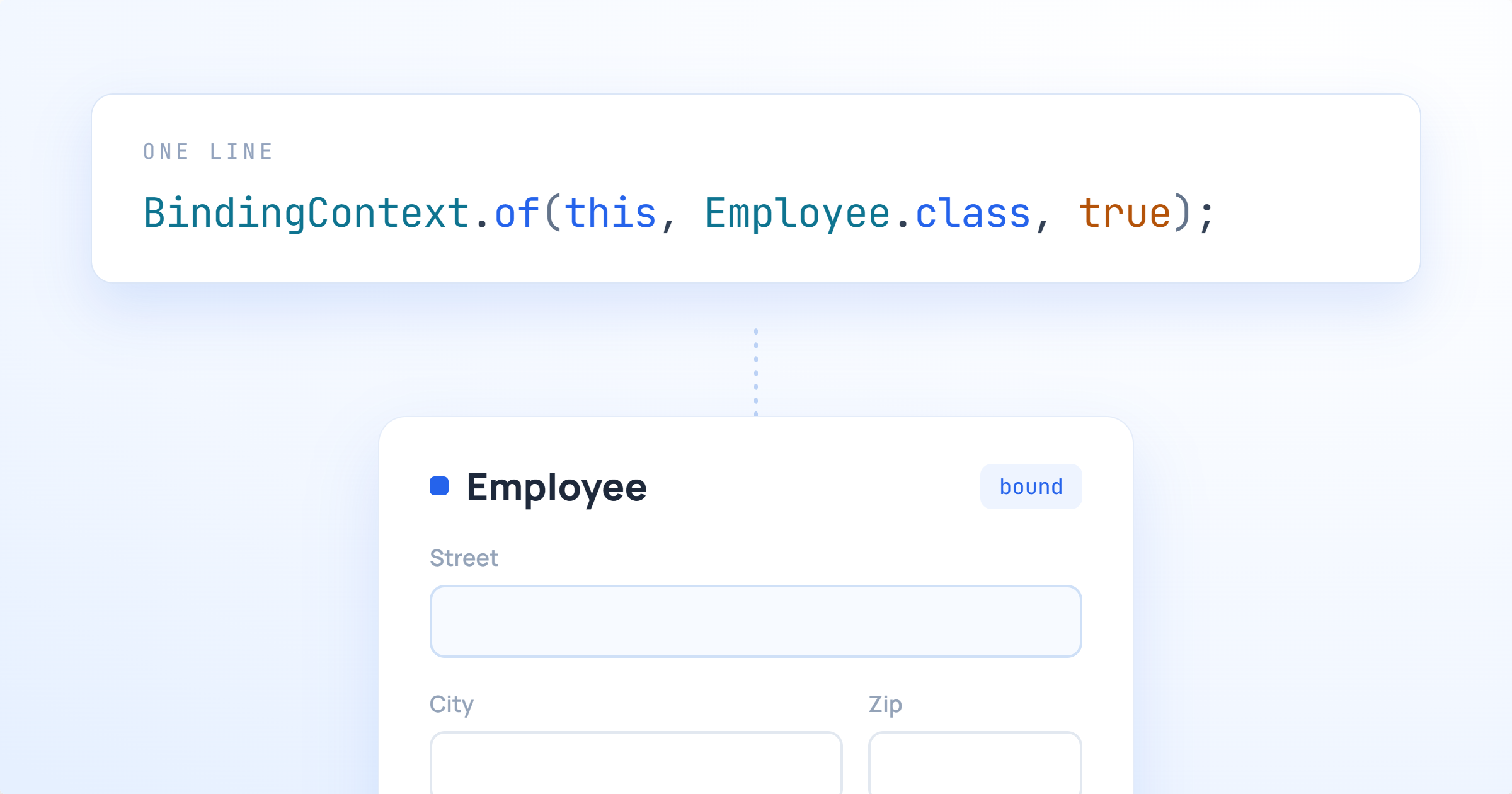 The Data Binding Feature Past Matthew Really NeededUsing webforJ's automatic data binding to wire forms to nested Java beans without the boilerplate
