Lazy load tree in Java: children on expand with webforJ

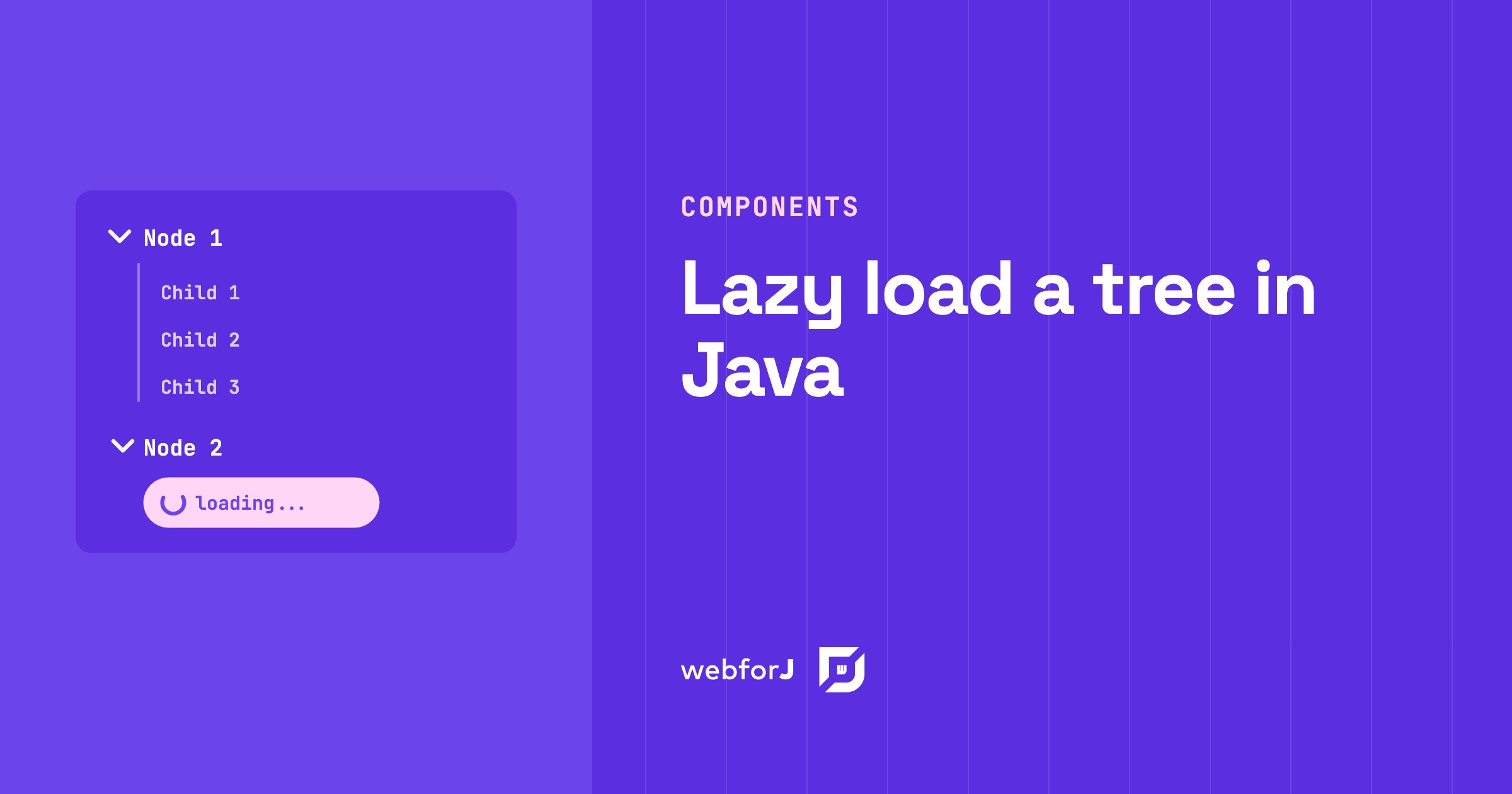
A project browser with thousands of folders shouldn't make users wait while every branch loads up front. Most of those folders never get opened.
To lazy load a tree in Java, give every folder a placeholder child and fetch the real children only when the user expands it. The webforJ Tree component fires an expand event at exactly that moment, so your server builds only the branches people open. This guide builds it in two steps: the placeholder, then the expand handler.
Why load children on expand
A tree can hold thousands of nodes. Building all of them before the page appears costs time and memory, and most of those nodes stay hidden. Lazy loading reverses the order. The tree shows the folders first, and the children arrive when someone opens a folder.
The pattern needs two pieces. A folder that has not loaded yet holds one placeholder child. A handler listens for the expand event, checks whether that placeholder is the only child, and replaces it with the real children. Each folder loads once, and the placeholder tells the handler whether any work is left.
Hierarchical data in a Java UI
Every node in a webforJ tree is a TreeNode. A node has a key, a text label, an optional parent, and a list of children. The tree also keeps a root node that stays hidden and holds the top-level nodes. You add your first-level folders to the tree directly, and the root takes care of the rest.
Two static factory methods create nodes. Tree.node(text) creates a node whose key equals its text. Tree.node(key, text) takes an explicit key, which keeps every node identifiable when two folders share a label. You attach children with add(). A node can have only one parent, so assigning the same node to a second parent throws an exception.
How to lazy load a tree in Java
The code below is the lazy loading sample from the Tree docs. Each top-level node starts with a spinner as its placeholder child, and a short timer stands in for the call to your database or web service.
Step 1: folders with placeholders
Give every node one placeholder child, and mark it so the handler can recognize it later. In the docs sample, the placeholder is a spinner:
private TreeNode createNodeWithSpinner(String name) {
  TreeNode spinner = node("<dwc-spinner></dwc-spinner>").setUserData(SPINNER_FLAG, true);
  TreeNode parent = node(name);
  parent.add(spinner);

  return parent;
}
The spinner tells users the branch is loading. The setUserData call with SPINNER_FLAG attaches a marker that only exists on the server. The TreeNode API documents user data as server-side information that isn't sent to the client, so the browser never sees the marker.
Step 2: load children on expand
The onExpand method registers a listener for TreeExpandEvent. The event returns the node the user opened through getNode(). Inside the handler, check whether the node's only child is the spinner placeholder. If it is, remove it and add the real children. Here is the full sample from the Tree docs:
@Route
@FrameTitle("Lazy Load Tree View")
public class TreeLazyLoadView extends Composite<FlexLayout> {
  private static final String SPINNER_FLAG = "spinner";
  private final FlexLayout self = getBoundComponent();
  private final Tree tree = new Tree();

  public TreeLazyLoadView() {
    self.setDirection(FlexDirection.COLUMN).setHeight("100vh").setStyle("overflow", "auto");

    tree.add(
        createNodeWithSpinner("Node 1"),
        createNodeWithSpinner("Node 2"),
        createNodeWithSpinner("Node 3"),
        createNodeWithSpinner("Node 4"));

    tree.setStyle("margin", "var(--dwc-space-l)")
        .onExpand(
            event -> {
              TreeNode node = event.getNode();
              if (node.getChildren().size() == 1) {
                TreeNode child = node.getChildren().get(0);
                if (Boolean.TRUE.equals(child.getUserData(SPINNER_FLAG))) {
                  new Interval(
                          1f,
                          e -> {
                            e.getInterval().stop();
                            node.remove(child);
                            node.add(
                                node(node.getText() + " - Child 1"),
                                node(node.getText() + " - Child 2"),
                                node(node.getText() + " - Child 3"));
                          })
                      .start();
                }
              }
            });

    self.add(tree);
  }

  private TreeNode createNodeWithSpinner(String name) {
    TreeNode spinner = node("<dwc-spinner></dwc-spinner>").setUserData(SPINNER_FLAG, true);
    TreeNode parent = node(name);
    parent.add(spinner);

    return parent;
  }
}
The Interval waits one second, then stops itself and swaps the spinner for three children. In your app, replace it with the call that fetches the folder's real children.
The placeholder check does the important work. Once the handler has run, the children are real nodes, and the check fails. A second expand skips the load without asking for data again.
Here is the sequence in short. The tree starts with placeholders. The expand event swaps a placeholder for the real children. The placeholder check stops a second load. To go deeper, build the loaded children with createNodeWithSpinner() too, and the same cycle repeats one level down.
Trade-offs to plan for
The handler runs when the user expands a node, so a slow lookup delays that branch. For a slow source, run the call off the UI thread and push the result back with Environment.runLater.
Loaded children stay in place until you change them. If the data changes on the server, call removeAll() on the folder and add the new children. Call tree.expand(node) if the branch should stay open.
The placeholder is a regular node, so it appears in the tree until the handler replaces it. Keep its label short and clear, because users see it during the wait.
Load your first branch
Create a project with startforJ or follow the getting started guide, then add the view class from step 2 and run it. The Tree component page covers the rest of the node API, including icons, selection, and the collapse methods.
Frequently asked questions
Can the children come from Spring Data?
Yes. The handler is plain server-side Java, so it can call a Spring Data repository or any service class you already have. Replace the timer with the repository call. The placeholder logic stays the same.
What happens when a user expands a node twice?
The handler checks whether the only child is still a placeholder. After the first load, the children are real nodes, so the check fails and the handler returns without querying again. Collapsing and expanding the folder again does not reload its data.
How do I refresh a branch after the data changes?
Call removeAll() on the folder node, then add the new children. If the branch should be open after the refresh, call tree.expand(node) from your code.
正在用 webforJ 构建项目?
与团队聊聊您的项目、迁移事宜,或 webforJ 是否适合您。
继续阅读
 Infinite scroll in Java: load more items as users scrollBuild infinite scroll in Java with webforJ. Load the next batch on scroll, customize the loading text, and stop when the data runs out. Code included.
 Selenium vs Playwright for Java: testing a webforJ UISelenium vs Playwright for Java UIs: both drive a webforJ app from plain JUnit. Here are the myths, the facts and which one to pick for your suite.
 Summarize PDFs with AI in Java using Spring AI and webforJUpload a PDF in a webforJ view, extract its text with Spring AI and Apache Tika, and show an AI summary in Java. Three classes, no REST layer, no JavaScript.
