Cursor Spring Boot UI: Let the Assistant Write Your Screens in Java

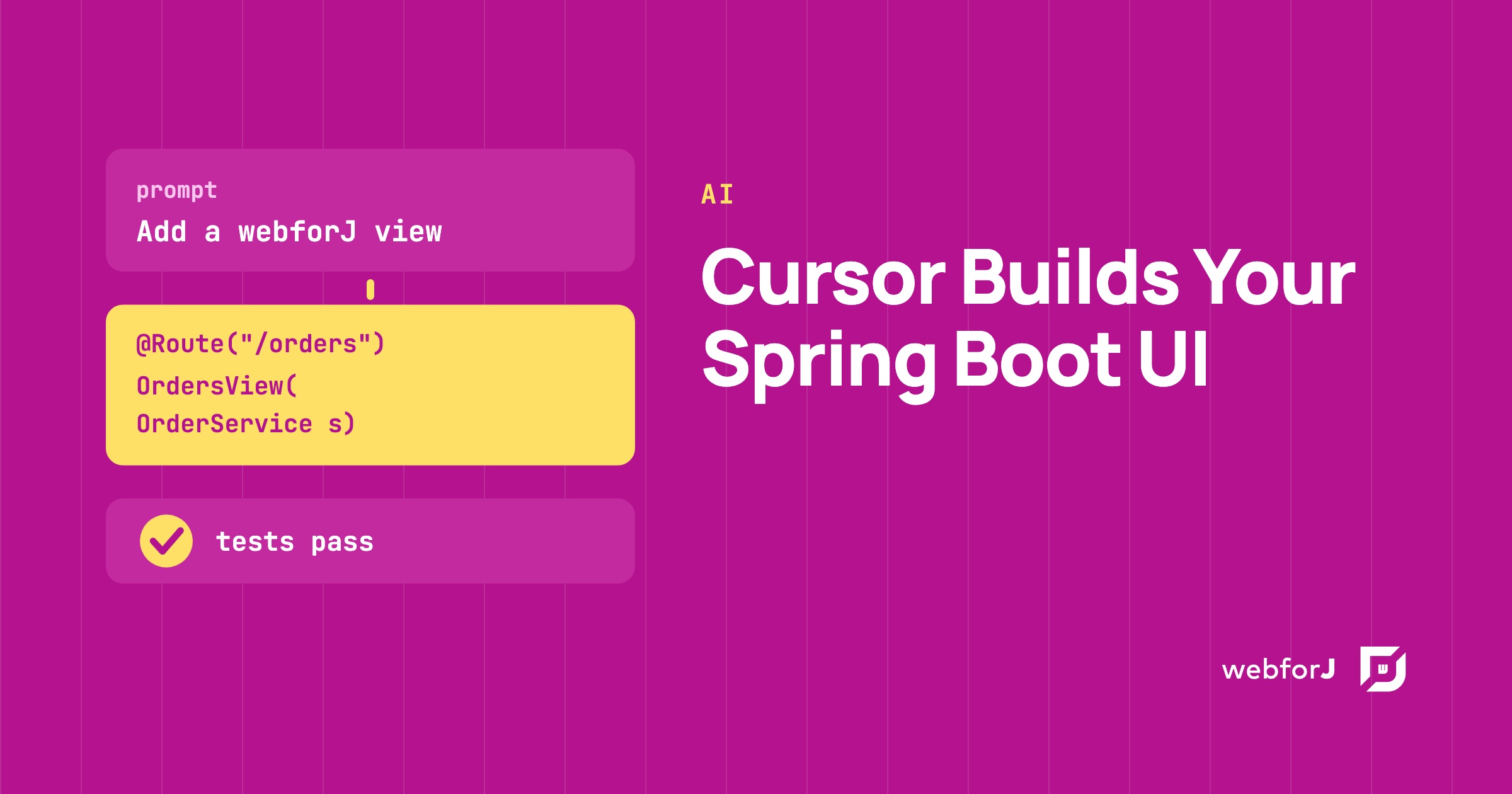
You have a Spring Boot backend with services that work, and now it needs screens. Asking an AI assistant to write them is tempting, but a plain prompt in Cursor leaves the assistant guessing at your front end. For a Cursor Spring Boot UI that holds up, give the assistant the real webforJ API and let it write the views in Java. The webforJ AI plugin does that, and a short test confirms the result.
Using AI to build Java apps?
Ask the team about webforJ AI tooling: the MCP server, Agent Skills, and how they keep generated code correct.
What Cursor needs for a Spring Boot UI
An assistant that guesses at a framework invents method names. Two pieces from the webforJ AI plugin remove the guessing:
- The MCP server lets the assistant look things up in the webforJ docs, scaffold projects, and validate design tokens instead of recalling them from memory.
- The Agent Skills tell the assistant when to use those tools and in what order. There are skills for building forms, adding servlets, styling apps, and creating components.
Your screens are plain Java classes in the same project as your services. There is no second codebase to hand the assistant.
Cursor AI and Spring Boot, step by step
Follow these steps.
-
Create a Spring Boot project. Use startforJ and choose Spring Boot under Runs on. Or use the command line with the
webforj-springflavor:mvn -B archetype:generate \-DarchetypeGroupId=com.webforj \-DarchetypeArtifactId=webforj-archetype-hello-world \-DarchetypeVersion=LATEST \-DgroupId=org.example \-DartifactId=my-app \-Dversion=1.0-SNAPSHOT \-Dflavor=webforj-spring -
Connect Cursor to webforJ. Cursor uses manual configuration rather than a marketplace command. The docs point to the per-client install guide for the exact steps, so follow that guide. Cursor is an MCP-over-HTTP client, so the server address is
https://mcp.webforj.com/mcp. -
Name webforJ in the prompt. That's the cue the assistant uses to reach for the plugin instead of general Java knowledge. Ask for verification too:
Add a webforJ view at /orders. It takes the existing OrderServicethrough the constructor and shows its summary for the customer nametyped into a text field. Verify the API against the webforJ docs. -
Review the view it writes. Look for a
@Routeclass that receives the bean through its constructor. The next section shows the shape. -
Run the app. The archetype sets a default Maven goal, so this compiles the app and starts it on port 8080:
mvn
Build a Spring Boot UI with Cursor
This is the kind of view the assistant should hand back. A Spring service holds the logic:
@Service
public class OrderService {

  public String summary(String customer) {
    return "Open orders for " + customer + ": 3";
  }
}
The view is a @Route class. When Spring is on the classpath, webforJ creates the route through Spring, so the constructor receives the bean:
@Route("/orders")
public class OrdersView extends Composite<Div> {

  public OrdersView(OrderService orders) {
    TextField customer = new TextField("Customer");
    Paragraph summary = new Paragraph();
    customer.onModify(e -> summary.setText(orders.summary(customer.getValue())));

    getBoundComponent().add(customer, summary);
  }
}
The route class needs no Spring annotation. The @Route annotation alone enables both route discovery and constructor injection. See Spring routing for how webforJ creates a fresh instance on each navigation.
Check the result with a test
A generated view that compiles can still do the wrong thing. TestBed runs views in a plain JUnit test with no browser. In a Spring Boot app, @SpringBootTest starts the context and @WebforjTest registers the view. TestBed needs webforJ 26.03, and the Spring pieces are in the Spring testing guide.
@SpringBootTest
@WebforjTest(routeClasses = OrdersView.class)
class OrdersViewTest {
  @Autowired
  private OrderService orders;

  @Test
  void shouldShowTheSummaryFromTheService(WebforjTestbed context) {
    context.navigate(OrdersView.class);

    UserInteraction.type(
        ComponentLocator.of(TextField.class).byLabel("Customer").locate(), "Ada");

    verifyThat(ComponentLocator.of(Paragraph.class).locate())
        .hasText(orders.summary("Ada"));
  }
}
Ask the assistant to write this test with the view, then run mvn test. If it fails, paste the failure back into the chat. This write, test, fix loop is the one described in the AI verification loop. For more on tests without a browser, read Java UI testing without a browser.
Prompts that work in Cursor
The MCP server docs give a few habits worth keeping:
- Mention webforJ in every prompt.
- Be specific. A named project and archetype beat a vague request like make an app.
- Ask for verification, such as verify against webforJ docs.
- If the assistant answers without consulting the server, say use the webforJ MCP server to answer.
Frequently asked questions
Does the webforJ AI plugin work with Cursor?
Yes. Cursor is one of the clients that support the plugin and the Agent Skills. Cursor uses manual configuration, and the exact steps are in the per-client install guide.
Can Cursor build a Java web app without JavaScript?
Yes. The views are Java classes, so the assistant writes them in the same language as your services and you review them the same way.
Can I use my existing Spring services?
Yes. Any bean in the Spring context can be a constructor parameter of a @Route class, including services and Spring Data repositories.
Ship one view with a passing test
- Project created with the
webforj-springflavor or startforJ with Spring Boot. - Cursor configured with the steps from the per-client install guide.
- "webforJ" named in the prompt, with a request to verify against the docs.
- View is a
@Routeclass and takes Spring beans in its constructor. - Test added with
@SpringBootTestand@WebforjTest, andmvn testpasses. - Generated code read by a person before it ships.
Building something with webforJ?
Talk to the team about your project, a migration, or whether webforJ fits.
Keep reading
 AI Java web framework: how webforJ is built for AI workwebforJ is the AI Java web framework: assistants that know its API, an agent in your running app, MCP Apps, agents that use your UI, and browserless tests.
 Spring Boot MCP server: tools plus a live UI in webforJBuild a Spring Boot MCP server that exposes Java methods as tools and opens a live webforJ view in the AI client, all from one app and one set of services.
 MCP Apps in Java: show a webforJ UI inside AI chatBuild MCP Apps in Java with webforJ. Add @McpApp to a routed view and an MCP host such as Claude Desktop opens your Java UI inside the conversation.
