The webforJ ecosystem: what a Java framework needs in the AI era

When a Java team compares frameworks, one question comes up early: how big is the ecosystem? It used to be a fair proxy for safety. More add-ons, more examples and more forum answers meant less code to write yourself and fewer dead ends.
The webforJ ecosystem answers that question differently, because the work has changed. Your team now writes much of its code with an AI assistant, so what counts is whether the parts you need are maintained for the version you run, and whether your assistant writes current, correct code for it.
Already running Spring Boot?
Ask the team how webforJ fits into your existing Spring app.
Count what's maintained
A long list of third-party add-ons looks good on a comparison chart. In practice, a list like that ages. Add-ons are built by volunteers for one major version, the author moves on, and the entry stays. The list keeps growing while the share you can safely put in production shrinks, and every add-on you adopt becomes an upgrade you own.
webforJ takes the other route. The components a business app needs ship in the framework itself, built and released by one team: tables, forms and fields, dialogs, layouts, trees, uploads, charts, and more. They follow the same release as the framework and come out together in each version on Maven Central. Upgrading the framework upgrades all of them.
Upgrades themselves are automated. The webforJ OpenRewrite recipes rename APIs, update dependencies and flag the spots that need a person, so moving to a new version is a command, not a project.
Every web component is a webforJ component
The built-in set is where the ecosystem starts, not where it ends. webforJ's own components are built on web components, so any custom element from the wider web works the same way. With ElementComposite you expose its properties, attributes and events through a typed Java class and use it like any other component.
The frontend bundler goes further. A class names the npm package it needs, by name and version, and the build installs and compiles it. You can also write a component in React, Svelte or Lit and use it from Java, all without a Node toolchain to install or run.
That puts the whole npm and web component world behind a Java API. Our guide to web components in Java walks through the full pattern.
The Java ecosystem is yours
webforJ is a Java framework, so every library on Maven Central is part of its ecosystem. With Spring Boot, your views inject any Spring bean, tables read from Spring Data JPA repositories, and routes are protected through route security with Spring Security. Long-running work runs as background jobs that update the UI when they finish.
Your team keeps the libraries, the build, and the tooling it already trusts. webforJ adds the screens.
Can your AI assistant speak webforJ?
In the AI era, the size of an ecosystem is measured less in add-ons and more in how well an assistant writes code for it. The amount of old example code on the internet doesn't settle that. An assistant trained on years of posts mixes versions, and the more outdated code there is, the more often it suggests an API that's gone.
What makes an assistant fluent is current, version-aware knowledge and a way to check its work. webforJ ships both, in one install of the webforJ AI plugin for Claude Code, Copilot, Cursor, Gemini, and Codex.
- The MCP server gives the assistant live access to the webforJ knowledge base. It reads your
pom.xml, resolves the webforJ version you're on and scopes every answer to it. It also validates design tokens before they land in your CSS. See the MCP server. - Agent Skills teach the assistant the webforJ way to do a task, from forms with binding and validation to route security, translation, timers and async work, styling, servlets, custom components and version upgrades. See Agent Skills.
- Browserless tests let the assistant run a view in a plain JUnit test with the TestBed and get a clear pass or fail.
- The craftforJ Assistant works inside your running app. It writes Java, compiles each edit before you see it and applies it. See the craftforJ Assistant.
So the assistant doesn't rely on what it happened to read during training. It looks up the API for your version, follows the workflow, and checks the result. We cover that loop in the AI verification loop for Java.
What to ask of any ecosystem
When you weigh a framework for your next business app, these questions say more than the length of an add-on list:
- Are the components you need maintained by the same team that ships the framework?
- Can you use any web component or npm package without waiting for someone to wrap it?
- Does it work with the Java libraries and Spring stack you already run?
- Are upgrades automated?
- Does your AI assistant get version-correct answers and a way to test its own code?
webforJ answers yes to all five. For the full picture of what the framework covers, read our guide to the full-stack Java framework.
Frequently asked questions
Is the webforJ ecosystem big enough for business apps?
Yes. The components business apps need ship in the framework, and one team maintains and releases them. Any web component or npm package connects through a typed Java class, and the whole Java ecosystem, Spring included, is available.
Do AI assistants know webforJ?
With the webforJ AI plugin, yes. The MCP server gives the assistant live, version-scoped access to the webforJ knowledge base, Agent Skills teach it the workflows, and the TestBed lets it test what it wrote.
What if I need a component webforJ doesn't have?
Wrap an existing web component with ElementComposite, or pull in an npm package or a React, Svelte or Lit component through the frontend bundler. The webforJ AI plugin includes a skill for exactly this task.
Build your first screen with AI
Install the webforJ AI plugin, generate a project with startforJ, and ask your assistant to build one real screen of your app. Then run its test.
Building something with webforJ?
Talk to the team about your project, a migration, or whether webforJ fits.
Keep reading
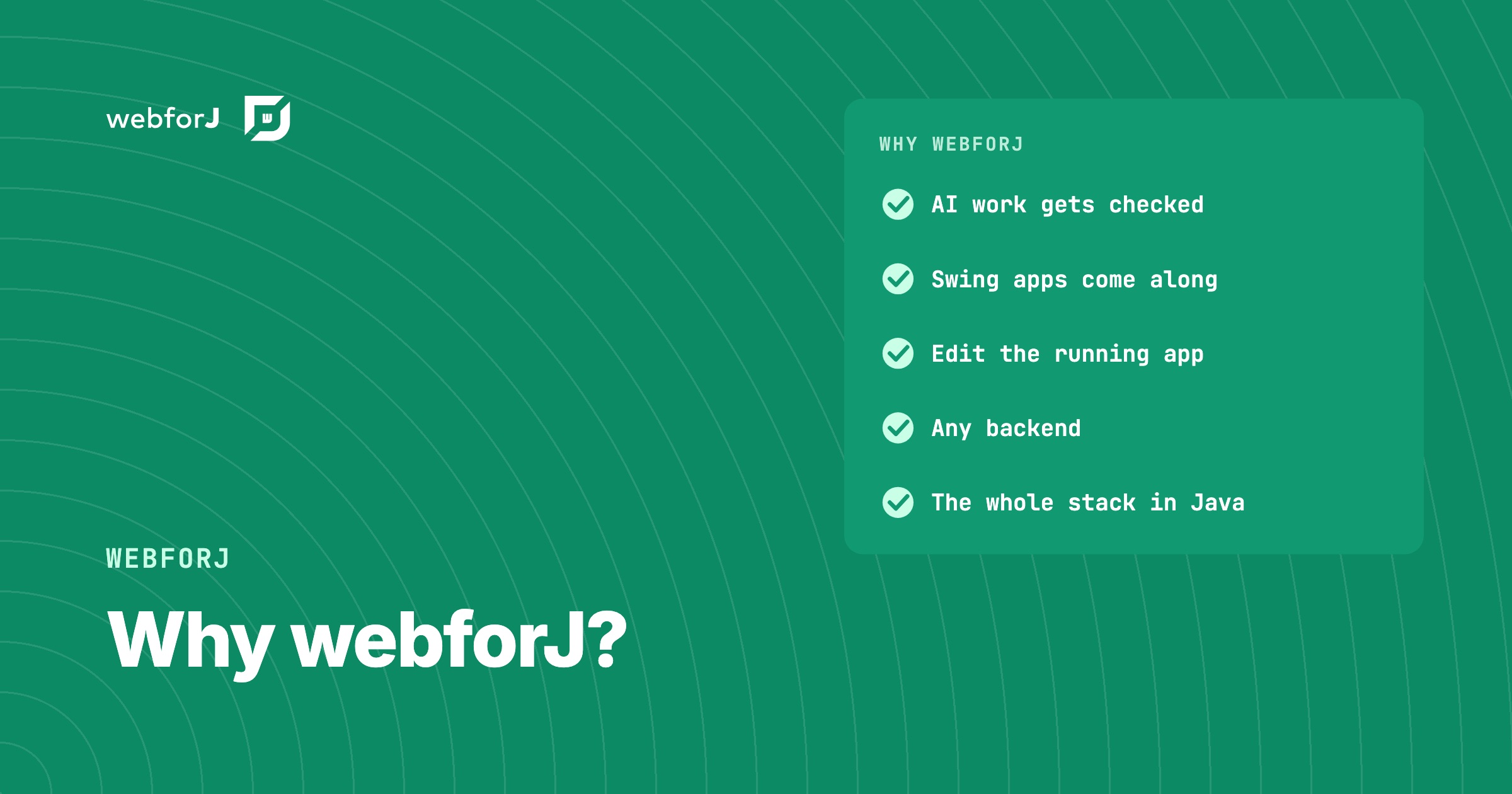 Why webforJ? Straight Answers to Questions Java Teams AskWhy webforJ for your next business web app? What sets it apart, why we built it, who stands behind it, and how it fits your backend and your own components.
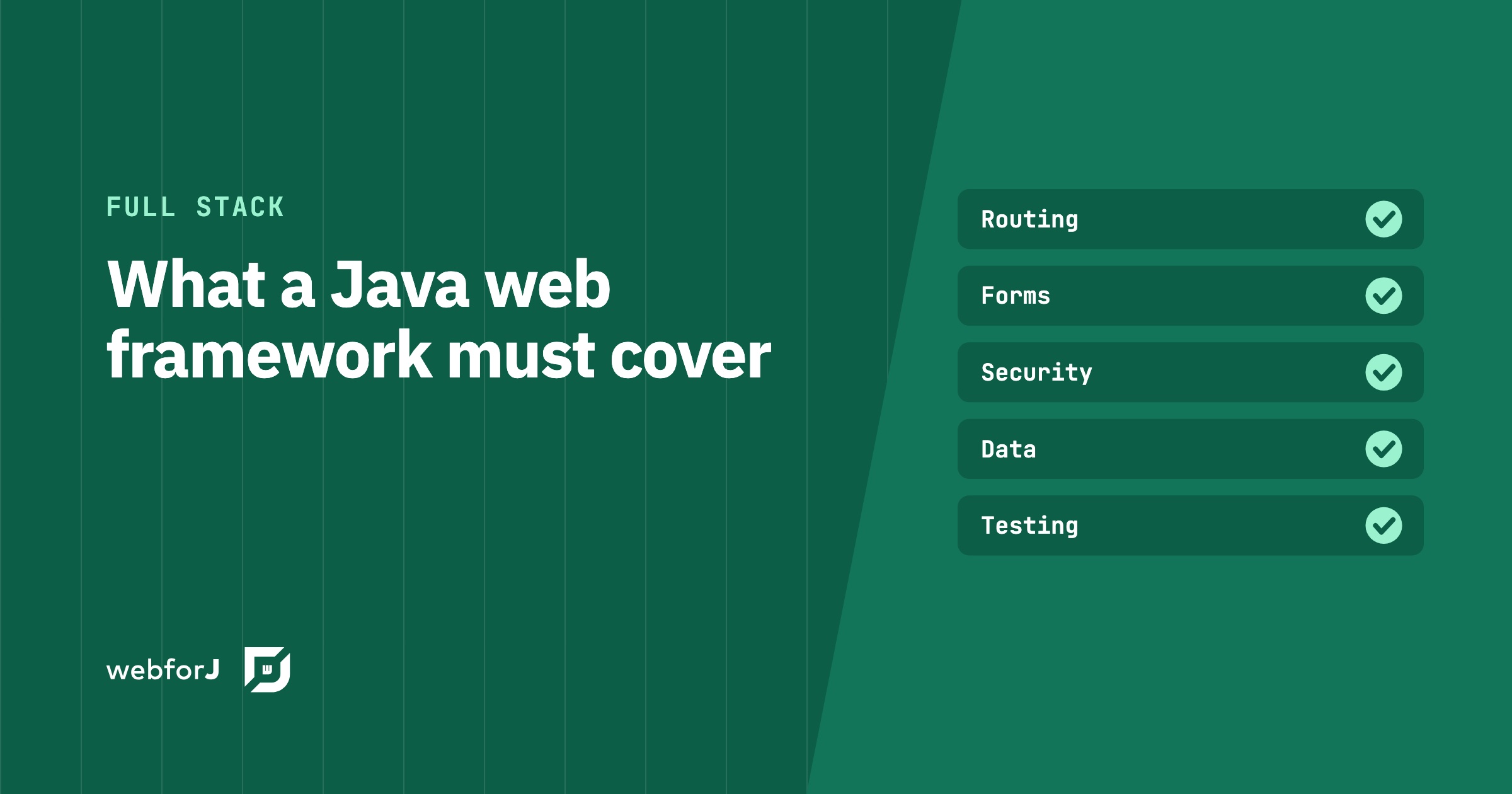 Java framework for web applications: what to requireA Java framework for web applications needs routing, forms, security, data, testing and upgrades. See how webforJ, the full-stack Java framework, covers each.
 Is webforJ production ready? What's behind the nameIs webforJ production ready? The name is newer than the foundation under it: BASIS International, BBj and the DWC. Here are the facts behind the doubt.