When to Use webforJ: A Fit Guide for Business Web Apps

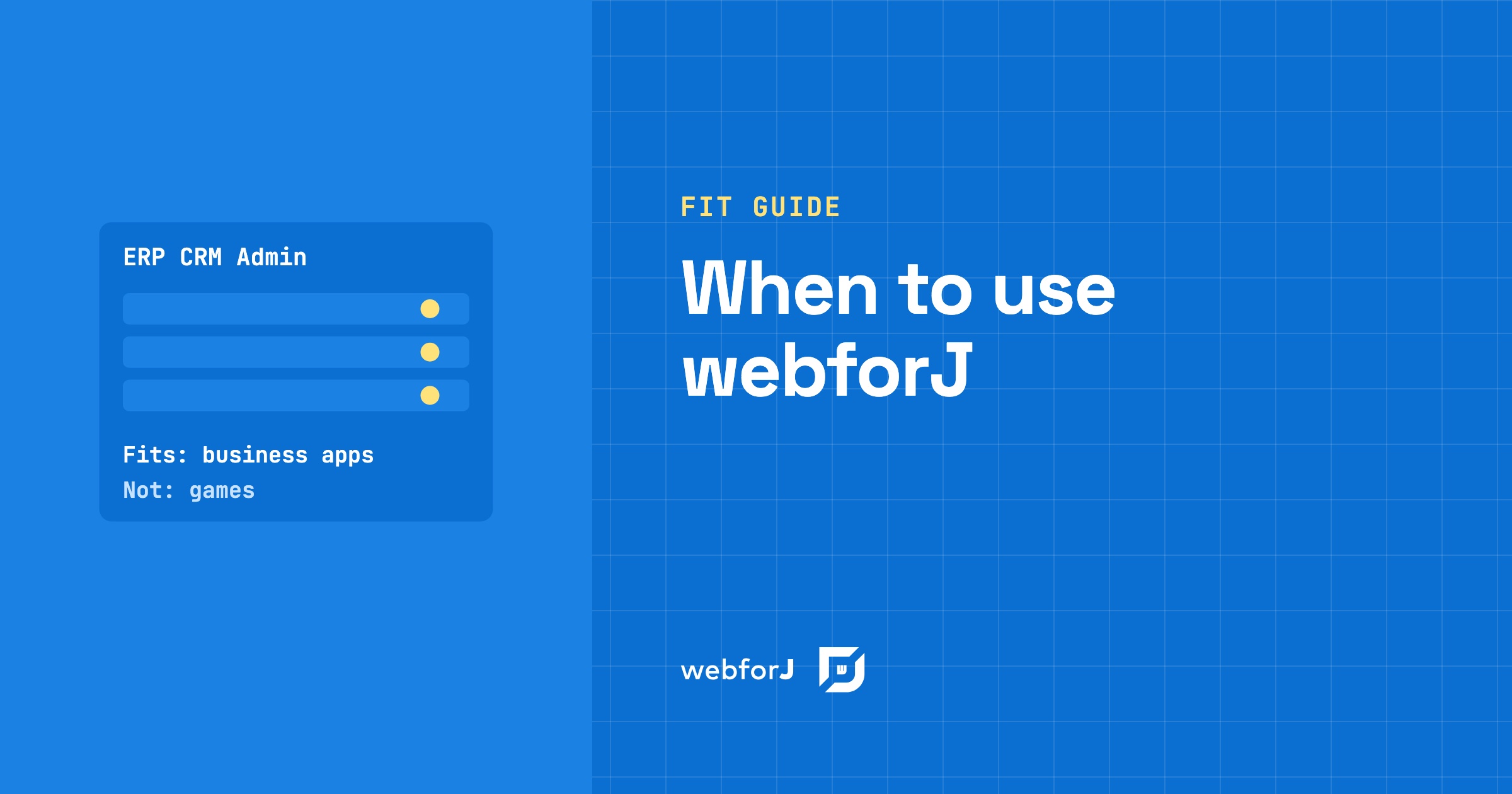
You have a project in front of you and one question: is this the kind of app webforJ was made for? Most framework pages answer with a feature list. A fit guide answers with a yes or a no for your project, and that is what this post does.
When to use webforJ comes down to one sentence. webforJ is the full-stack Java framework for business web apps: you build the whole app, screens included, in Java. If your project is an ERP, a CRM, an internal tool, an admin portal, a data entry system, a dashboard or a desktop app moving to the web, it fits. The sections below give the reason for each one, and one section names the projects it does not fit.
Working on something similar?
Ask the webforJ team. Questions are welcome, big or small.
What is webforJ best for?
webforJ is best for business web apps: software where employees or business partners log in, look at records, change them, and act on them. That covers ERP and CRM systems, back-office tools, data entry screens, dashboards, admin portals, and desktop apps that need a browser version.
These apps share a shape. They have many forms, large tables, roles, rules about who sees what, and a Java team that has to maintain them for years. webforJ ships the parts that shape needs: components, layouts, routing, forms with data binding and validation, tables backed by repositories, route security, and translation. All of it is Java, so one team can own the whole app.
Does webforJ fit ERP and CRM apps?
Yes. ERP and CRM apps are record-heavy, and the framework is built around records.
The Table component takes an entity class and a Repository and renders the rows, with sorting, filtering, and selection built in. For large result sets it uses virtual scrolling, so only the rows in view are rendered (see the Table overview and the large data page). If your data sits behind Spring Data, SpringDataRepository connects those repositories to the table directly, as the Spring Data JPA page shows.
Editing a record uses data binding. A BindingContext ties form fields to the properties of a Java bean in both directions. Rules live on the bean as Jakarta Validation annotations, and one setLocale() call on the binding context keeps the validation messages in the user's locale.
Business users also work across countries. The translation system resolves labels from resource bundles and can pick up the browser's language, and the locale management page covers switching language at runtime.
Internal tools and admin portals?
Yes. Internal tools and admin portals need three things quickly: a shell, access control, and fast forms.
The AppLayout component gives you the shell. Its docs page describes a fixed header and footer, a sliding drawer and a scrollable content area, built for dashboards and admin panels.
Route security gives you access control. You mark a view with an annotation such as @RolesAllowed, and the security system checks permissions before any component renders. You can wire it to Spring Security or to a plain Java implementation.
Data entry gets help from the components themselves. MaskedTextField enforces an input format as the user types and adds a client-side validation pattern with regular expressions, and the same bean annotations check the values when the form is submitted.
Dashboards are the other half of many portals. The Google Charts component draws the charts, and asynchronous updates let a background thread push fresh numbers into the screen with Environment.runLater().
When a team wants the tool on people's desks, installable apps turn the app into one that installs from the browser with an icon on the home screen or app menu. You describe it with an @AppProfile annotation.
Does every click wait for the server?
No. webforJ keeps the app logic on the server, and the client and server interaction page explains how the traffic is arranged so the screen does not stall.
Calls from the server to the browser, such as setText(), do not wait for an answer. webforJ batches them automatically. Events from the browser to the server, such as a button click, are also sent without waiting, and the event carries its details with it. A selection event, for example, holds the selected index, so the handler reads it from the event and nothing travels back to the browser.
A round trip happens only when your code asks the browser for something that changes on the client, such as the text a user typed into a label or the checked state of a box. Reading the value from the event instead of the component removes the round trip.
Start-up is light too. The app loads a bootstrap script of about 2.5 kB gzip and then downloads the JavaScript for each component the first time the app creates it.
What about desktop apps already in use?
If your business runs on a Java desktop app, the Webswing integration runs Swing, JavaFX and SWT apps in the browser without changes to their source code and embeds them in a webforJ app through WebswingConnector. You then build new screens in webforJ around the embedded app and replace the old ones as time allows. The migration guide walks through that path.
Testing is covered too. JUnit tests cover your app logic, and the end-to-end testing pages show how to drive a running app with Selenium or Playwright.
When is webforJ not the right choice?
Three kinds of project belong elsewhere.
A public marketing or content site that lives on search traffic. Those sites are pages first. webforJ builds apps that people sign in to, so use a tool made for publishing pages.
An offline-first app. The app logic runs on the server and the browser sends events to it. A tool that has to keep working with no connection needs its logic on the device.
A game or an animation-heavy consumer product. Those products live on frame-by-frame effects in the browser. webforJ is built for forms, tables, and workflows.
For every other project in this guide, the next decision is which screen to build first.
FAQ
What is webforJ best for?
Business web apps, from ERP and CRM to back office, data entry, dashboards, admin portals, and desktop apps moving to the browser. You write the whole app, screens included, in Java.
Is webforJ a good fit for ERP and CRM apps?
Yes. Tables with repositories, data binding with Jakarta validation, route security, and translation cover what those apps do all day.
Is webforJ right for internal tools and admin portals?
Yes. AppLayout gives the shell, route security gives access control and installable apps put the tool on the user's device.
When is webforJ not the right choice?
For a public site that depends on search traffic, an offline-first app, or a game or animation-heavy consumer product.
Does every click wait for the server?
No. Server-to-client calls are batched, client events carry their data, and round trips happen only when code asks the browser for a changing value.
Build one real screen
Pick the screen your users open most, a table of records with an edit form, and build it. The getting started guide takes you from an empty project to a running app, and one screen shows you more about fit than any list can.
¿Creando algo con webforJ?
Habla con el equipo sobre tu proyecto, una migración o si webforJ es lo que necesitas.
Seguir leyendo
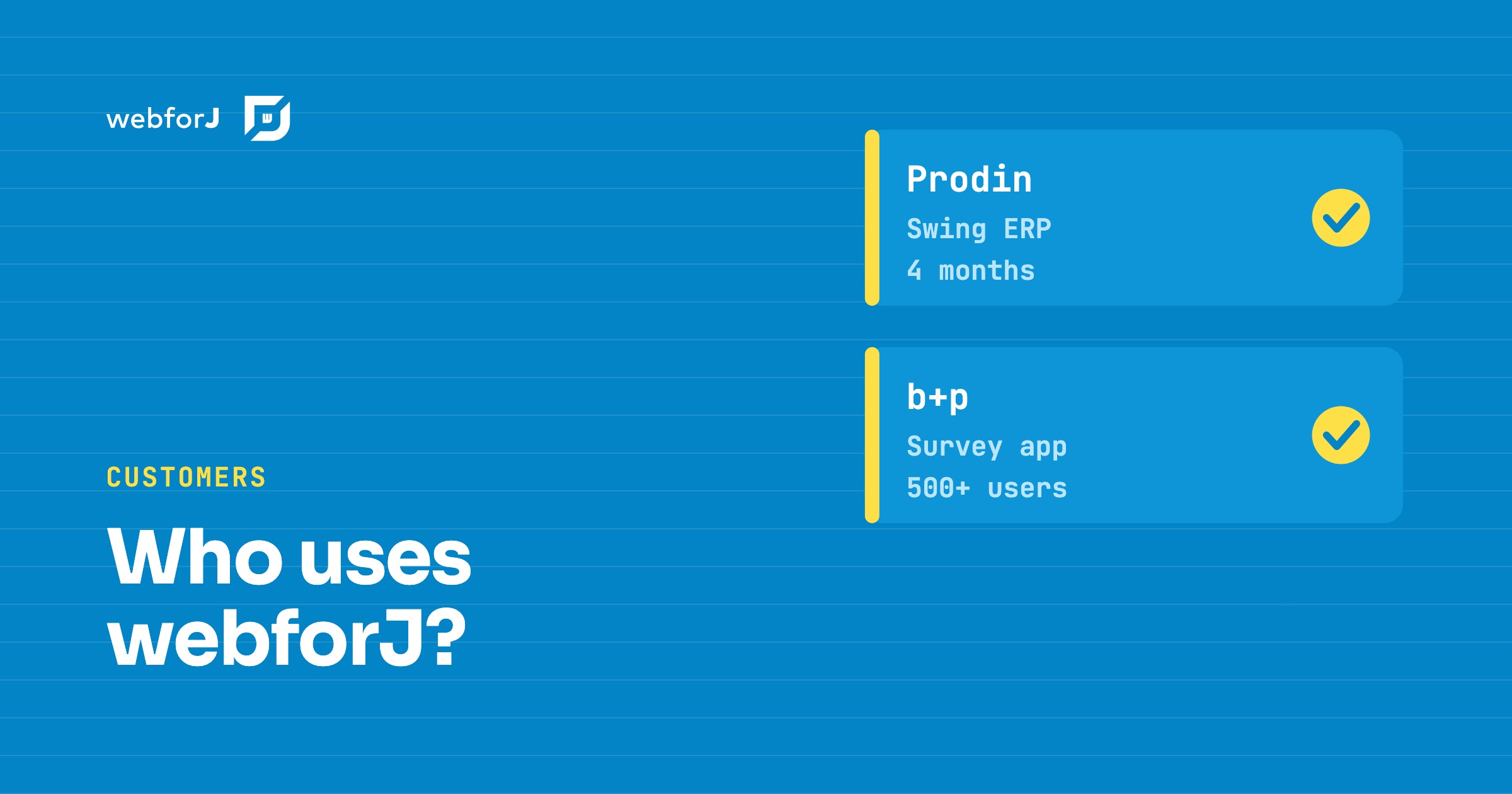 Who Uses webforJ? Customer Stories From Real ProjectsWho uses webforJ in production? The published webforJ customer stories, Prodin and b+p, with their team size, timeline and user counts, plus who builds webforJ.
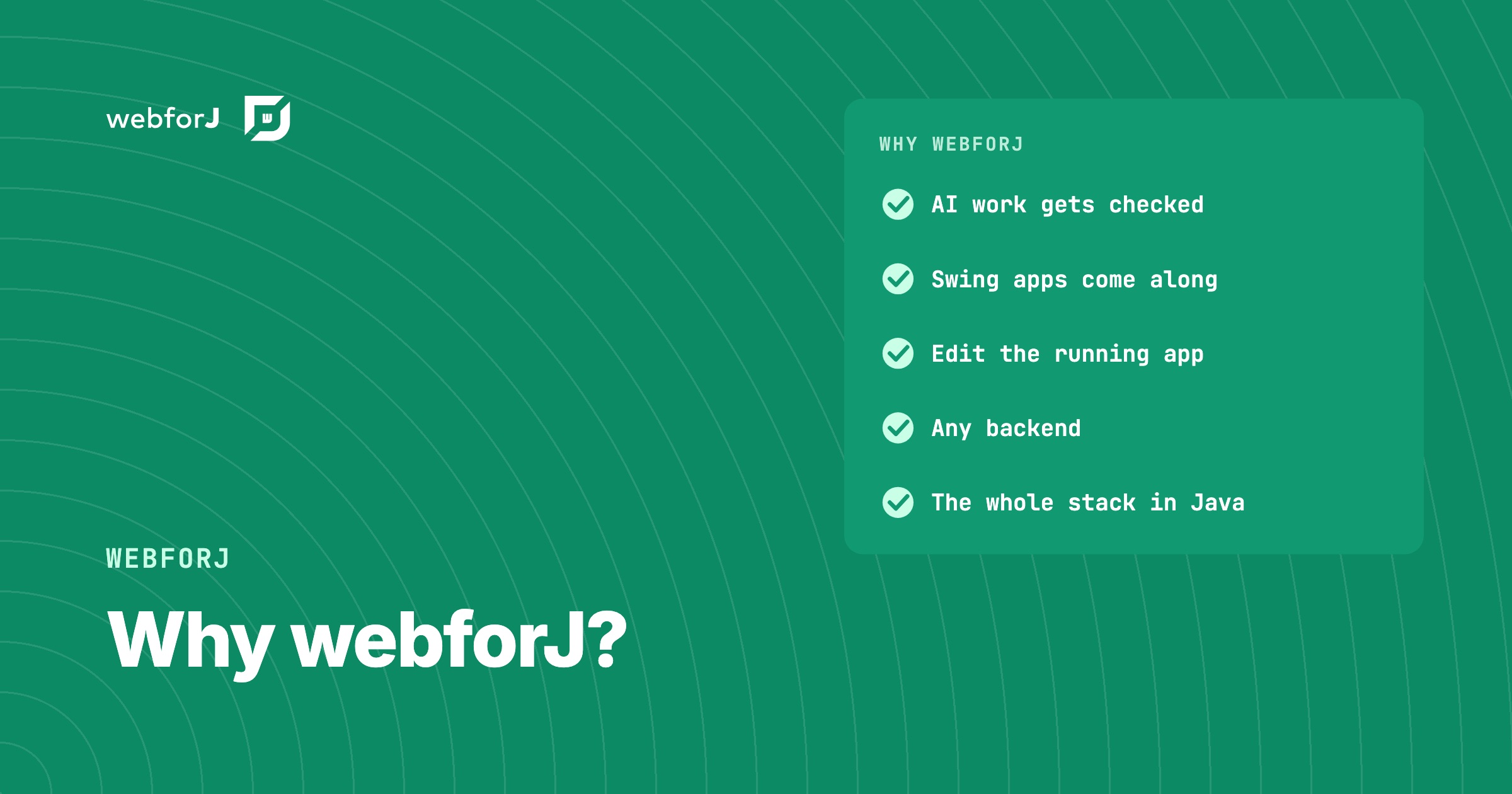 Why webforJ? Straight Answers to Questions Java Teams AskWhy webforJ for your next business web app? What sets it apart, why we built it, who stands behind it, and how it fits your backend and your own components.
 Is webforJ production ready? What's behind the nameIs webforJ production ready? The name is newer than the foundation under it: BASIS International, BBj and the DWC. Here are the facts behind the doubt.