Claude Code Java Web App: Build the Whole Thing, Screens Included

You ask your coding agent for a Java screen and get back something that looks right. Then you build it. A method does not exist, a constructor takes other arguments, and the button you asked for has never been clicked by anything. The agent is fast. What you lack is a way to know the result is correct before you read every line.
A Claude Code Java web app does not have to work that way. In webforJ, the full-stack Java framework for business web apps, Claude Code builds the whole app, screens included, and the work gets checked on three fronts: the real API, a scaffolded project, and a test that returns pass or fail without a browser.
Using AI to build Java apps?
Ask the team about webforJ AI tooling: the MCP server, Agent Skills, and how they keep generated code correct.
Where agent-built Java apps break
When a coding agent has nothing to look things up in, it writes from memory. Memory is a poor source for a framework with releases, and the failures are predictable:
- It calls an API that does not exist, or used to.
- It follows generic Java habits instead of the conventions of the framework.
- It produces code that compiles and does nothing useful when a user clicks.
Each failure needs its own check. Telling the agent to be careful fixes none of them. webforJ closes each gap with a piece of tooling, and Claude Code can use all of it. The verification loop post covers the idea across tools. This post is the Claude Code walkthrough.
Claude Code for Java developers
Claude Code is Anthropic's coding agent that runs in your terminal and works inside your project. For a Java team that matters, because the agent edits the same pom.xml and the same source tree you do.
webforJ gives it three things:
- The real API. The MCP server searches the webforJ knowledge base, so the agent reads signatures instead of recalling them.
- The right workflow. Agent Skills tell the agent how to approach forms, security, styling, timers, and more.
- A pass or fail. The TestBed runs a view in a plain JUnit test, so the agent can prove its own work.
The first two arrive in one install.
Install the plugin
The webforJ AI plugin bundles the MCP server and the Agent Skills. For Claude Code, run:
claude plugin marketplace add webforj/webforj-ai
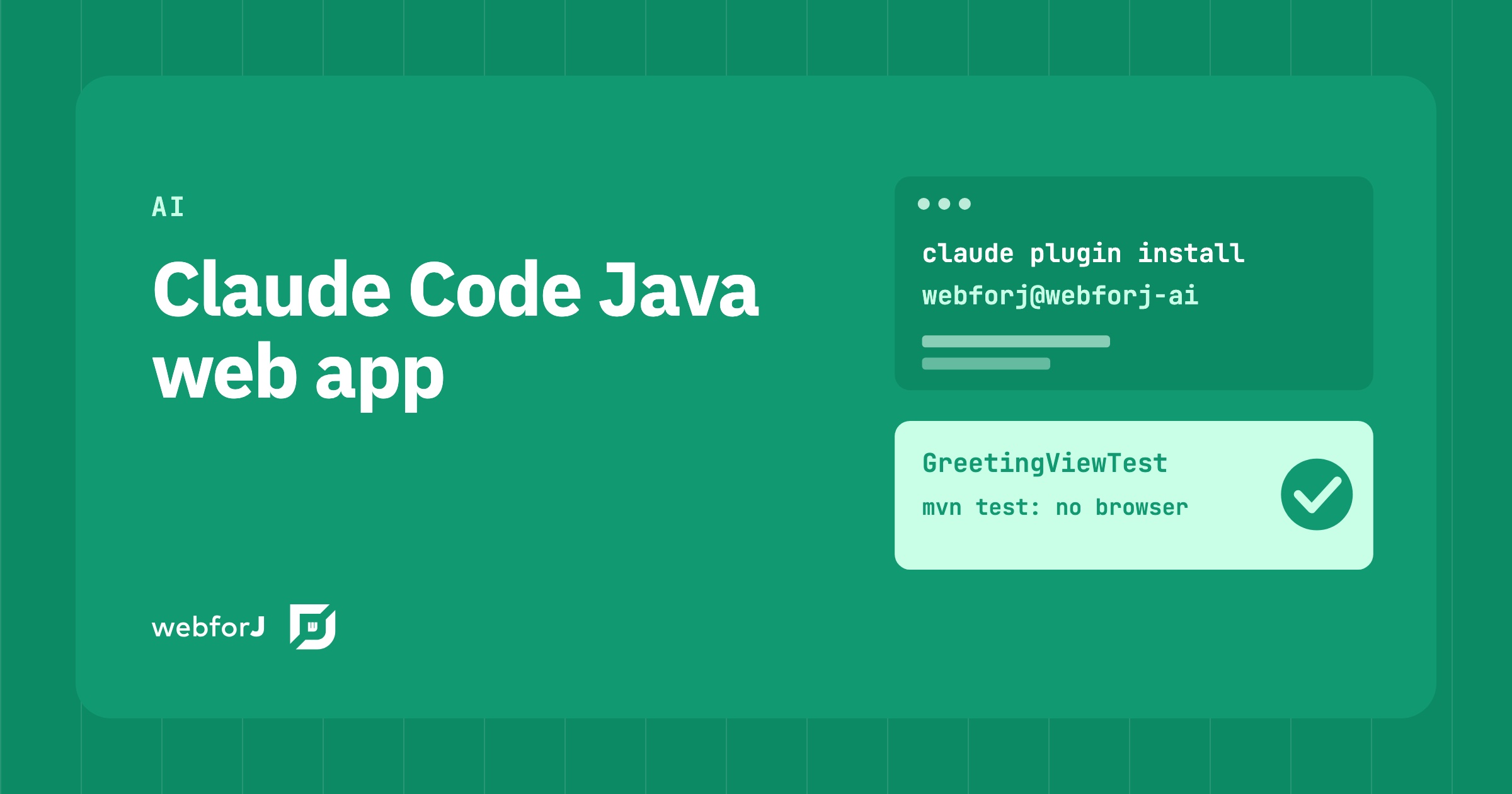
claude plugin install webforj@webforj-ai
Then verify inside Claude Code:
/plugin
/mcp
The webforj plugin appears under Installed, and the server shows up as plugin:webforj:webforj-mcp among the connected servers. The plugin page lists the steps for other clients.
One habit helps: mention webforJ in your prompts. That is the cue that sends the agent to the plugin instead of general Java knowledge.
Build a Java web app with Claude Code
Start with the project. The MCP server can scaffold one from the official Maven archetypes, so you ask for it in plain words:
Scaffold a new webforJ sidemenu project called CustomerPortal.
The server returns the Maven archetype command, and the agent runs it. The archetypes are hello-world, blank, tabs, and sidemenu, and they come in two flavors: webforj and webforj-spring. You can create the same project yourself with startforJ or the command line. What changes is that the project exists before the agent writes its first view. It already has the correct dependencies and a ready layout.
From there, you describe screens the way you would to a colleague:
Add a webforJ greeting view at /greeting. A name field, a Greet button,
and a paragraph that says Hello with the name.
A view in webforJ is a Java class with a route. Nothing else is needed: no template, no JavaScript, and no REST layer between the screen and your code.
@Route("greeting")
public class GreetingView extends Composite<Div> {
  private final TextField name = new TextField("Name");
  private final Paragraph message = new Paragraph();
  private final Button greet =
      new Button("Greet", ButtonTheme.PRIMARY, e -> greet());

  public GreetingView() {
    getBoundComponent().add(name, greet, message);
  }

  private void greet() {
    message.setText("Hello, " + name.getValue() + "!");
  }
}
That is a complete screen. It is also the kind of code an agent gets right more often when it has looked up Composite, Button, and @Route first.
Give the agent a way to check
Reading the view tells you it looks right. A test tells you it works. The TestBed runs the view inside a JUnit test with no browser and no server, so the agent can run mvn test and read the result. Add the module with test scope:
<dependency>
  <groupId>com.webforj</groupId>
  <artifactId>webforj-testbed-junit</artifactId>
  <scope>test</scope>
</dependency>
The version comes from the webforJ BOM. Then ask for the test:
Write a TestBed test for GreetingView that types a name, clicks Greet,
and checks the paragraph.
The test follows the steps of a user:
@WebforjTest
class GreetingViewTest {

  @Test
  void shouldGreetTheNameTheUserTyped(WebforjTestbed context) {
    context.add(new GreetingView());

    var name = ComponentLocator.of(TextField.class).byLabel("Name").locate();
    var greet = ComponentLocator.of(Button.class).byText("Greet").locate();

    UserInteraction.type(name, "Ada");
    UserInteraction.click(greet);

    verifyThat(ComponentLocator.of(Paragraph.class).locate())
        .hasText("Hello, Ada!");
  }
}
ComponentLocator finds the field by its label and the button by its text. UserInteraction types and clicks, so the listener of the button really runs. verifyThat checks the text a user would read, and a failure names the component and both values. That last detail matters for an agent. A failure it can read is a failure it can fix.
Now the loop closes. The agent writes the view, writes the test, runs it, and reads a pass or a fail. If it fails, the message says what differed, and the agent edits and runs again. You review a result that already passed instead of a guess. The guides on finding components and assertions show how far this goes, and the TestBed guide covers forms, dialogs, and routes.
Claude Code Spring Boot UI
If your backend is Spring Boot, nothing about the loop changes. Ask for the webforj-spring flavor when you scaffold, and the screens stay Java classes next to your beans and services. For tests, Spring Boot apps use the webforj-spring-testbed module, which works with @SpringBootTest and @WebforjTest, with injected beans and Spring Security on routes. The details are on the Spring testing page.
So a Claude Code Spring Boot UI gets the same three checks as a standalone one. Standalone and Spring Boot are both supported, and your data can come from Spring Data or any other source.
What the loop still misses
Be clear about the limits before you trust it.
- AI still makes mistakes. Even with the plugin, an agent can produce wrong code in complex cases. You review and test what it writes, which is why the test is part of the loop.
- A browserless test is not a browser test. The TestBed checks what the view shows and how it reacts. If you need to see how a page renders in an actual browser, you still want an end-to-end test for that.
- A test checks what you ask it to check. If the prompt does not describe a behavior, nothing asserts it. Describe the behavior you care about.
Within those limits, the loop does what it should. The agent works from the real API, follows the framework's conventions, and cannot hand back a screen that fails its own test.
Ask for one screen with a test
Pick a screen you would otherwise build by hand this week. Install the plugin with the two commands from the install section, scaffold or open a webforJ project, and ask Claude Code for the view and its TestBed test in one prompt. Run mvn test and read the result. The Getting started page covers the dependency and the first test in more detail.
FAQ
Can Claude Code build a Java web app?
Yes. With webforJ you describe the app, and Claude Code writes the project, the routes, the views, and the tests in Java. The webforJ AI plugin gives it the MCP server and the Agent Skills so it uses real API signatures.
How do you install webforJ for Claude Code?
Run claude plugin marketplace add webforj/webforj-ai, then claude plugin install webforj@webforj-ai. Check it with /plugin and /mcp inside Claude Code.
Does it work with Spring Boot?
Yes. Scaffold the webforj-spring flavor and use the webforj-spring-testbed module for tests. Standalone webforJ works the same way without Spring.
Vous développez quelque chose avec webforJ ?
Échangez avec l’équipe au sujet de votre projet, d’une migration ou de la pertinence de webforJ.
Continuer la lecture
 Adding an AI Chat Feature to a Java App: A Reference ImplementationHow to build a streaming, ChatGPT-style AI chat in a Java web app using webforJ, Spring AI, and MCP. A code walkthrough of the ghost:ai reference project.
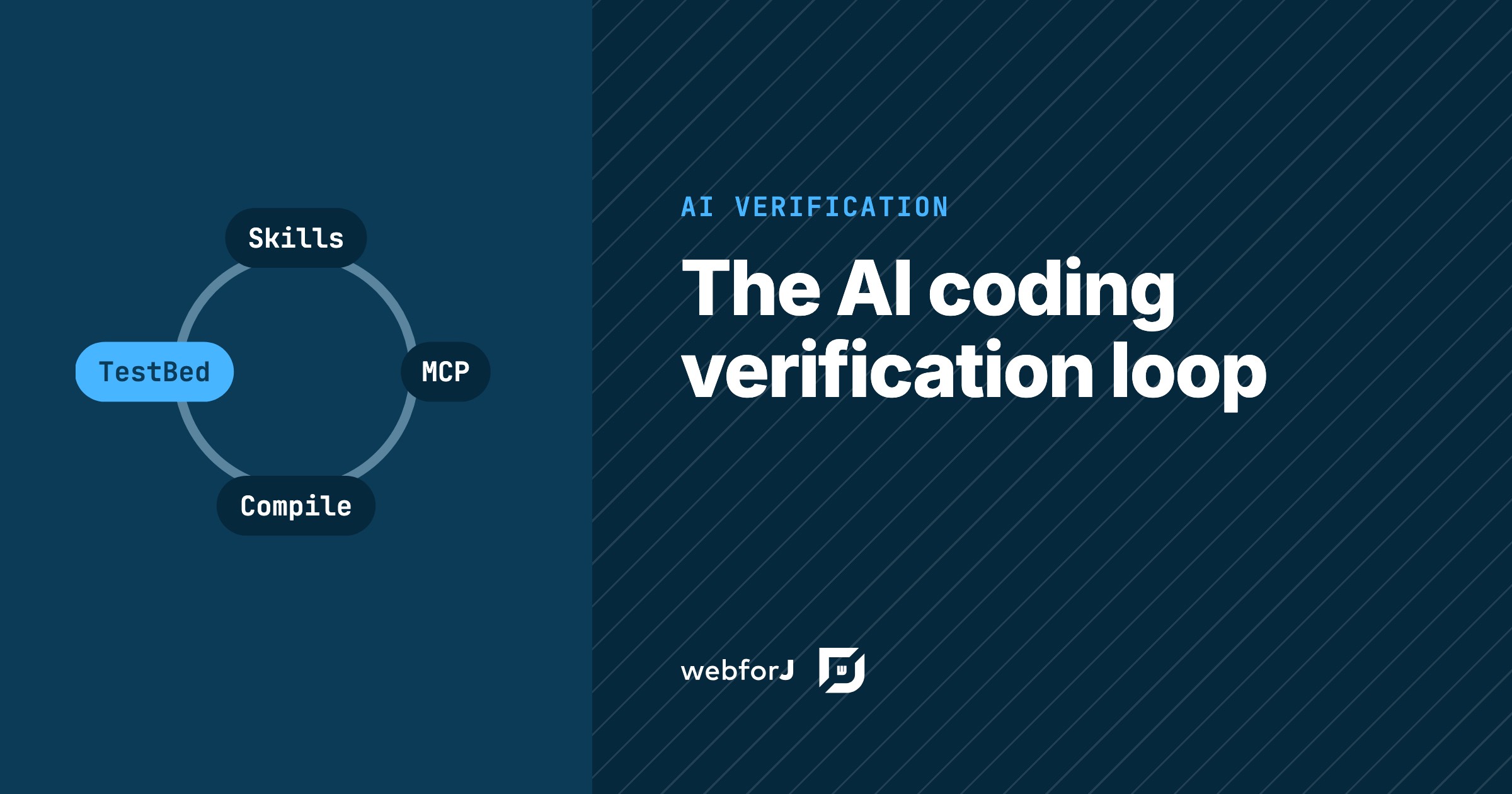 The AI coding agent verification loop for JavaHow webforJ closes the AI coding agent verification loop in Java: skills, MCP docs checks, compiled edits and browserless tests, installed with one plugin.
 Best Java framework for AI coding: why webforJ fitswebforJ is the best Java framework for AI coding. One language, typed APIs and an official MCP server and skills keep generated UI code correct and compiling.
