JSF to Angular migration: what the rewrite really adds

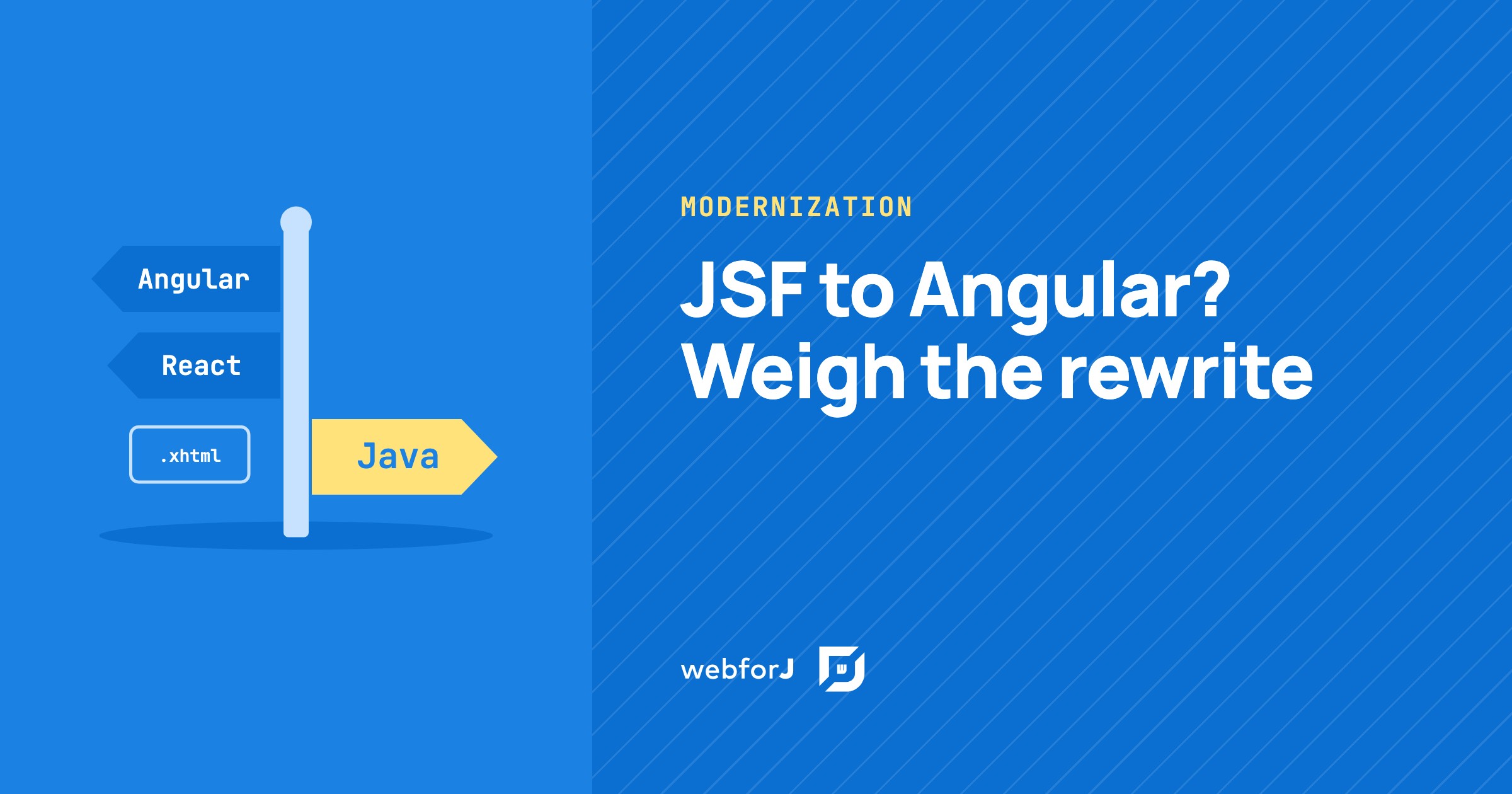
Your team runs a JSF app that does real work. The screens are dated, the component library is getting harder to upgrade, and someone has been asked for a plan. Most of the advice you find points to Angular or to React.
This post is for the team about to start a JSF to Angular migration, or a JSF to React migration. It lists what that rewrite adds to a Java team, when it is the right call, and a third option: rebuild the UI in Java with webforJ and keep the Java backend and the Java team you already have.
Moving a desktop Java app to the web?
Send us a screenshot of one screen and we'll reply with how it moves to webforJ.
Why the usual advice is a rewrite
Most advice on leaving JSF points to Angular or React, so it is easy to read that as the default answer. Both are solid choices for many products. In both, the UI code is written in JavaScript or TypeScript and runs in the browser.
That last part is what matters for a JSF team. Moving to either one is not an upgrade of the view layer. It is a new front end, in a new language, next to the Java app.
What the rewrite adds to your stack
A JSF page and its backing bean run on the server, in the same JVM as your services. The bean calls a service with a plain method call. A browser front end can't do that. Here is what the rewrite adds:
- A second language. Angular apps are written in TypeScript, and React components are JavaScript functions. Your Java developers learn a new language, or you hire people who know it.
- A REST layer. Every screen that reads or writes data now needs endpoints, JSON shapes on both sides, and access checks on each endpoint. In JSF none of this existed, because the bean and the service sat in the same process.
- A second build. The front end has its own package manager, its own build and its own deployment, next to Maven or Gradle.
- A second team. Front end and back end often drift into separate roles, separate backlogs and separate releases. A feature that touches a screen and its data now crosses the API boundary.
None of these is a flaw in Angular or React. They are the shape of a client-side front end. The cost of separate frontend and backend teams post has a worksheet for putting your own numbers on points 2 to 4.
When a rewrite is the right call
A rewrite to a JavaScript front end makes sense when:
- You already have a front-end team that knows the framework.
- The backend already exposes a public API that mobile apps or partners use.
- The product is a consumer site where the wider JavaScript ecosystem matters more than staying in one language.
If that describes your team, rewrite JSF in Angular or React with a clear plan. The React with a Java backend post walks through what that stack involves in practice.
Rebuild the UI in Java instead
Many JSF teams fit none of the preceding cases. They are Java developers maintaining a business app with forms, tables, and workflows. For them there is a third road: keep the server-side model, drop the XHTML, and write each screen as a Java class with webforJ.
The JSF app still gets a new UI. The backend and the team stay. A view receives your services through its constructor and calls them directly:
@Route("/dashboard")
public class DashboardView extends Composite<Div> {

  private final Div self = getBoundComponent();
  private final MetricsService metricsService;

  public DashboardView(MetricsService metricsService) {
    this.metricsService = metricsService;

    // Use injected services to build UI
    Div metricsPanel = new Div();
    metricsPanel.setText(metricsService.getCurrentMetrics());

    self.add(metricsPanel);
  }
}
There is no endpoint between the view and MetricsService. With Spring Boot, your services, repositories and configuration work as normal, and Spring routing injects them into each view. Existing Spring Data repositories plug into webforJ tables through the Spring Data JPA integration without modification.
What stays and what changes
What stays:
- Entities, services and repositories.
- Jakarta Bean Validation constraints on your model. A
BindingContextapplies them to the bound fields through Jakarta Validation. - The language, the build tool and the people.
What changes:
- Facelets XHTML views become Java classes.
- Most backing beans fold into the view.
- EL expressions become
BindingContextbindings between fields and bean properties.
The concept-by-concept mapping already has its own posts. For Faces views, beans, EL and validators, read the JSF to Spring Boot migration guide. For rich component libraries, read the PrimeFaces alternative post.
For JSP pages, the same choice applies. A JSP to React migration adds the same four things as a JSF rewrite. The JSP modernization post maps scriptlets, JSTL loops, includes and tag libraries to a Java component tree.
Plan the move in five steps
Whichever road you pick, the order of work is similar. For the Java road:
- List the screens. Note which ones are simple forms, which are tables, and which carry heavy templating.
- Pull logic out of the beans. Anything that is business logic moves into a service, if it is not there already. This step pays off on any road.
- Pick one leaf screen. A single form or report with few links to other pages is a good first port.
- Port it and compare. Build the webforJ view, wire it to the same service, and check it against the JSF screen with the people who use it.
- Repeat, heaviest last. Move the next screens behind a shared route layout, and leave the most templated pages for the end.
The legacy Java modernization strategy post covers how to rank screens by value and risk across a whole estate.
An AI assistant can speed up steps 3 to 5. The webforJ AI plugin gives it live access to the webforJ docs while it writes the new views.
Ask it for a TestBed test with every view it ports. The TestBed runs the view in a plain JUnit test, with no browser and no server, so each port comes back with a pass or a fail before you review it. That is the AI verification loop. You still review each view before it ships.
Frequently asked questions
Does it matter which front end you pick?
A JSF to React migration and a JSF to Angular migration differ in the details, not in the shape. In both, the UI code is written in JavaScript or TypeScript, and both need an API between the screens and your Java services.
Will my backend need a REST API?
Not for the screens. A webforJ view calls your Java services directly, so the services the JSF beans call today stay as they are. An Angular or React rewrite needs an API between those services and the new screens.
Can the team that maintains the JSF app do the work?
Yes. The new screens are Java classes built from components, events and bindings, so the developers who know the JSF app and its services can build them without learning a second language first.
Plan your JSF move with our team
To plan the move with the people who build webforJ, start at modernization.
Bouw je iets met webforJ?
Bespreek je project, migratie of de geschiktheid van webforJ met het team.
Verder lezen
 The Business Case for a Java UI Framework: What Your Boss Will AskThe business case for a Java UI framework, in the questions a manager or architecture board asks: who is behind it, upgrades, fit, lock-in, testing and a pilot.
 The best Java UI framework for enterprise business apps in 2026How to pick the best Java UI framework for enterprise and internal business apps in 2026: Thymeleaf, Jakarta Faces, a JavaScript SPA, or webforJ, with working code for the Java-only route.
 Apache Tapestry alternative: a decision guide for Java teamsLooking for an Apache Tapestry alternative? See what carries over, what changes, and when to stay, then move one screen at a time to webforJ.