Vibe Coding a Java Web App Without Losing Control

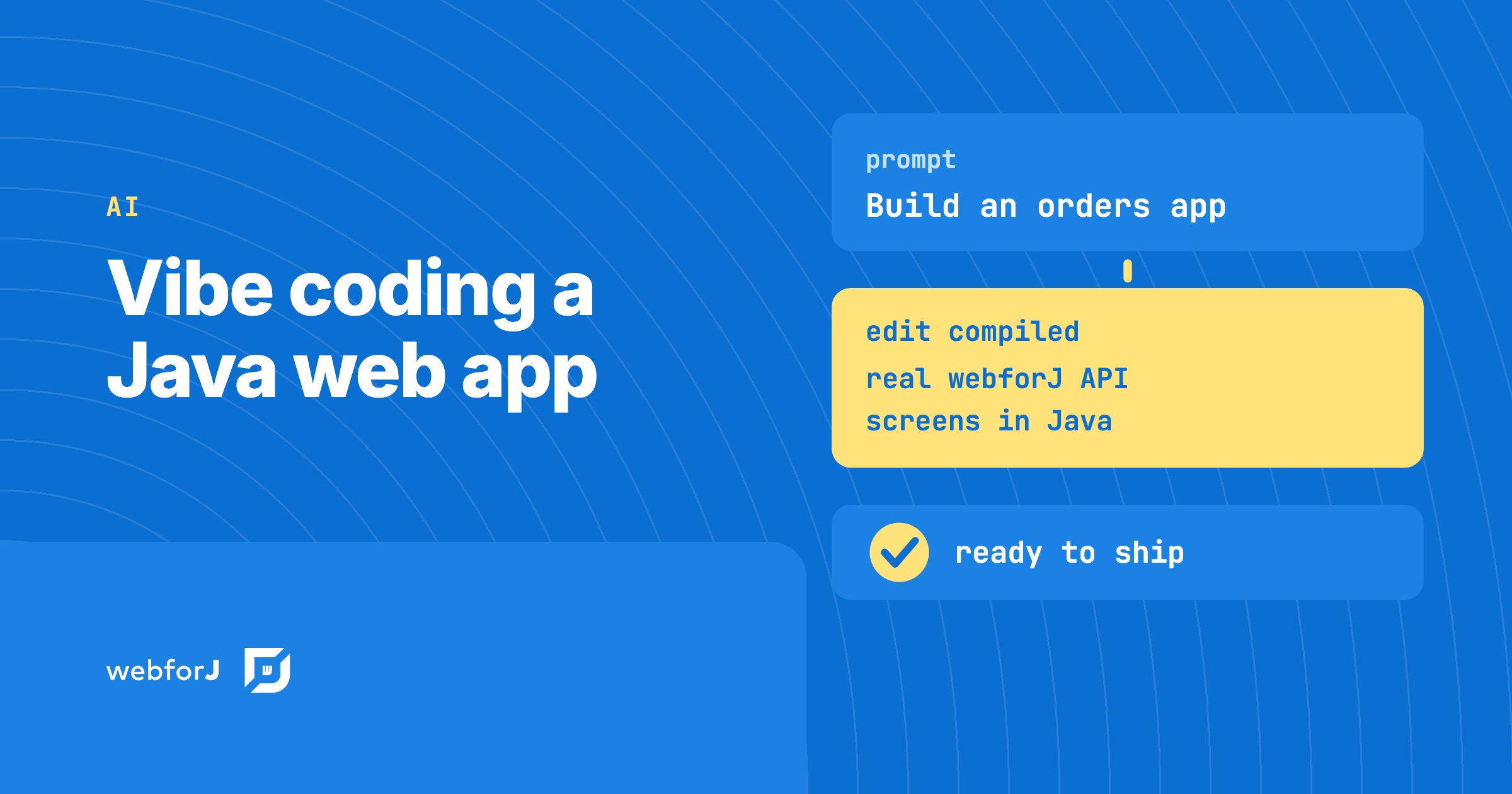
Your developers already describe screens to an AI assistant and judge what comes back. The first version appears fast. Whether it can ship is a separate question, and it is the one that matters when a team starts vibe coding a Java web app the business will depend on.
Left alone, the approach fails in known ways. The assistant guesses at an API, a change breaks a screen nobody touched, or nobody can say what the code does. We built webforJ, the full-stack Java framework for business web apps, so the speed comes with control: the whole app is Java, the assistant reads the real API, and every change gets checked.
Using AI to build Java apps?
Ask the team about webforJ AI tooling: the MCP server, Agent Skills, and how they keep generated code correct.
What is vibe coding in Java?
Vibe coding means you steer by describing what you want and judging what runs, instead of writing each line yourself. You stay in charge of the result. The assistant does the typing.
Java is a good fit for the idea because the compiler is a free reviewer. A method that doesn't exist fails the build, so many wrong guesses die before you ever see them. The weak spot is the stack. If your app is part Java, part JavaScript, part templates and part REST glue, the assistant has four places to be wrong, and the compiler only watches one of them.
In webforJ the screens are Java classes, the routes are annotations, and the forms, tables and dialogs are Java components. One language means one set of checks, and the assistant has one thing to get right.
From prompt to a checked app
Here is the path we recommend.
-
Install the plugin. The webforJ AI plugin adds the MCP server and Agent Skills to Claude Code, Copilot, Cursor, Gemini CLI or Codex. For Claude Code it is two commands:
claude plugin marketplace add webforj/webforj-aiclaude plugin install webforj@webforj-ai -
Scaffold a project. Ask for a new webforJ project in your first prompt. The MCP server can create one from the official Maven archetypes, so the assistant starts from a layout that runs, not from an empty folder.
-
Describe one screen at a time. "Add a customers table with a search field to this webforJ app" is a good prompt. "Build a CRM" is not. Small prompts give you small diffs you can judge.
-
Run it and react. Look at the screen, say what feels wrong, repeat.
-
Pin it with a test. Once a screen behaves the way you want, ask for a test, so a later prompt can't break it unnoticed.
Vibe code a Spring Boot app
Many teams want the Spring Boot they already know. webforJ integrates with Spring Boot for dependency injection, Spring Data repositories and scopes, and it also runs without Spring when you don't need it. Your assistant writes the services and repositories the way it always has, and the screens in Java on top of them.
Say which one you want in the prompt. "Add a webforJ view that lists orders from the existing Spring Data repository" gives the assistant a clear target and keeps your data layer untouched.
What keeps it under control?
Speed is easy. Staying shippable is the hard part, and it takes three things working together.
The assistant knows the real API. The MCP server lets it look up classes and guides in the webforJ knowledge base, so it asks instead of inventing method names. The Agent Skills add the workflow: how to build a form with binding and validation, how to secure routes, how to theme with design tokens, how to schedule background work without breaking the UI thread.
Every edit gets compiled. The craftforJ Assistant is a coding agent that works inside your running app. It stages each edit, sends it to a real Java compiler, fixes its own mistakes from the diagnostics, and only then shows you the change. What reaches your review already compiles against the app you are looking at. It ships with webforJ and runs in development only.
Behavior is pinned by tests. The TestBed runs views in plain JUnit with no browser and no server, so nothing waits and nothing flakes. Ask the assistant to write a test for each screen once you like how it behaves. From then on, a later prompt that breaks that screen fails the build, instead of failing in front of a user.
Is vibe coding safe for business apps?
Yes, when the code goes through the same checks as any other code. Business apps hold customer data and decide who can see what, so a screen that merely looks right is not enough.
Four habits close most of the gap:
- Read the security rules yourself. Access to routes is declared with annotations and enforced centrally. Have the assistant use the
webforj-securing-appsskill, then read the result. See Security. - Keep secrets out of prompts and code. Credentials belong in configuration, not in a chat.
- Write the test before you trust the screen. A passing TestBed test is a contract the next prompt has to respect.
- Review before you merge. A person reads what goes to production.
Treat what the assistant writes as a draft you now own. That is what separates a demo from an app the business runs on.
Start with one screen and one test
A vibe-coded app becomes a team's app the moment a second person opens it. That is where one language pays off again. The code is Java, so any Java developer can read it, debug it in their IDE, and extend it with or without an assistant. Nothing in it needs a prompt history to be understood.
Start with one screen. Install the plugin, ask for a small webforJ project, add a single view, and write one TestBed test for it with the getting started guide. The AI coding assistant post covers choosing and setting up the assistant itself.
Frequently asked questions
Can you vibe code a Java web app?
Yes. Describe a screen to your assistant, run it, and refine. It goes best when the framework is all Java, because the compiler checks the whole app, and when the assistant reads the real API through the webforJ MCP server.
How do I vibe code a Spring Boot app?
Use webforJ with Spring Boot, ask for services and repositories as usual, and describe each screen as a webforJ view.
Is vibe coding safe for business apps?
Yes, with the same checks as any other code. Read the security rules, add TestBed tests for the screens that matter, and review every change before it ships.
Do I need a paid model for craftforJ?
craftforJ ships no model of its own. You add an API key for a supported provider, or point it at a model running locally with Ollama.
Bouw je iets met webforJ?
Bespreek je project, migratie of de geschiktheid van webforJ met het team.
Verder lezen
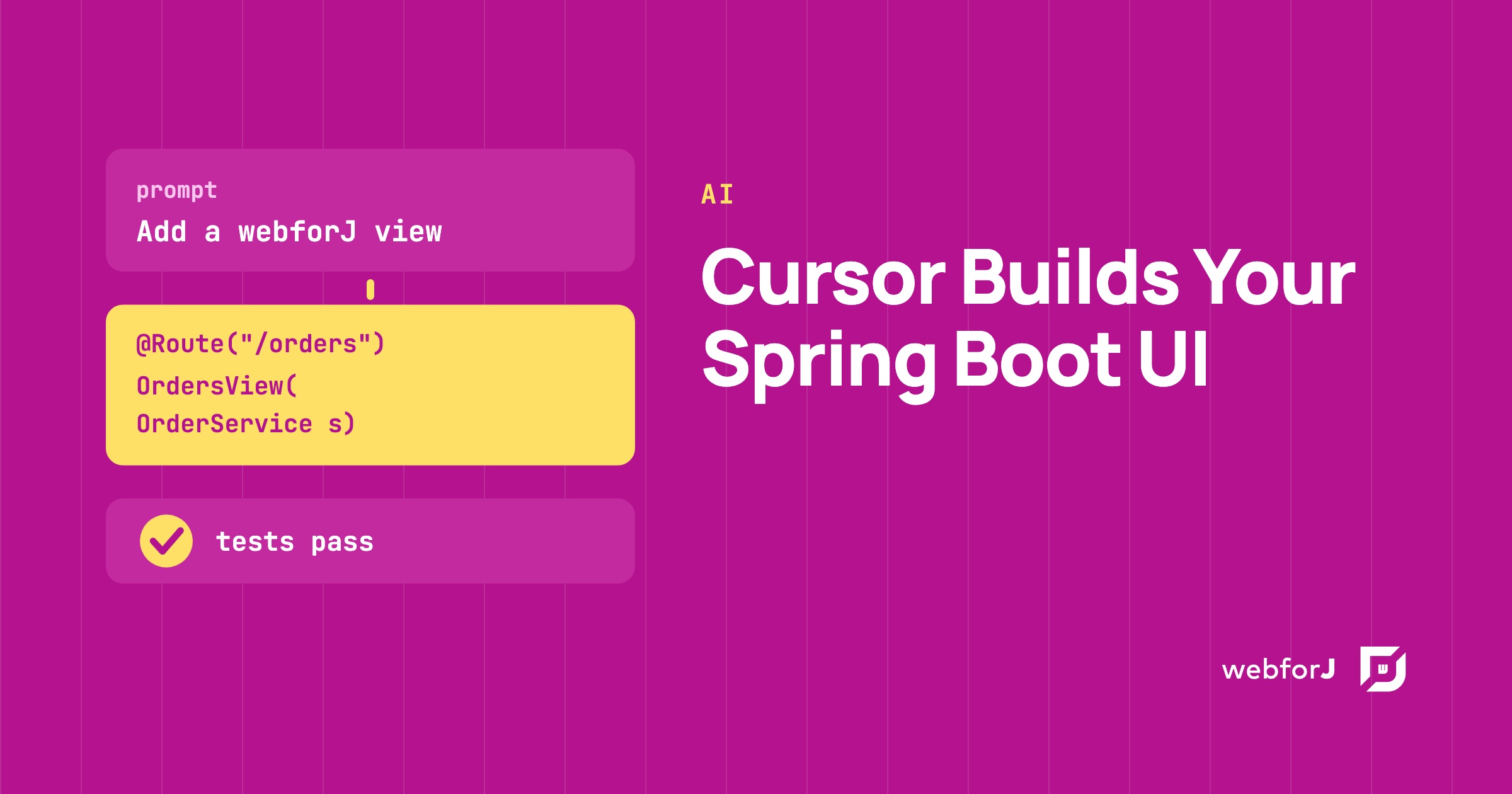 Cursor Spring Boot UI: Let the Assistant Write Your Screens in JavaBuild a Spring Boot UI with Cursor and webforJ. Install the AI plugin, prompt for a view that injects a Spring bean, and check it with a browserless test.
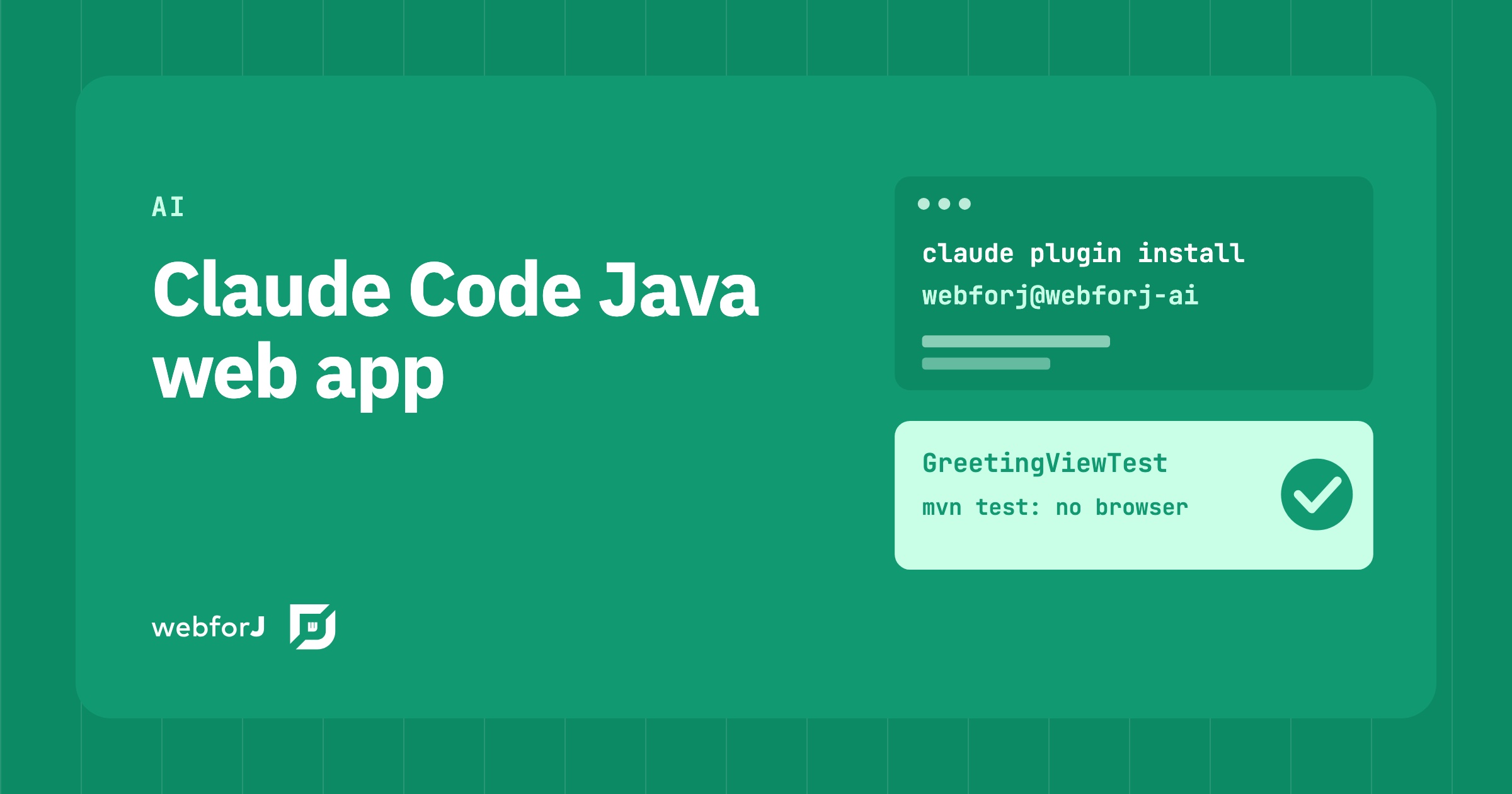 Claude Code Java Web App: Build the Whole Thing, Screens IncludedBuild a Claude Code Java web app end to end. One plugin gives Claude Code the real webforJ API, a scaffolder, and TestBed tests that pass or fail without a browser.
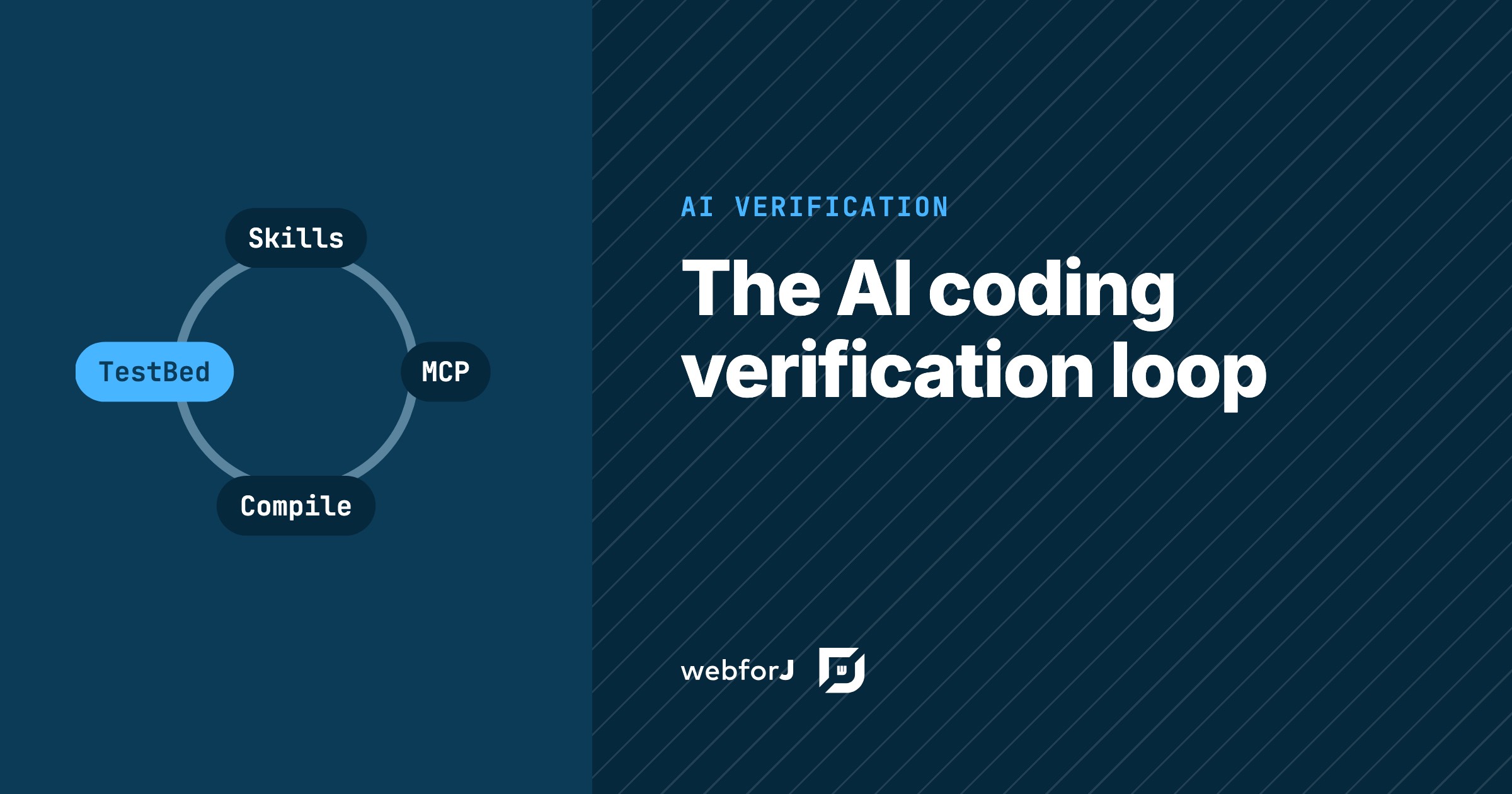 The AI coding agent verification loop for JavaHow webforJ closes the AI coding agent verification loop in Java: skills, MCP docs checks, compiled edits and browserless tests, installed with one plugin.