webforJ JavaScript Integration: Use the Libraries You Already Have

A Java framework that builds the whole screen in Java raises a fair worry for anyone choosing it: what happens the day you need a charting library, a date picker or a widget your team already owns, and it's written in JavaScript? Do you wait for the framework to ship its own version?
You don't. This post covers webforJ JavaScript integration: the documented ways to bring the JavaScript ecosystem into a webforJ app, and which one fits which job. webforJ is the full-stack Java framework for business web apps: you build the whole app, screens included, in Java. The standard app needs no JavaScript at all, and when you want some, there are four clear routes in.
Connecting webforJ to your stack?
Ask the team about your libraries, services, and build.
Can I use JavaScript libraries with webforJ?
Yes. Every route below keeps your screens in Java and lets a script, a stylesheet, a web component, or an npm package join them. You choose the route by what you are bringing:
- A web component becomes a typed Java class.
- A script or stylesheet you already have gets attached to a component or to the app.
- A single browser call runs straight from Java.
- An npm package or a React, Svelte or Lit component goes through the frontend bundler.
You can mix them in one app, and each can be adopted on its own.
Wrap a web component in Java
ElementComposite wraps a custom HTML element or third-party web component in a Java class. Its properties, attributes and events become part of the Java API, so the rest of your team calls setX() and getX() on a normal class and never touches the underlying element.
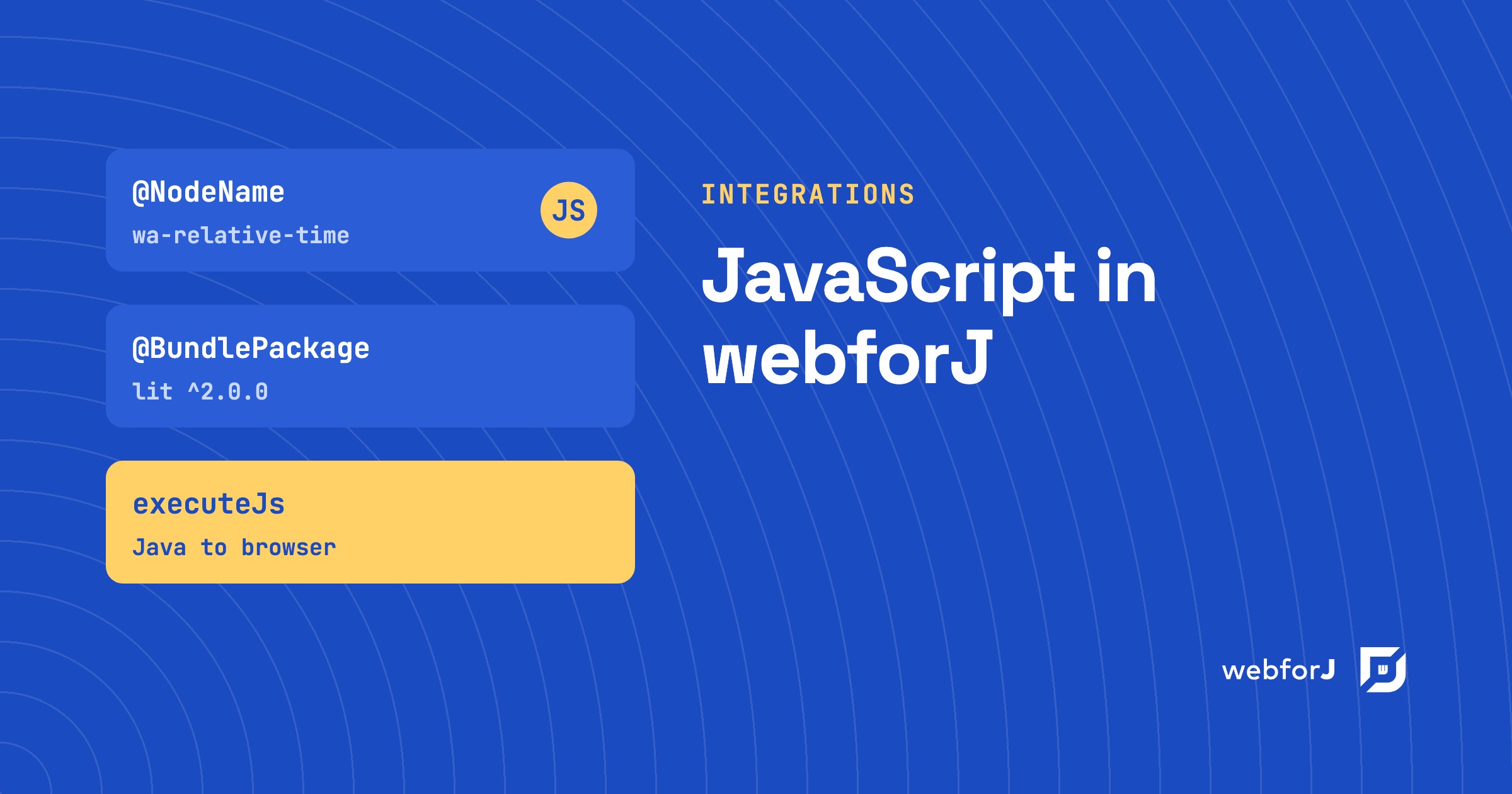
A wrapper declares the tag it wraps and the script and stylesheet the component depends on, with the @NodeName, @JavaScript and @StyleSheet annotations. webforJ deduplicates script loads, so several components can depend on the same script without loading it twice. Events work the same way: you register listeners from Java, with options such as debouncing, throttling, and filtering.
This is the route for a component library you want to use across many screens. You write the wrapper once, and from then on the component behaves like any built-in one. Our post on web components in Java walks through the idea in more depth.
If a built-in component already covers the need, such as a text field or a button, use that instead. For a one-off piece of DOM work that nobody will reuse, the Element class can be used directly without a wrapper.
Run JavaScript from Java
Sometimes you don't need a component, just one call in the browser: scroll the window, focus a field, read a browser value or call a method on a web component. Execute JavaScript covers that with executeJs, executeJsAsync and executeJsVoidAsync. They work at two levels. Page runs a script in the context of the whole page, and an Element runs a script scoped to a single client element.
The three methods differ in whether the calling thread waits and whether a result comes back. Fire-and-forget calls return nothing. The asynchronous form returns a PendingResult, so Java can react when the browser answers, and returned values arrive as matching Java types such as String, Boolean and numbers.
This is the lightest route. It suits glue code, not whole widgets.
Load scripts and styles
If you already have a script or a stylesheet, Importing Assets attaches it to a component or the app with annotations. There is no build step, no npm, and no compile. The same page covers inline scripts and styles and how they load, and the Managing Resources section also covers runtime injection of resources, custom URL protocols and file downloads.
Choose this route when the asset is already built: a vendor script served from a URL, a company stylesheet or a bundle another team publishes.
Bring npm packages and components
The frontend bundler, available since 26.01, lets a class draw on the npm ecosystem and write components in React, Svelte or Lit, all from a Java project with no Node toolchain to install or run. A class names the frontend it needs with @BundleEntry and @BundlePackage. The build installs the packages, compiles the sources and loads the result when a component of that class is created.
The bundler runs as part of the webforJ build plugin for Maven or Gradle. It also handles SCSS, Less and Tailwind through extensions, and it can run frontend tests as part of the build. Because the annotations sit on the class, the frontend a view needs travels with the view.
It's opt in. A project that already uses the asset annotations keeps them unchanged and adds the bundler only where a package, a compiled source, or a test calls for it. The packages and assets page explains how packages and entries work.
Ready-made integrations
Some wrapped libraries ship as webforJ components. The GoogleChart component integrates the Google Charts library, so you configure bar, line, pie and geo charts in Java with a type, a data set, and an options map. No script tag or wrapper is involved.
Which route fits?
| You have | Use | Build step |
|---|---|---|
| A third-party web component | ElementComposite | None |
| One browser action to trigger | Execute JavaScript | None |
| A built script or stylesheet | Asset annotations | None |
| An npm package | Frontend bundler | Yes, by the build plugin |
| A React, Svelte or Lit component | Frontend bundler | Yes, by the build plugin |
The routes stack. A common shape is a bundler entry that registers a custom element, Java that consumes it, and an occasional script call for the odd browser action.
Can I use npm packages in a webforJ app?
Yes. Declare the package and version with @BundlePackage, point @BundleEntry at the file under src/main/frontend that imports it, and the build installs and compiles it. The build plugin manages Bun for you, so you install nothing extra.
Can I use a React component in webforJ?
Yes. The bundler lets you write components in React, Svelte or Lit and consume them from Java, with the compiled output loaded when a component of that class is created. The entry registers a custom element, and the Java side consumes it with Element and listens to its events.
Do I have to write JavaScript to use webforJ?
No. Components, routing, forms, tables and security are written in Java. JavaScript enters only when you choose to bring a library or a script, and then through the routes in this post.
Pick your first integration
Start with the library you already know you need. If it ships as a web component, read the ElementComposite guide. If it's an npm package or a React, Svelte or Lit component, read the frontend bundler overview. If it's a script you've already built, the asset annotations attach it in one line.
Bouw je iets met webforJ?
Bespreek je project, migratie of de geschiktheid van webforJ met het team.
Verder lezen
 Spring Boot frontend: Thymeleaf, React or webforJ?Choosing a Spring Boot frontend? Compare Thymeleaf, React or Angular with REST, and webforJ, which builds the UI in Java inside the same Spring Boot app.
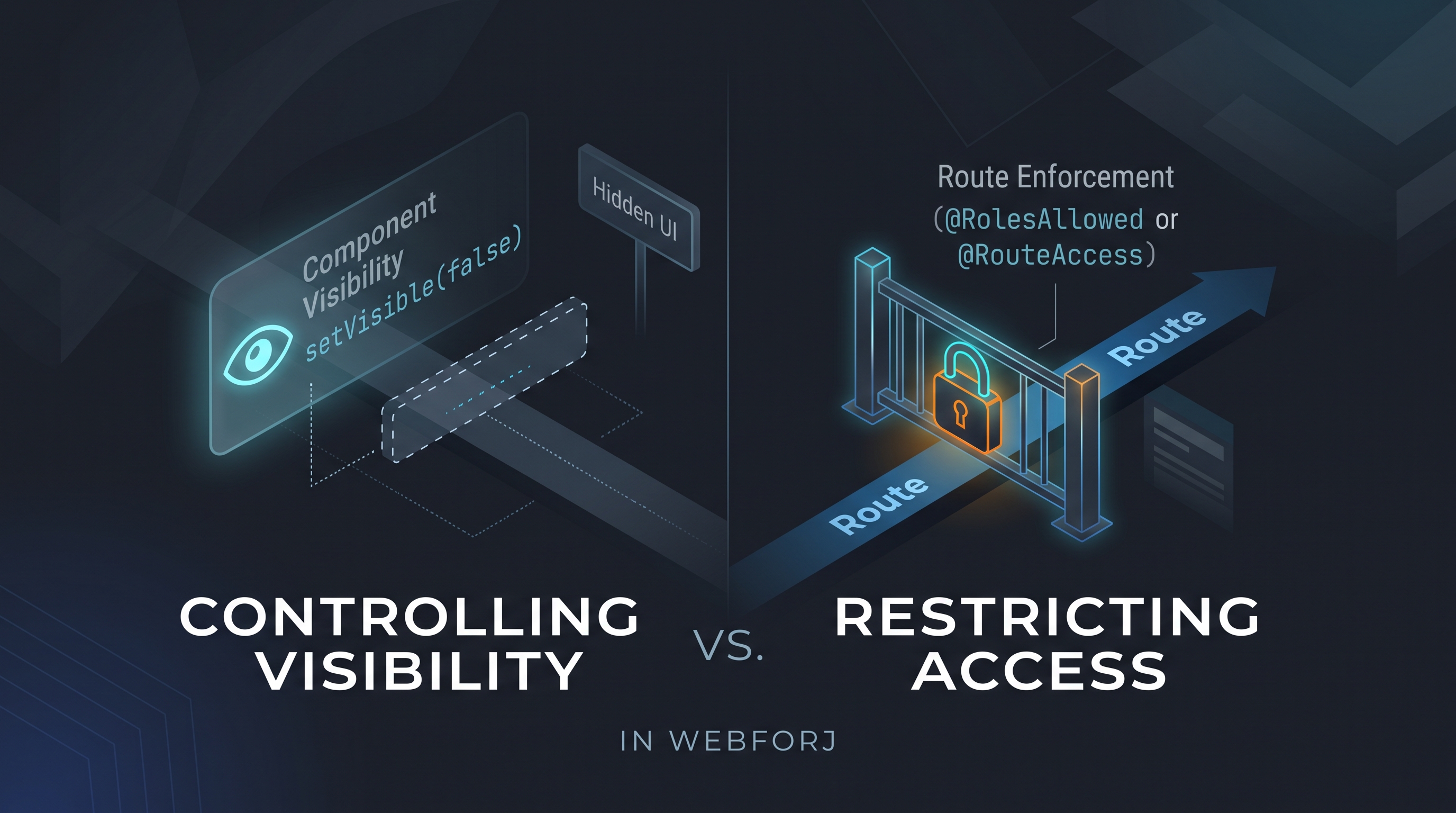 Spring Security role-based UI access: why protecting routes beats hiding elementssetVisible(false) decides what the interface shows: route-level annotations decide whether to render at all. They're not the same thing.
 Kotlin web framework: build web UIs with the webforJ DSLUse webforJ as your Kotlin web framework. Build web UIs with the Kotlin DSL, handle events, mix in Java, add custom components and inject Spring services.