Use a React component in Java: wrap it with webforJ

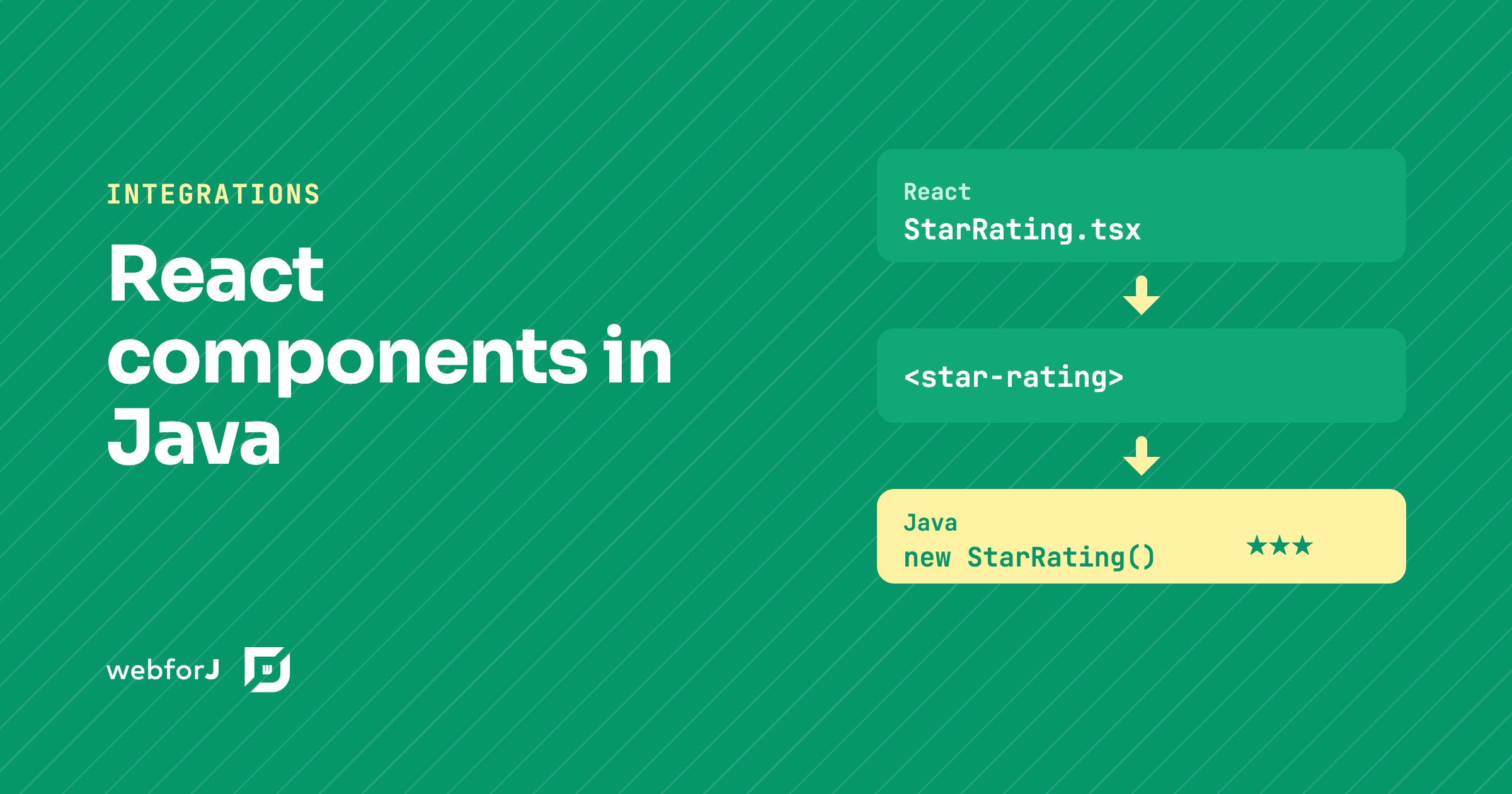
Your team already has a React component it likes, a star rating, a date picker, a small chart. Now the app around it is moving to Java, and you'd rather not rebuild that widget or keep a second frontend just for it.
You don't have to. To use a React component in Java with webforJ, you turn it into a custom element and wrap that element in a Java class. The React code stays React, and the rest of the app sees an ordinary webforJ component.
Need a component that isn't covered here?
Ask the team what fits your screen.
How the pieces fit
A custom element is the meeting point. The browser treats it as one tag, and React renders whatever it likes inside. That gives three small layers:
- The React component, unchanged, under
src/main/frontend. - An entry file that registers it as a tag, here
star-rating, using a library such as@r2wc/react-to-web-component. - A Java class that wraps the tag with
ElementCompositeand gives it typed properties and events.
The third layer is the same wrapper you would write for any web component, as shown in web components in Java.
The build does the frontend work
The frontend bundler keeps the frontend next to the Java class that needs it. On the wrapper class, @BundlePackage declares react, react-dom and the custom element library, and @BundleEntry names the entry file. The build installs the packages, compiles the entry and loads it when the component is created.
React needs no extra bundler extension, and the webforJ build plugin manages Bun for you. There is no Node toolchain to install and no separate frontend repository.
Use it like any component
On the Java side, the wrapper exposes setValue, setMax and an onRate listener. From there the React widget behaves like any other component in a view.
@Route("/review")
public class ReviewView extends Composite<FlexLayout> {
  private final FlexLayout self = getBoundComponent();
  private final StarRating rating = new StarRating().setMax(5).setValue(3);
  private final Paragraph label = new Paragraph("Current rating: 3");

  public ReviewView() {
    rating.onRate(e -> {
      rating.setValue(e.getStars());
      label.setText("Current rating: " + e.getStars());
    });

    self.add(rating, label);
  }
}
The click happens in React, the event arrives in the Java listener, and the listener updates a webforJ Paragraph.
Keep the boundary small
This approach suits a self-contained piece of UI.
- One component per tag. A React app that owns its own routing and state belongs in a separate frontend.
- Pass small values. Numbers, strings and small JSON objects cross the boundary well. Keep heavy logic in Java.
- Check the built-in components first. Reach for a wrapper when webforJ doesn't already provide what you need.
Wrap your first React component
Pick one widget you already have in React and wrap it. The Element Composite guide covers the Java wrapper, and the bundler overview covers packages and entries.
Frequently asked questions
Do I need Node installed?
No. The webforJ build plugin manages Bun, installs the declared packages and compiles the entry during your normal Maven or Gradle build.
How do events from React reach Java?
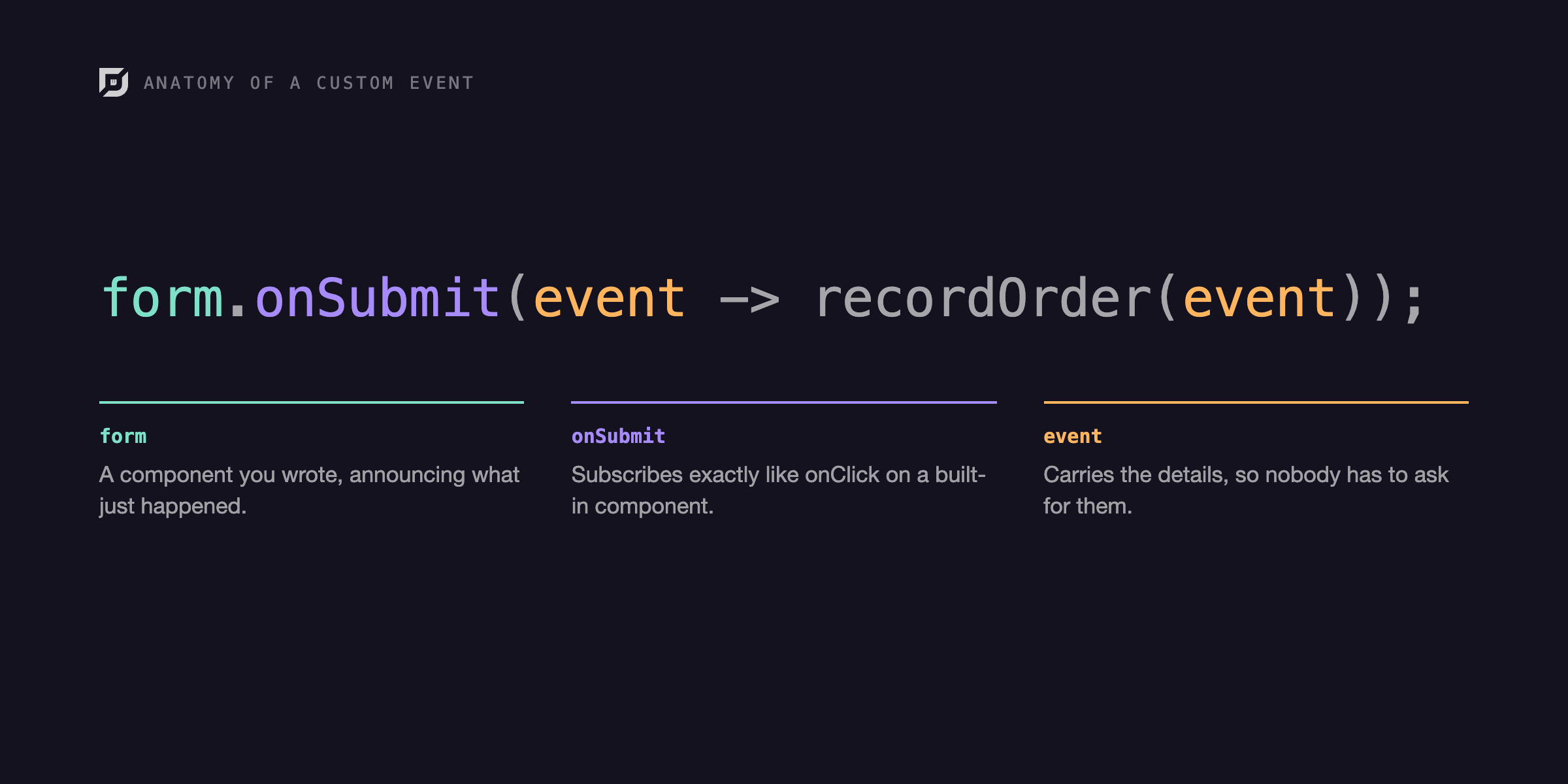
The custom element dispatches a DOM event, and a listener on the Java wrapper receives it as a typed event.
Bouw je iets met webforJ?
Bespreek je project, migratie of de geschiktheid van webforJ met het team.
Verder lezen
 Web components in Java: wrap any custom element with webforJUse web components in Java with webforJ: wrap a third-party custom element with ElementComposite, typed properties, event classes and slots.
 Building an Interactive SVG Viewer with webforJBuild a reusable webforJ SVG viewer with typed selection events, bounded zoom controls, and instance-safe pointer panning.
 The Demo That Taught Me webforJ EventsBuilding a demo to understand custom events taught me more than writing the docs did, and showed me how much of webforJ's event handling stays in plain Java.
