~/webforj/blog $ ls --tag=modernization → 37 posts rss

37 posts tagged with "Modernization"

Modernizing legacy Java apps.

View all tags

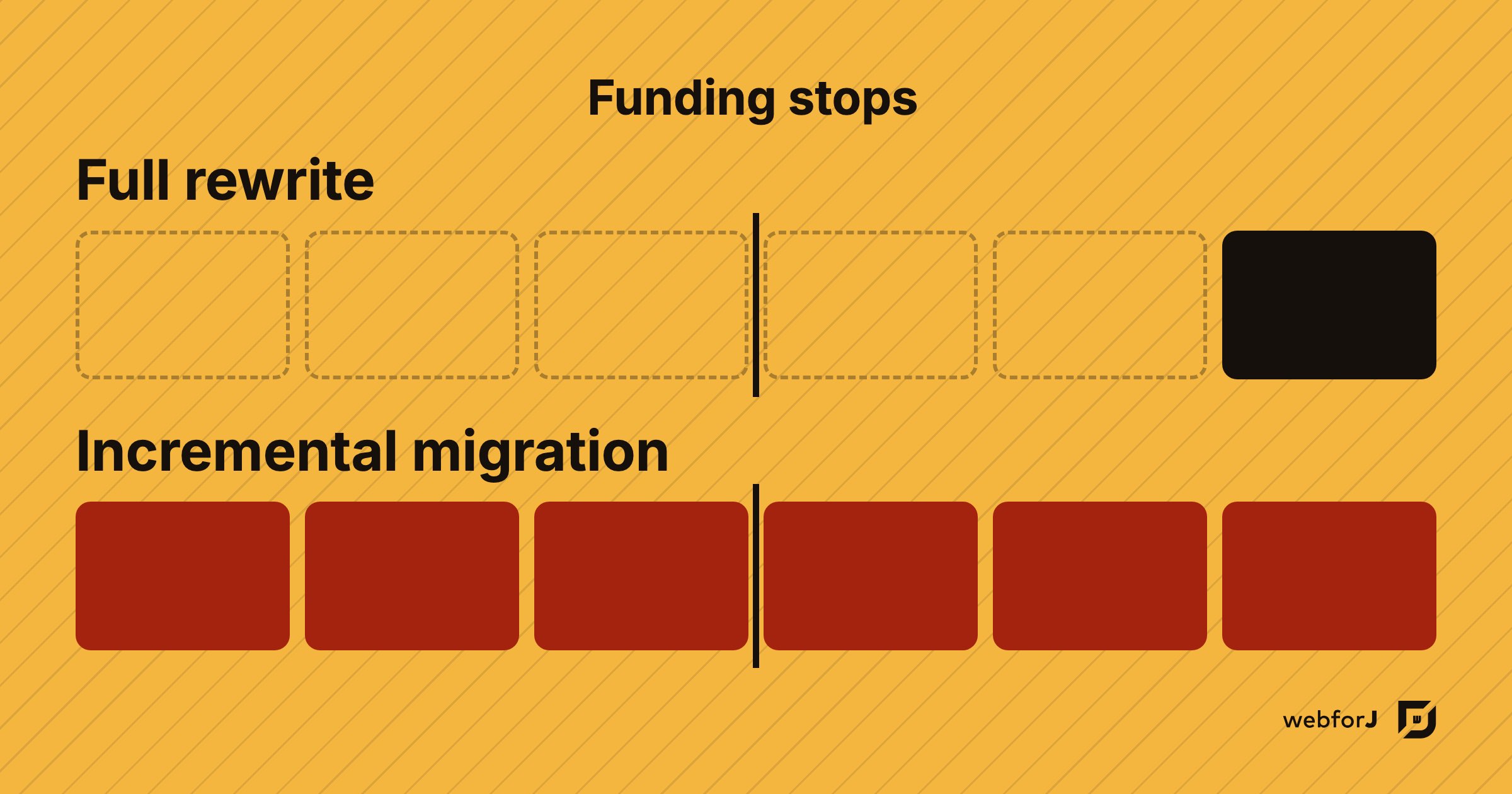
Rewrite or migrate a legacy Java application: how to decide

· 11 min read
webforJ
Do it all in Java. The full-stack Java framework for business web apps.

cover image

Somewhere in your company there is a Java app that runs the business. It works, the rules inside it took years to get right, and the people who wrote most of it have moved on. Now it needs to reach the browser, and the meeting keeps circling back to one question. Do we start over, or do we move what we have?

This page is for the architect who has to recommend an answer and the budget holder who has to sign it. Whether to rewrite or migrate a legacy Java application is mostly a question of risk, and a rewrite carries the most of it. Our case is simple: keep your Java app running, and move it to the web one screen at a time, with your own Java team.
Parallel run migration: prove each new Java screen with a test

· 8 min read
webforJ
Do it all in Java. The full-stack Java framework for business web apps.

cover image

You have moved the first screen of an old Java app to the web, and it looks right. The next question is harder. Does it still behave the way the old screen did, and will it still behave that way after the next ten screens land? Nobody wants a user to be the one who finds out.

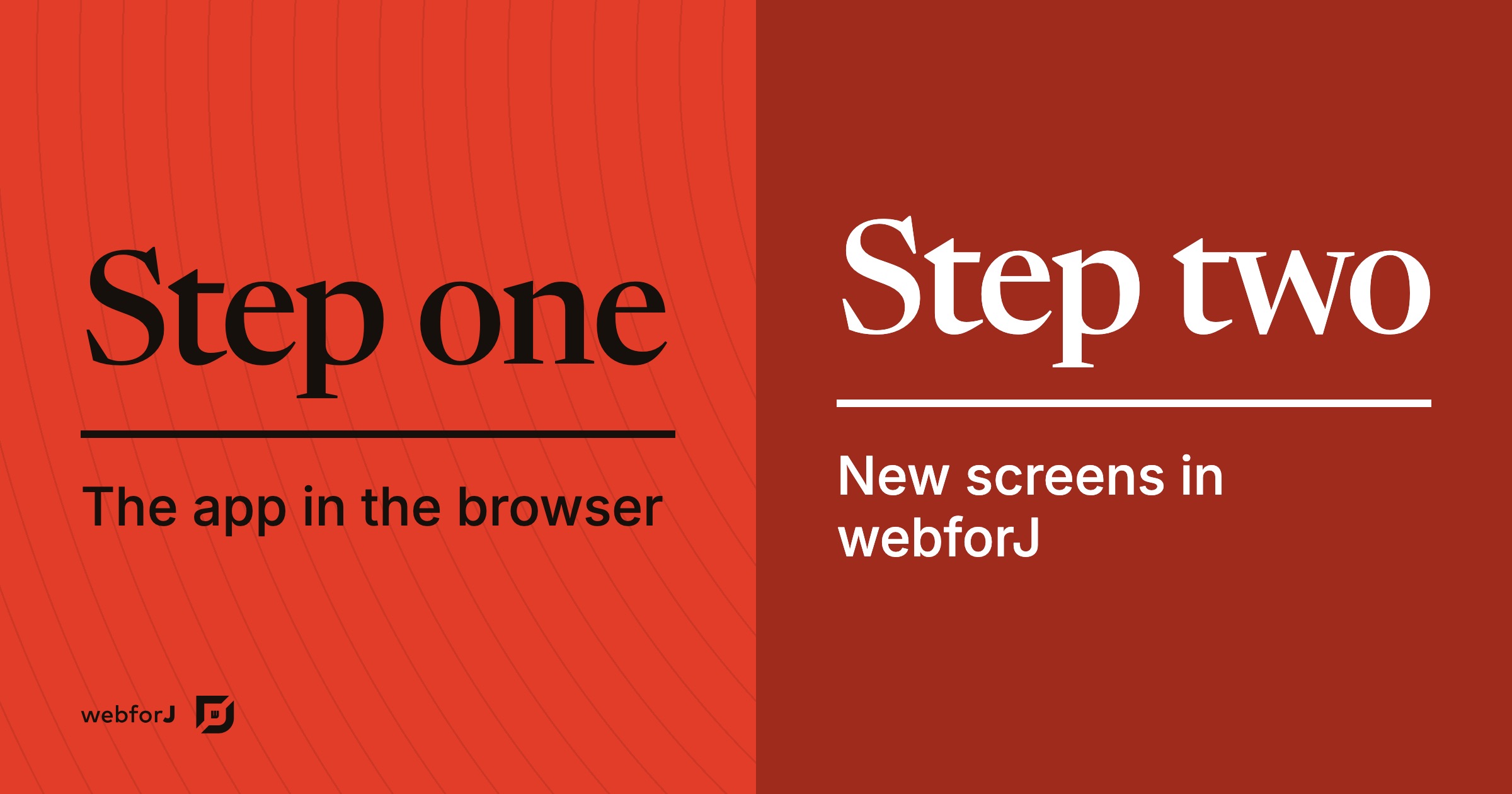
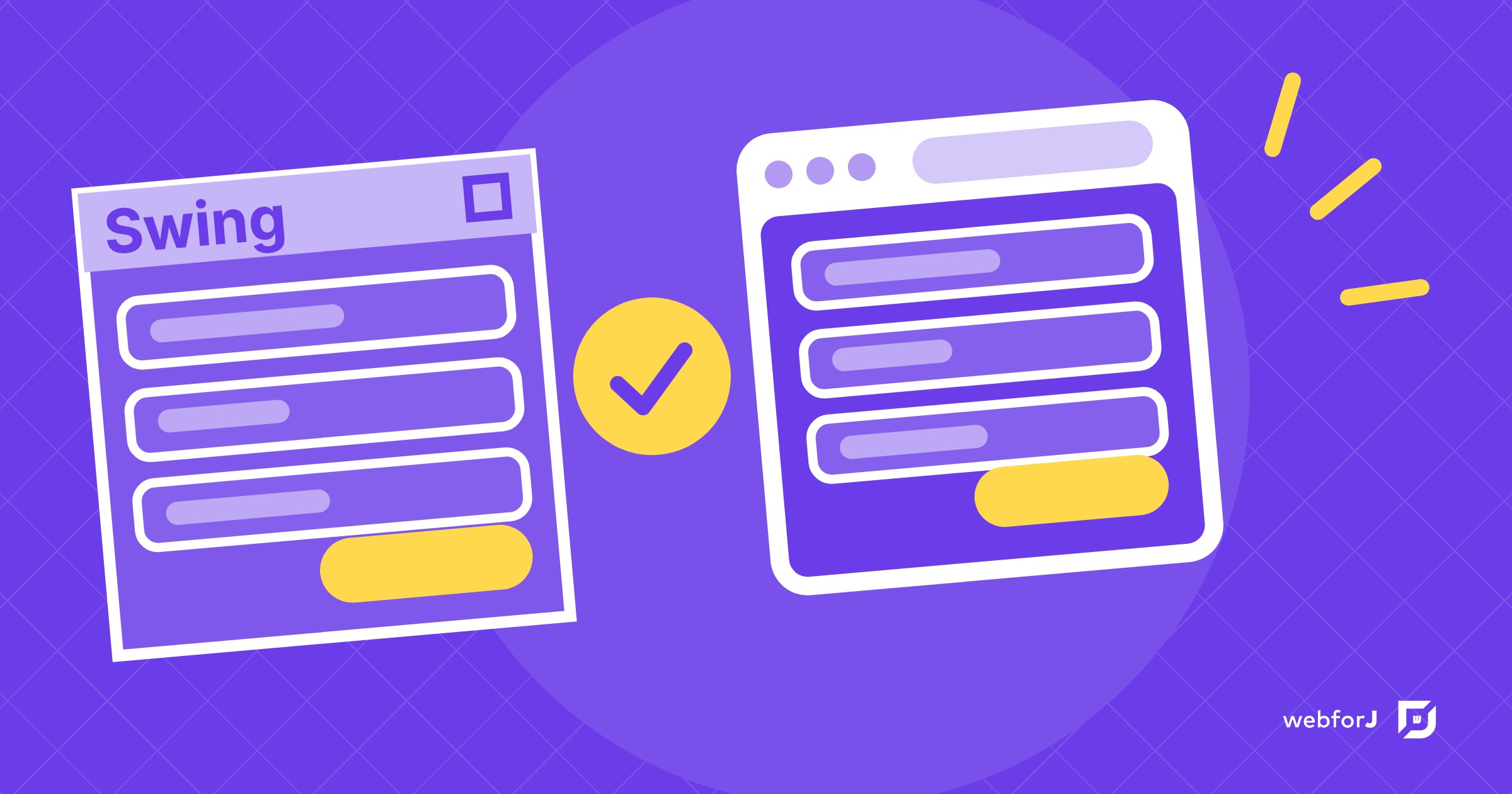
In a parallel run migration the old and the new version run side by side, and the old one is the reference you compare against. For a Java desktop app, Webswing keeps the existing app running in the browser while webforJ builds the replacement screens next to it in the same tab, so the old behavior is still there to check each new screen against. This guide gives every new webforJ screen a TestBed test, a plain JUnit test with no browser, that pins the behavior your users rely on. Each screen passes its tests before the next one starts.

Big bang migration vs phased: how to cut over a Java app

· 11 min read
webforJ
Do it all in Java. The full-stack Java framework for business web apps.

cover image

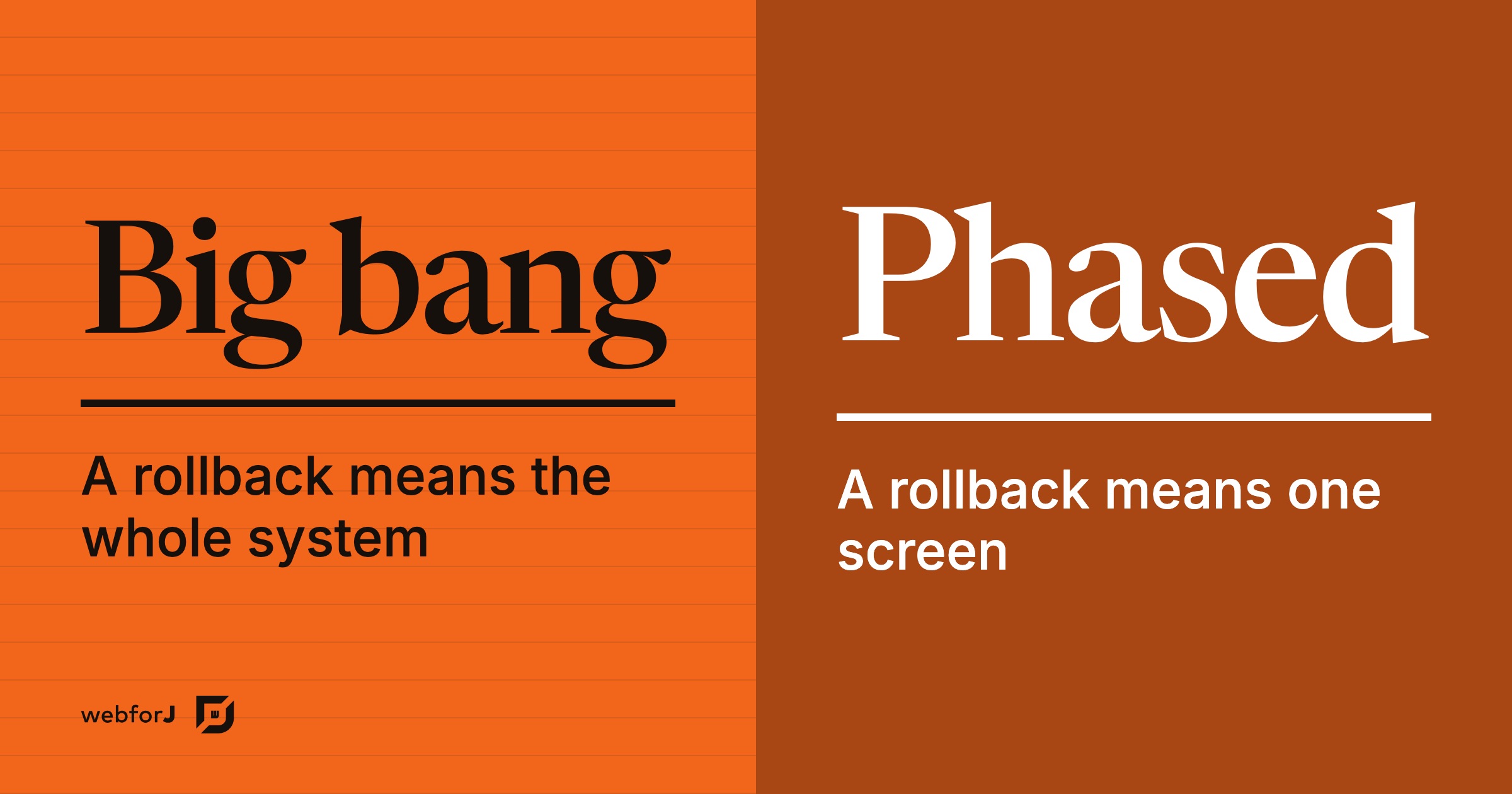
The decision to leave the desktop is made. The app runs orders, claims or payroll every day, the budget is approved, and now someone has to say how the switch happens: one date when every user flips to the new system, or a long series of small moves. That choice, big bang migration vs phased, shapes the risk of the project more than the target framework does.

For a Java desktop app the phased path has a concrete shape. Webswing runs the existing app in the browser, webforJ screens replace it one at a time inside the same tab, and every replaced screen can keep a way back to the old one until you decide to delete it.

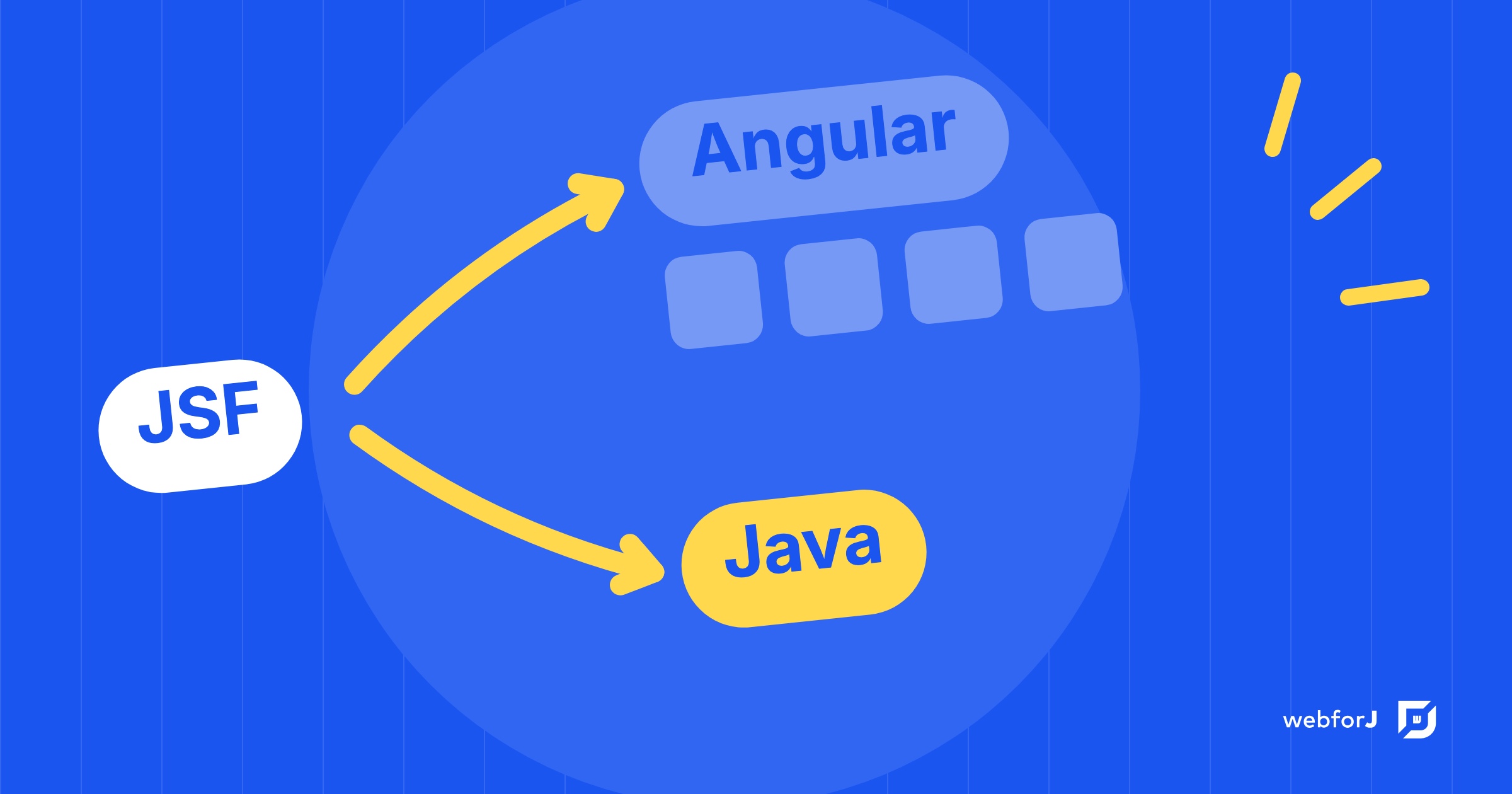
JSF to Angular migration: what the rewrite really adds

· 7 min read
webforJ
Do it all in Java. The full-stack Java framework for business web apps.

cover image

Your team runs a JSF app that does real work. The screens are dated, the component library is getting harder to upgrade, and someone has been asked for a plan. Most of the advice you find points to Angular or to React.

This post is for the team about to start a JSF to Angular migration, or a JSF to React migration. It lists what that rewrite adds to a Java team, when it is the right call, and a third option: rebuild the UI in Java with webforJ and keep the Java backend and the Java team you already have.

The Business Case for a Java UI Framework: What Your Boss Will Ask

· 11 min read
webforJ
Do it all in Java. The full-stack Java framework for business web apps.

cover image

You have looked at webforJ and you like what you see. Now somebody with a budget or a veto wants to know why the team should adopt it, and "the developers prefer it" isn't an answer that survives a meeting.

This post is the business case for a Java UI framework, written as the questions a decision-maker asks, with a plain answer to each. webforJ is the full-stack Java framework for business web apps: you build the whole app, screens included, in Java. Each answer below links the page you can hand to your manager. If the framework is meant to replace an old Java app, the post also works as a legacy system risk assessment: the risks of staying, the risks of moving, and how a phased path reduces each one.

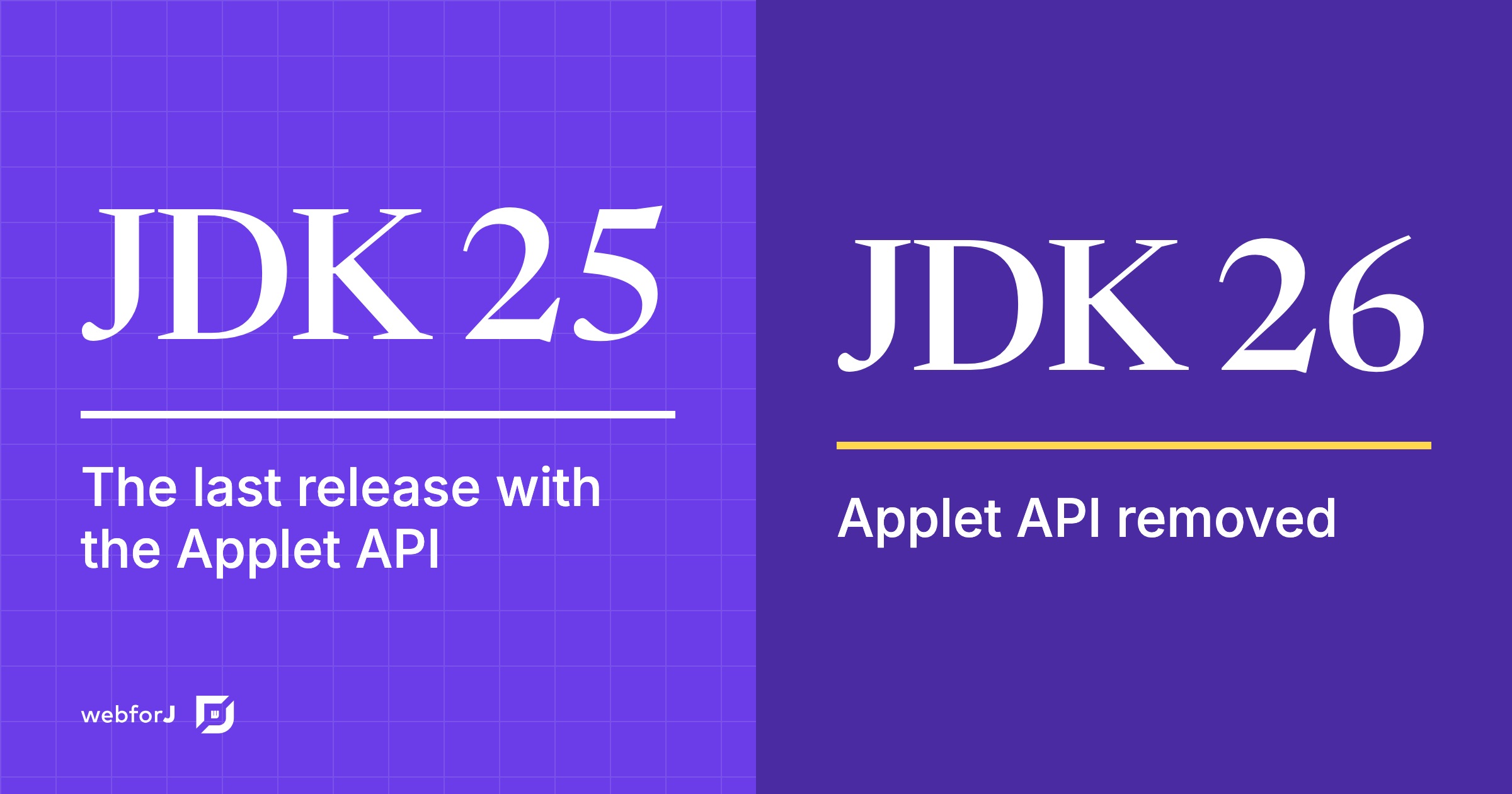
Java applet replacement: your options after JDK 25

· 9 min read
webforJ
Do it all in Java. The full-stack Java framework for business web apps.

cover image

Somewhere in your company an applet still does real work. Maybe it's the order entry screen a branch office opens in an old browser profile, or a planning tool that lives inside a locked-down virtual desktop because nothing else will start it. It kept running because nobody touched it. That grace period is over, and finding a Java applet replacement is no longer a job you can push to next year.

JDK 25 is the last Java release that ships the Applet API. JDK 26 removed it. This post sets out the dates, what the removal breaks, and the options you can stand behind: keep the applet reachable in a browser through Webswing while you plan, or rebuild its screens as a webforJ app in Java, with the Java team you already have.

Modernize a Java Swing app without JavaScript: JavaOne 2026

· 10 min read
webforJ
Do it all in Java. The full-stack Java framework for business web apps.

cover image

Your Swing app works, your users know it, and the request on the table is to make it run in a browser. The usual answer is a rewrite with a JavaScript framework, a new API layer, and a second team. At JavaOne 2026, Stephan Wald, our Head of Development at BASIS International, showed how to modernize a Java Swing app without JavaScript instead: put the existing app in the browser first, then build everything that comes next in Java with webforJ, the full-stack Java framework.

AI tools for Java migration: pick by the job, not the brand

· 11 min read
webforJ
Do it all in Java. The full-stack Java framework for business web apps.

cover image

You have a Java app that has been in production for years, a deadline that keeps moving, and a long list of AI tools that all claim they can help. Comparing them by brand does not get you far, because a migration is not one task. It is five or six different jobs, and each one needs a different kind of help.

The best AI tools for Java migration are coding assistants such as Claude Code, GitHub Copilot, Cursor, Gemini CLI and Codex, matched to the job at hand and grounded in the real documentation of the framework you are moving to. That last part decides most of the outcome. With webforJ, the full-stack Java framework, one AI plugin gives those assistants the real docs, project scaffolding and ready-made workflows, so the code they write for your new screens can be checked against APIs that exist.

Run a Java Swing Application in the Browser Without a Rewrite

· 6 min read
webforJ
Do it all in Java. The full-stack Java framework for business web apps.

cover image

Your Swing app has run the business for years, and now people want it in a browser. Some work remotely, some have laptops without Java, and a rewrite would take months before anyone gets a result. So the real question is narrow: can you run a Java Swing application in the browser with the code you already have?

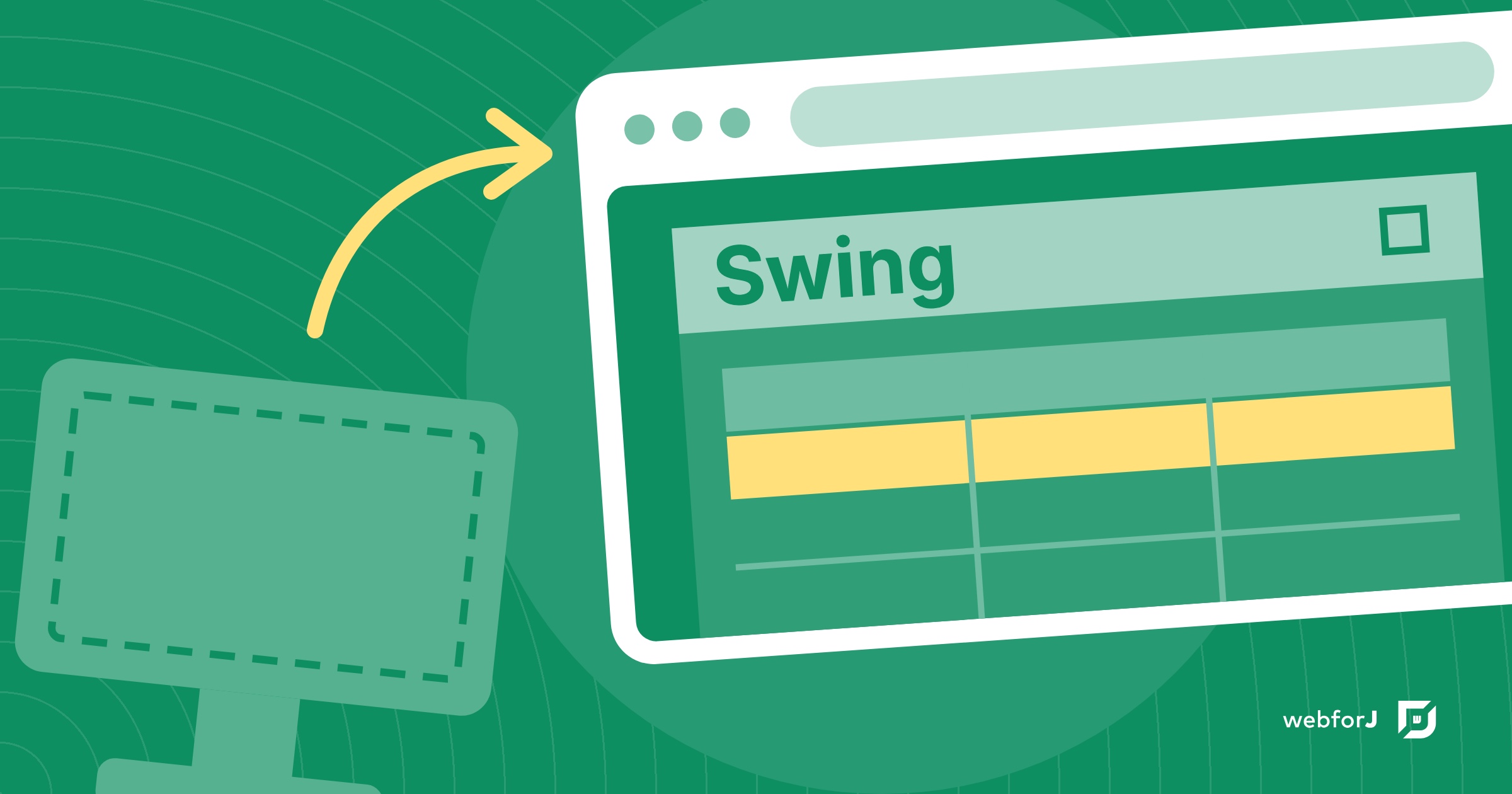
You can. Webswing runs the existing app on a server and streams its interface to a browser tab, and the source code doesn't change. Once the app lives in the browser, webforJ, the full-stack Java framework for business web apps where you build the whole app, screens included, in Java, can embed it and take over its screens one at a time.

webforJ Release Cycle: How Often It Ships and How Upgrades Work

· 7 min read
webforJ
Do it all in Java. The full-stack Java framework for business web apps.

cover image

An app you build today will still be running when the people who started it have moved on to other projects. So before you pick a framework for it, you want to know how the framework itself behaves over time: how often new versions land, what an upgrade costs you, and how quickly a security problem gets fixed.

The webforJ release cycle is regular and written down. A major version arrives once a year, minor versions arrive every few weeks, patches ship when needed, and snapshot builds let you test a version before it is released. The sections below answer each question directly and link to the pages that back it up.

Strangler Fig Pattern for a Java Swing App, Step by Step

· 8 min read
webforJ
Do it all in Java. The full-stack Java framework for business web apps.

cover image

You have a Swing app with years of business logic in it, and a full rewrite would stop everything else for as long as it takes. The strangler fig pattern for a Java Swing app is the usual way out: the new web app grows around the old one, and the old one is switched off only when nothing is left in it.

Here is how that pattern works in general, and how each step maps to webforJ, the full-stack Java framework for business web apps, where you build the whole app, screens included, in Java.

Apache Tapestry alternative: a decision guide for Java teams

· 8 min read
webforJ
Do it all in Java. The full-stack Java framework for business web apps.

cover image

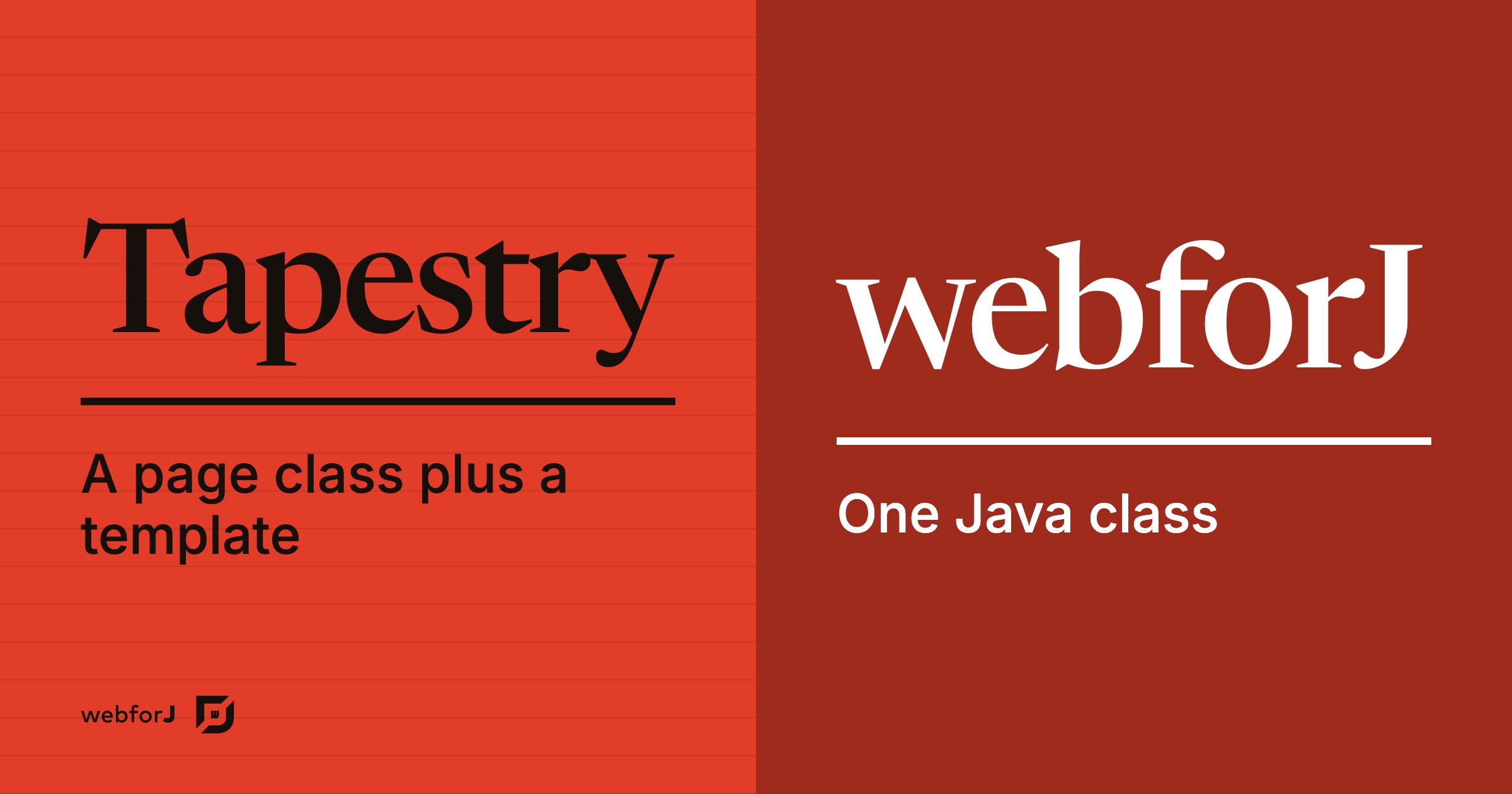
If your team maintains an Apache Tapestry app, you probably like how little ceremony a page needs, and you may be wondering whether it is time to look at a newer Java web framework. This guide helps you decide. webforJ, the full-stack Java framework, is an Apache Tapestry alternative that keeps the component based model and removes the template files: every screen is Java objects, routes are annotations, and the app plugs into Spring Boot when you have it.

If you do move, the scope is the UI. You rebuild it in Java, keep the Java backend and the Java team, and move one screen at a time while the Tapestry app keeps running. Below you will find what your team already knows, what changes, when staying is the better call, and how that move works.