Move a Java app to the web and mobile: the webinar

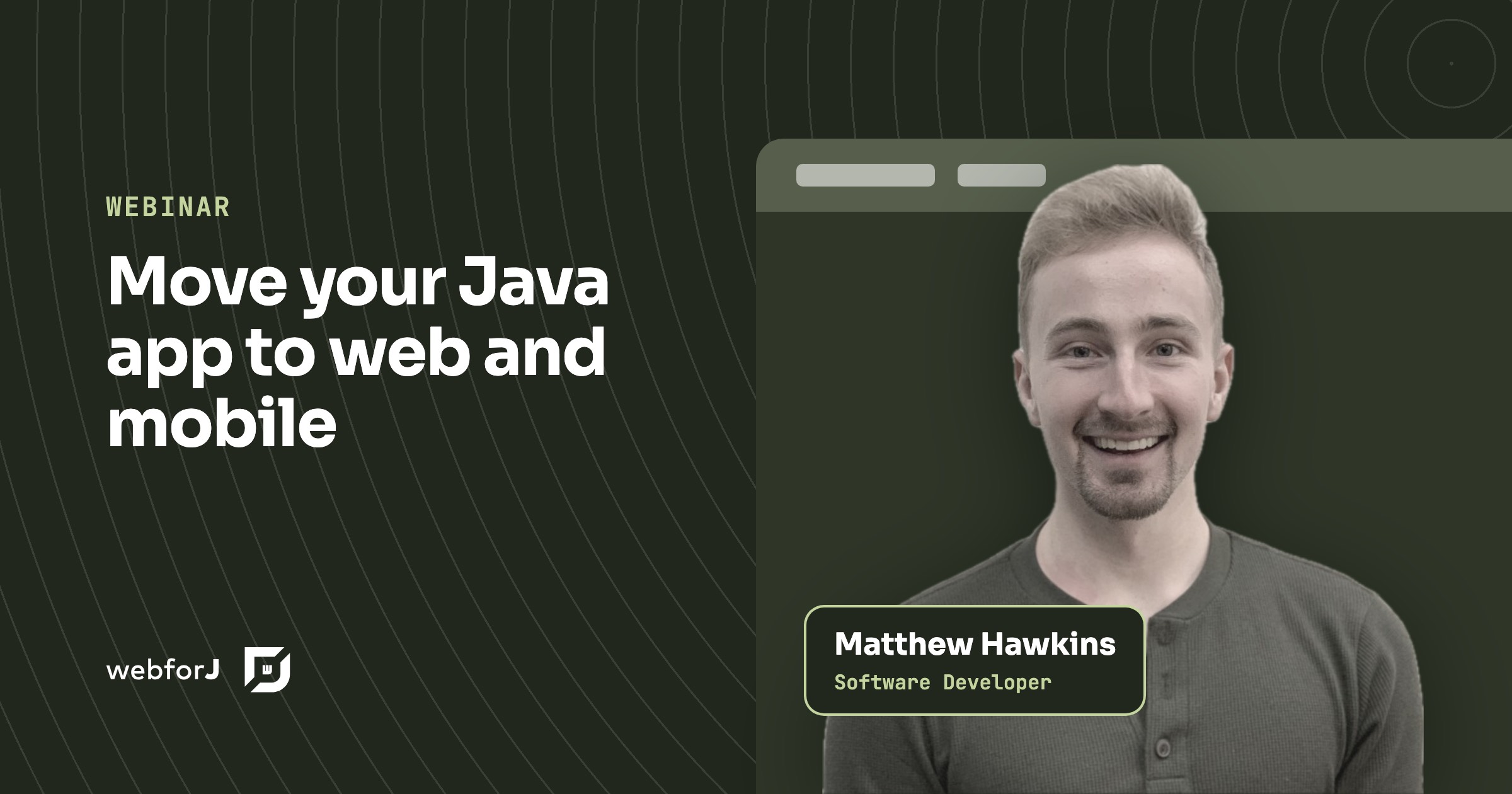
Maybe you've heard it in a meeting already: the app feels outdated, users want it in a browser and on their phones, and every upgrade feels slow and risky. If you need to move a Java app to the web and mobile, the answer in this webinar is to stay in Java. You run the existing app in the browser first, then rebuild it one piece at a time with webforJ, the full-stack Java framework, while the business logic keeps working.
What the webinar covers
- 00:00 Three signs your Java app needs to move
- 02:09 The remote control problem: too many technologies
- 04:52 One language, one team, one codebase
- 06:18 The same small app built two ways
- 10:00 A customer that switched
- 12:04 Webswing and webforJ
- 14:30 Live demo: from Swing in the browser to a modern app in four stages
- 17:31 AI for Java teams
- 22:01 What full stack means: routing, Spring, and security
- 24:51 Three takeaways
- 26:22 Questions from the audience
Three signs it's time
The webinar opens with three problems most Java teams with a desktop app will recognize:
- The app feels outdated. Users expect a responsive interface that works on any device, and a desktop window doesn't.
- Two teams for one app. A web front end and a Java back end mean handoffs, friction, and slower releases.
- Upgrades hurt. Every modernization step feels slow, risky, or expensive.
If one of these sounds like your week, the rest of the session is for you.
The remote control problem
Matthew starts with a picture that sticks. You sit down to watch TV at someone else's place and find three or four remotes: one for the TV, one for the speakers, one for the streaming box. Each works. Together they make a simple task confusing.
A typical web stack for a Java app looks like that: a Java back end, a JavaScript framework, HTML, CSS, a build tool, and an API layer between them. Each layer brings its own skills to learn and its own ways to break. Together they weigh more than the business problem they solve.
One language, one codebase
The alternative is a single-stack Java approach: one language, one team, one codebase. To make that concrete, the webinar shows the same small temperature conversion app built twice.
The split version pairs a Spring Boot back end with an Angular front end. Even for something that small, the code spreads across four languages (Java, TypeScript, HTML, and CSS) and several files, plus the plumbing that lets the two halves talk. The webforJ version is plain Java. Both apps look the same in the browser. The effort to build and maintain them does not.
The point is not the size of the example. It's that the gap grows with the app. Less code means fewer bugs, less to maintain, and faster delivery, and every extra feature in the split stack pays the cost twice.
A customer that switched
The webinar then turns to Prodin, a customer in the Netherlands with a Swing-based ERP system. In the words of its success story: "After exploring various options, including Low Code platforms and a Java backend combined with front-end frameworks like Angular and React, Prodin ultimately chose webforJ." Prodin assembled a six-member Java development team, including junior and mid-level developers, to assist in the migration. Within four months, Prodin delivered their first web-based modules to customers.
Matthew adds a long-term argument. Java evolves in a stable, backward-compatible way, while front-end frameworks churn every few years. Keeping the app in Java lets the business logic stay intact while the interface modernizes around it.
Webswing first, webforJ next
The path has two tools:
- Webswing runs a Java desktop app (Swing, JavaFX, or SWT) in a web browser without changes to its source code. Users get browser access right away.
- webforJ is where the new screens are built, in Java, with modern components, layouts, and themes. The Webswing connector embeds the old app inside a webforJ view, so both can live in one UI while you move.
The demo: four stages
The live demo is the heart of the webinar. It starts with a Swing app running in the browser through Webswing: a table, a form, and a small pie chart, exactly as users know them. Then it modernizes the app in stages:
- A map arrives. A modern map sits next to the Swing screens and reacts to the data in the old Swing table, through a bridge between the two.
- The form is replaced. The old Swing form becomes a modern webforJ form, still working with the old table.
- A modern chart joins. A new chart appears in the corner, still driven by the old table.
- The table is replaced. With the last Swing piece gone, the app is fully modern.
At no stage did the app stop working. That is the strongest argument in the session: you never have to bet the business on a big-bang rewrite.
Web and mobile from one codebase
Once the screens are webforJ, the app runs in any modern browser, on desktops, phones, and tablets. The recap names it directly: responsive design, theming, and modern web components, all without a total overhaul of the business logic. webforJ apps can also be installable, so users can add the app to their home screen and launch it like a native app. There is no separate mobile codebase to build or staff.
AI for Java teams
The webinar also shows how AI fits into a Java team's workflow. The MCP server plugs webforJ documentation and API knowledge into the coding assistants a team already uses, so the assistant works from real webforJ APIs instead of guesses.
Matthew also demonstrates an AI-assisted UI builder that turns a text prompt, a rough hand-drawn sketch, or a screenshot of an existing dialog into a webforJ screen. The napkin sketch of a contact form, turned into a working form, is a highlight.
What full stack means
webforJ is more than a component library. It includes routing, so navigation stays in Java with no separate front-end framework. It integrates with Spring Boot, so a view can use your existing Spring services directly. And it provides route security that works with Spring Security. Together, that is the foundation for business apps without the extra layers described at the start.
Questions from the audience
Two audience questions are worth repeating:
- Can a Spring and webforJ project be set up automatically? Yes. startforJ scaffolds the project for you, and it's built with webforJ itself.
- Do I still need JavaScript? No. You can build the whole app in Java. If you want JavaScript for something specific, webforJ doesn't block it.
Start with one stage
Run your app in the browser with Webswing, generate a webforJ project with startforJ, and replace one screen, just like stage one of the demo. For the full written path, read Webswing and webforJ: a modernization roadmap once you are ready to plan the rest.
Frequently asked questions
How do I move a Java app to the web?
Run the existing desktop app in the browser with Webswing, then rebuild it screen by screen in webforJ. The Webswing connector lets old and new screens share one UI while you move, so the app keeps working the whole time.
Can a Java app run on mobile without a separate codebase?
Yes. A webforJ app runs in the mobile browser, its layouts can adapt to small screens, and it can be installable so users launch it from the home screen. There is no second codebase to build.
Do I have to rewrite my Swing app all at once?
No. The demo replaces one piece at a time: a map, then the form, then the chart, then the table. The app works at every stage.
¿Creando algo con webforJ?
Habla con el equipo sobre tu proyecto, una migración o si webforJ es lo que necesitas.
Seguir leyendo
 Swing modernization for enterprises: a decision guideSwing modernization for enterprises, explained for decision makers: three options, a phased roadmap, AI-assisted migration and a risk table for Java teams.
 Migrate a Java Swing app to web: which path to pickHow to migrate a Java Swing app to web: compare a JavaScript rewrite, Webswing and a screen-by-screen rebuild in Java with webforJ, with a table to pick one.
 Modernize an ERP UI in Java without a big-bang rewriteModernize your ERP UI in Java one screen at a time. Embed the legacy Swing app with webforJ and Webswing, then replace each screen with a Java web view.
