Passer au contenu principal

4 posts tagué avec "Front End"

Front-end development with webforJ.

Voir tous les tags

FlexLayouts Part 2: Getting your Flex Items in Order

· 7 minutes de lecture
Garrison Osteen
Lead Technical Writer

cover image

The webforJ FlexLayout component provides an easy and Java-like way to create CSS Flexbox layouts. For an introduction, see the first part of this series, FlexWrap your mind around webforJ's FlexLayout, in which I discuss the general benefits of the webforJ FlexLayout component and the methods that modify the flex container. In this article, I'll dive into the flex items inside the container to see how you can further customize the behavior of your layout.

Building a Todo App with MVC Pattern in webforJ

· 9 minutes de lecture
Matthew Hawkins
Software Developer

cover image

Remember learning about Model-View-Controller (MVC) in university? For most, at least from what I hear when speaking to others, they had to actually create an app following this design paradigm, which greatly helps any future use of this pattern in the "real world."

For me, that class was right in the middle of COVID. Our instructor was a nice enough guy, but between the Zoom fatigue and lack of experience (I'm fairly sure it was his first or second term teaching), not only did we not end up actually building anything, but we spent time doing theoretical explorations of the various design patterns out there, with MVC only receiving a few days of review.

All this to say that when I started working with webforJ, I saw it as the perfect opportunity to finally get hands-on with MVC—not just to understand the pattern properly this time, but also to learn how webforJ fits into this paradigm. Building a stereotypical todo app seemed like the ideal way to explore both.

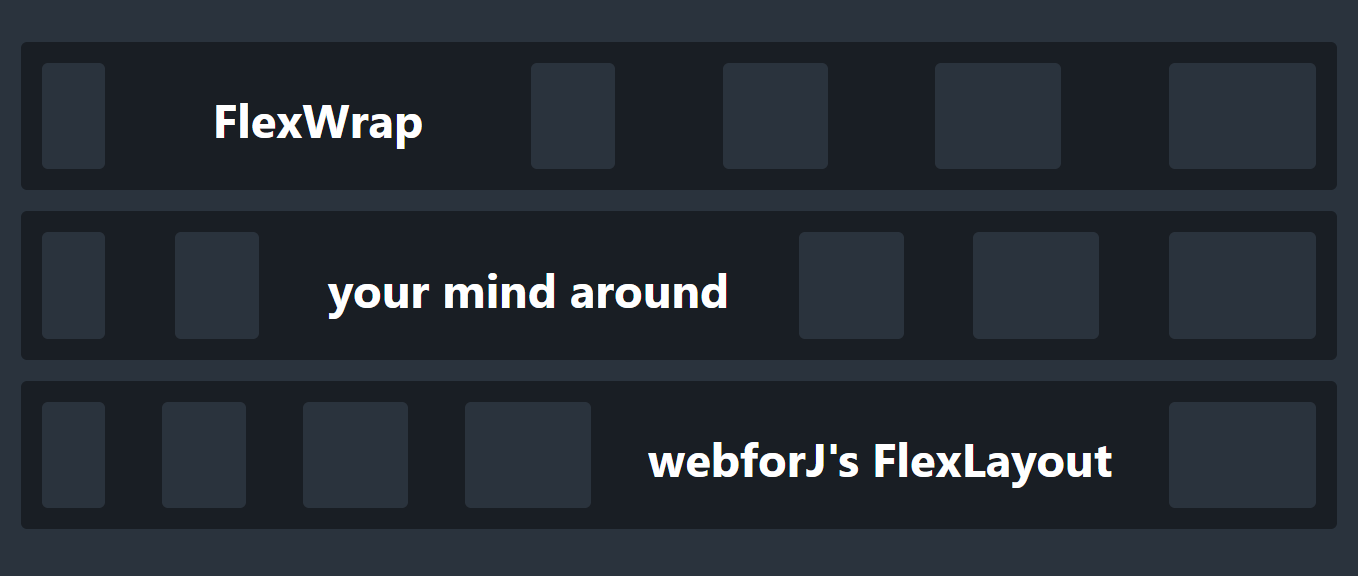
FlexWrap your mind around webforJ's FlexLayout

· 7 minutes de lecture
Garrison Osteen
Lead Technical Writer

cover image

One of the great benefits of creating web apps is gaining access to the powerful styling and layout capabilities of CSS. In particular, CSS lets you create responsive layouts, allowing your apps to smoothly adjust their layout according to parameters like window size and device type. Apps with responsive layouts look and feel better, and they allow users to use your app in their preferred context and size. With webforJ, you have that power in Java!

But, knowing what to do with that power is another story. Perhaps you're used to carefully laying out forms with a rigid structure, and the prospect of creating designs that are adaptable and dynamic seems intimidating and complicated. So where do you start? With webforJ's FlexLayout!

Building Better CSS with webforJ's Styling System

· 7 minutes de lecture
Lauren Alamo
Software Developer

cover image

I've spent the better part of a year building webforJ demos and documentation, and honestly, it's taught me that I knew a lot less about CSS than I thought. I thought I knew enough to get by, some selectors, basic properties, maybe a flexbox here and there. Turns out there's a difference between writing CSS that works and writing CSS that actually makes sense.

Working on webforJ's styling system has changed how I approach CSS. It handles common tasks well and gets out of your way for the interesting parts. Plus, I no longer spend half my time wondering why my styles disappeared into the void.