Infinite scroll in Java: load more items as users scroll

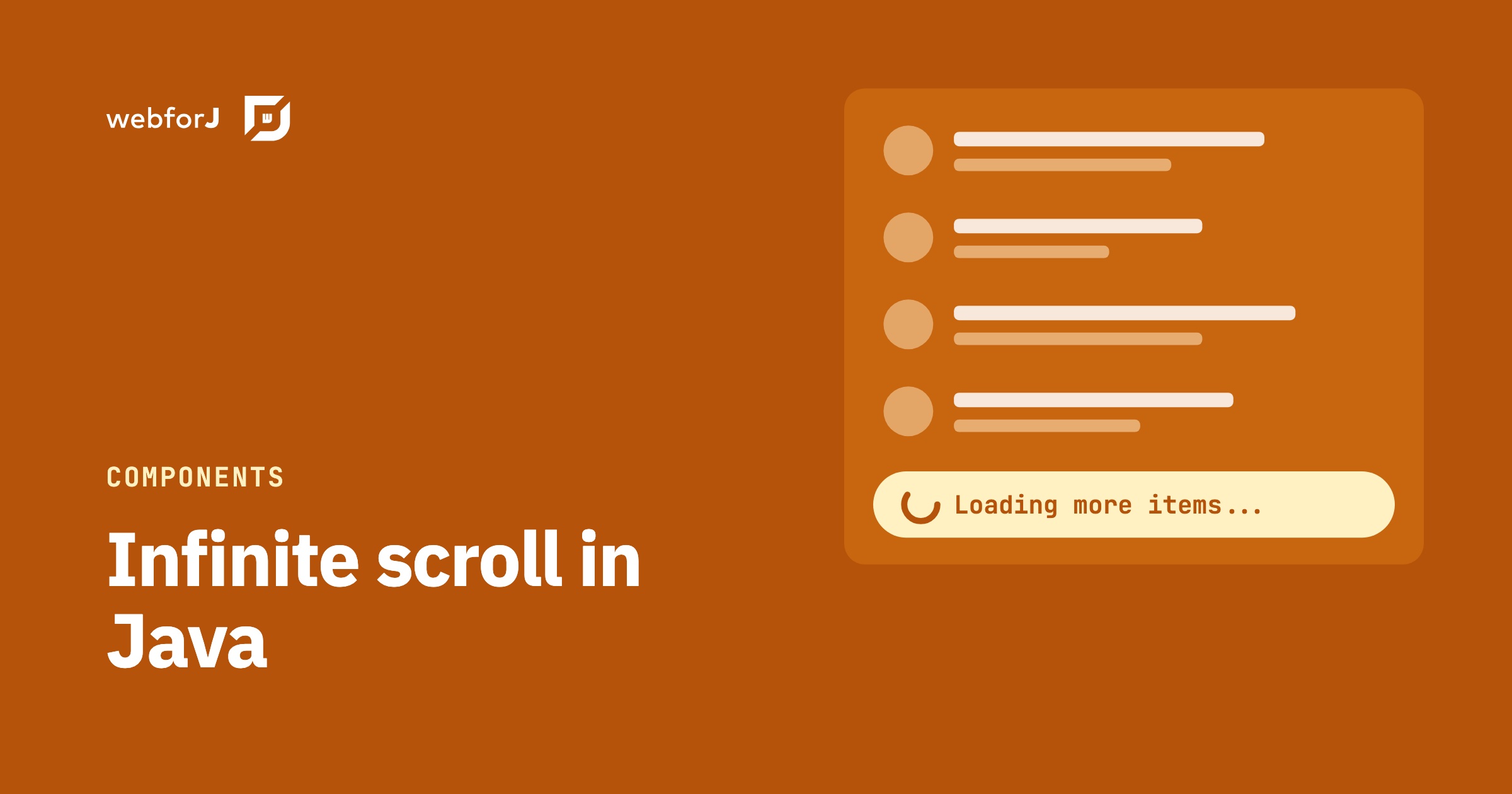
Your feed has thousands of rows, and a page of numbered buttons feels dated. Users expect to keep scrolling and see more appear, without waiting for the whole list to load up front.
Infinite scroll in Java gives you exactly that: the list loads the next batch of items when the user reaches the bottom. In webforJ a single component handles the scroll detection, and everything else stays in your Java listener. The code in this guide is all Java.
Infinite scrolling list in Java
The InfiniteScroll component loads content as the user scrolls down. It replaces pagination buttons for lists, feeds, and other data-heavy views. It has been available since webforJ 25.00. Set the page size to suit your data. Smaller batches mean less data per request, and larger batches mean fewer loads. Pick a number that fills the visible area with some room to spare.
The loop has five steps:
- Create an
InfiniteScrolland add it to your view. - Register a listener with
onScroll(). It runs when the user reaches the bottom. - Add the next batch of items to the component.
- Call
update()so the component recalculates its state. - Call
setCompleted(true)andupdate()when no data is left.
Build the feed view
This view adds rows in batches of 8 and stops once about 40 are on the page. In a real app, replace the loop with a call to your data source, and track the offset in the view so each call asks for the next slice.
@Route
public class FeedView extends Composite<Div> {
  private final Div self = getBoundComponent();

  public FeedView() {
    self.setHeight("100vh").setStyle("overflow", "auto");

    InfiniteScroll infiniteScroll = new InfiniteScroll().setHeight("100%");
    AtomicInteger loaded = new AtomicInteger();

    infiniteScroll.onScroll(e -> {
      if (loaded.get() > 40) {
        infiniteScroll.setCompleted(true);
        infiniteScroll.update();
        return;
      }

      for (int i = 0; i < 8; i++) {
        infiniteScroll.add(new Paragraph("Loaded item"));
      }

      loaded.addAndGet(8);
      infiniteScroll.update();
    });

    self.add(infiniteScroll);
  }
}
A few details in this code matter:
- The
loadedcounter tracks where the next batch starts. Keep it in the view. - The view scrolls and
InfiniteScrollfills its height, so the component can tell when the user reaches the bottom. setCompleted(true)stops the component from triggering again. Once it's set, scrolling to the bottom does nothing.update()runs after every batch, including the last one. Without it, the component doesn't recalculate after new items arrive.
Set the loading text
While new content loads, InfiniteScroll shows a spinner with a short loading message. You can change the text in two ways:
- Pass the text to the constructor, as in
new InfiniteScroll("Fetching more records..."). - Call
setText()at any point, as ininfiniteScroll.setText("Loading more items...").
The snippet below sets the text in both places. The constructor sets the initial value, and setText() overrides it. setIcon() swaps the icon shown while loading.
InfiniteScroll infiniteScroll = new InfiniteScroll("Fetching more records...");
infiniteScroll.setText("Loading more items...");
infiniteScroll.setIcon(TablerIcon.create("cloud-download"));
To replace the whole loading layout, build your own content and add it with addToContent():
Div loading = new Div();
loading.add(FeatherIcon.CLOUD.create(), new Span("Loading awesome content..."));
infiniteScroll.addToContent(loading);
Content added to the content slot with addToContent() replaces the default loading layout. The spinner and the text both go away, and your markup appears in their place. If you only want new text, skip addToContent() and call setText().
Keep the text short. Users see it only while one batch loads, so a few words are enough. Name what is coming, such as records or messages, so the wait feels purposeful to the person watching the list.
The spinner is a Spinner component. The loading icon can be customized too, and the Icon component covers those options.
Reset the scroll after a refresh
A refresh starts the list over. The component must load again from the first batch, so it needs its completed flag cleared. Call setCompleted(false) and then update():
- Clear the items you already added.
- Reset your own counter, such as
loaded.set(0). - Call
setCompleted(false), thenupdate().
Without step 3, the list stays completed and never fires the scroll event again. Put the reset in the same method that clears the items, so the two steps never drift apart. The same approach works when a filter changes. A new filter means a new result set, so clear the items, reset the counter, and clear the completed flag before the first batch loads. Treat every filter change as a refresh and the list behaves the same way each time.
Checklist
Use this list to check the feature before you ship:
- The
onScroll()listener adds one batch and callsupdate(). - Your counter tracks the next batch, and it resets on refresh.
-
setCompleted(true)runs when the data ends, followed byupdate(). - The loading text fits your app's wording, set in the constructor or with
setText(). - Custom loading markup goes in the
contentslot throughaddToContent().
Add infinite scroll to a feed
Create a project with the startforJ wizard, or follow the getting started guide to build from the command line. Then open the InfiniteScroll reference to see every method on the component.
Frequently asked questions
How do I stop infinite scroll when the data ends?
Call setCompleted(true) and then update() after you add the last batch. This disables further infinite scrolling, so reaching the bottom no longer loads more. Use setCompleted(false) with update() if more data arrives later, such as after a refresh.
Can I change the loading text?
Yes. Pass the text to the InfiniteScroll constructor or call setText() at any time. The component ships with a built-in message and spinner.
Can I replace the spinner with my own markup?
Yes. Add your components to the content slot with addToContent(). When the slot has content, it replaces the default spinner and text completely.
Which event loads the next batch?
The onScroll() method registers a listener for the scroll event. The event fires when the user reaches the bottom of the list. You can also register the same listener with addScrollListener().
Bouw je iets met webforJ?
Bespreek je project, migratie of de geschiktheid van webforJ met het team.
Verder lezen
 Lazy load tree in Java: children on expand with webforJLazy load a tree in Java with webforJ. Give each folder a placeholder child, then fetch the real children inside the onExpand handler when it opens.
 Selenium vs Playwright for Java: testing a webforJ UISelenium vs Playwright for Java UIs: both drive a webforJ app from plain JUnit. Here are the myths, the facts and which one to pick for your suite.
 Summarize PDFs with AI in Java using Spring AI and webforJUpload a PDF in a webforJ view, extract its text with Spring AI and Apache Tika, and show an AI summary in Java. Three classes, no REST layer, no JavaScript.
