webforJ Components: What Ships With the Framework

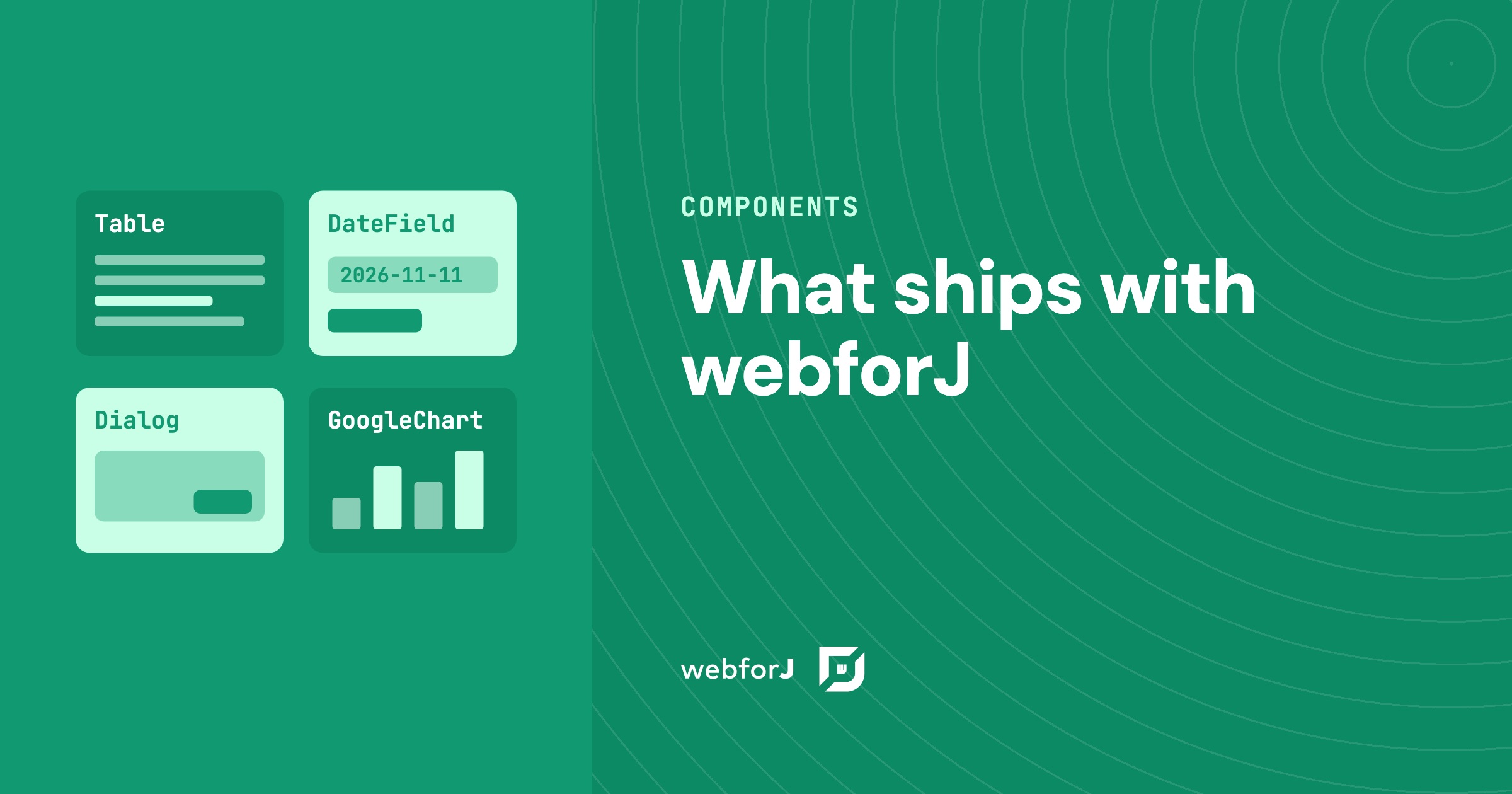
You are about to commit a team to a framework for a business app, and before the first screen exists you want to know whether the parts you need are already there. A data table, date entry, dialogs, a navigation shell, a chart. Gaps show up late, so ask early.
This is the list. The webforJ components cover the screens a business app is made of, and you use them from Java, in the same project as your services and models. Below is what ships, how it is grouped, and what to do for the rare case where you want something more.
Building data-heavy screens?
Show the team your tables, grids, and charts, and get a second opinion.
What components does webforJ have?
webforJ is the full-stack Java framework for business web apps: you build the whole app, screens included, in Java. The component catalog is part of the framework, so you compose screens from these pieces without picking a separate library. The complete gallery, with a live demo of each component, is on the UI components page. Grouped by the job a business app needs done, this is what you get.
| What the screen needs | Components |
|---|---|
| Text and number entry | TextField, TextArea, PasswordField, NumberField, and masked fields for text, numbers, dates and times |
| Dates, times and colors | DateField, TimeField, DateTimeField, ColorField |
| Choices | CheckBox, RadioButton, RadioButtonGroup, ChoiceBox, ComboBox, ListBox |
| Files | Upload, with drag and drop |
| Data | Table, Tree, InfiniteScroll, Refresher, Navigator |
| Layout | FlexLayout, ColumnsLayout, Card, Accordion, TabbedPane, Splitter |
| App shell | AppLayout, Toolbar, Drawer, AppNav, Login |
| Dialogs | Dialog, plus ready-made message, confirm, input and file dialogs |
| Feedback | Toast, Alert, Badge, ProgressBar, BusyIndicator, Loading, Spinner, DesktopNotification |
| Charts and content | GoogleChart, MarkdownViewer, Terminal, Icon, Avatar, Slider, Button |
This table is a snapshot, not a limit. New components arrive with webforJ releases. Recent additions include Avatar and MarkdownViewer (25.11), Accordion and Badge (25.12), Upload (26.01), and Card (26.02).
Three of these carry most business screens. AppLayout gives you a fixed header, footer, sliding drawer and scrollable content area for dashboards and admin screens. The Table presents your data. And data binding connects form fields to your Java models with validation.
Does webforJ have a data grid or table?
Yes. The Table component binds an entity class to a repository, which populates the columns and rows. Around that core it covers what a business grid is asked to do:
- Sorting, including multi-column sorting
- Filtering
- Selection in single, multi or no-selection modes
- Column groups with nestable multi-row headers
- Custom rendering of cell content
- Editing and refreshing rows through the repository
For large data sets, the data guide covers virtual scrolling and DOM recycling.
Does webforJ have charts?
Yes. The GoogleChart component integrates the Google Charts library, with chart types such as bar, line, pie, and geo. You configure a chart in Java with a type, a data set and an options map, and add the webforj-googlecharts dependency to your project. It has been part of webforJ since version 23.06.
One design system, themes included
Every component draws from the same design system, so a screen that mixes forms, a table, and dialogs looks like one product. The styling guide explains the CSS variables for colors, typography, borders and spacing, and the shadow parts that let you style component internals without breaking encapsulation. Three themes ship with the framework: light, dark and dark-pure. You switch between them with the @AppTheme annotation or at runtime with App.setTheme().
Each component also has a styling reference listing its CSS variables, shadow parts and slots, and the design tokens allow global customization with minimal effort. Designers get the same system in Figma. The Figma design kit covers every component with its themes and states, along with the color palettes, typography, spacing and shadow tokens as Figma variables, with accessible color contrast.
Can I add a component that is missing?
Yes, and you do it in Java. Every business has a widget of its own, a signature pad, a map, a domain-specific picker. webforJ gives you two routes.
The first is ElementComposite. It wraps any custom HTML element or web component in a Java class and exposes its properties, attributes and events through a typed Java API. After that, the wrapped element behaves like any other component in your views. Our post on web components in Java walks through a full example.
The second is the frontend bundler. A class names the frontend it needs with an annotation, and the build installs the npm packages, compiles the sources and loads the result when a component of that class is created. You can write components in React, Svelte or Lit, and there is no Node toolchain to install or run. The bundler arrived in version 26.01.
Together they mean the catalog in the preceding sections is a starting point. A team that needs one more widget wraps it once and reuses it across every screen.
Browse the component catalog
Open the UI components page and pick the screen you are planning, whether that is a form, a table, a dashboard shell, or a dialog flow. Each component page has a live demo and the Java behind it, so you can judge the fit against your own requirements in a few minutes.
Building something with webforJ?
Talk to the team about your project, a migration, or whether webforJ fits.
Keep reading
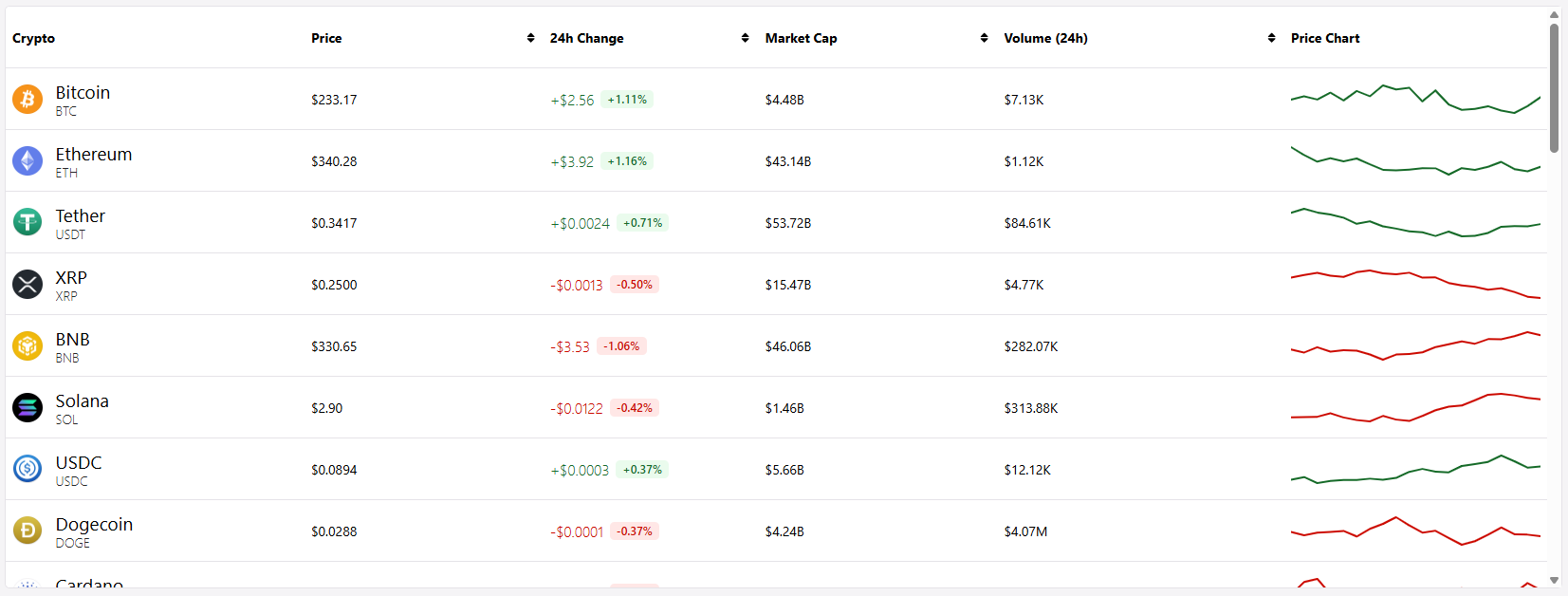 Making Data Display Less Boring in webforJLearn how to use custom renderers to display rich, formatted content in webforJ tables
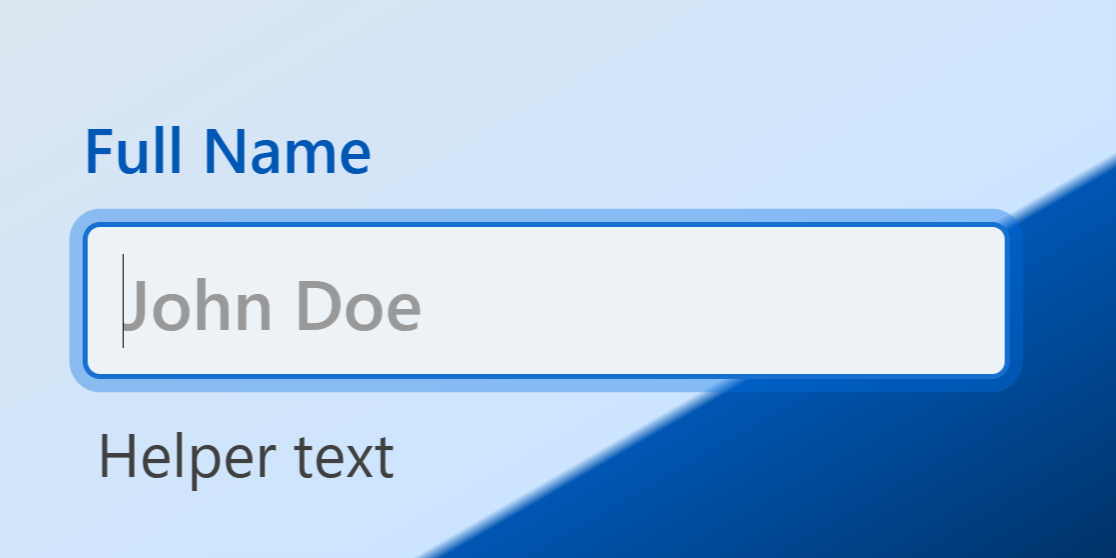 Design Effective Forms Using the TextFieldDesign tips to create effective forms when using the webforJ TextField component
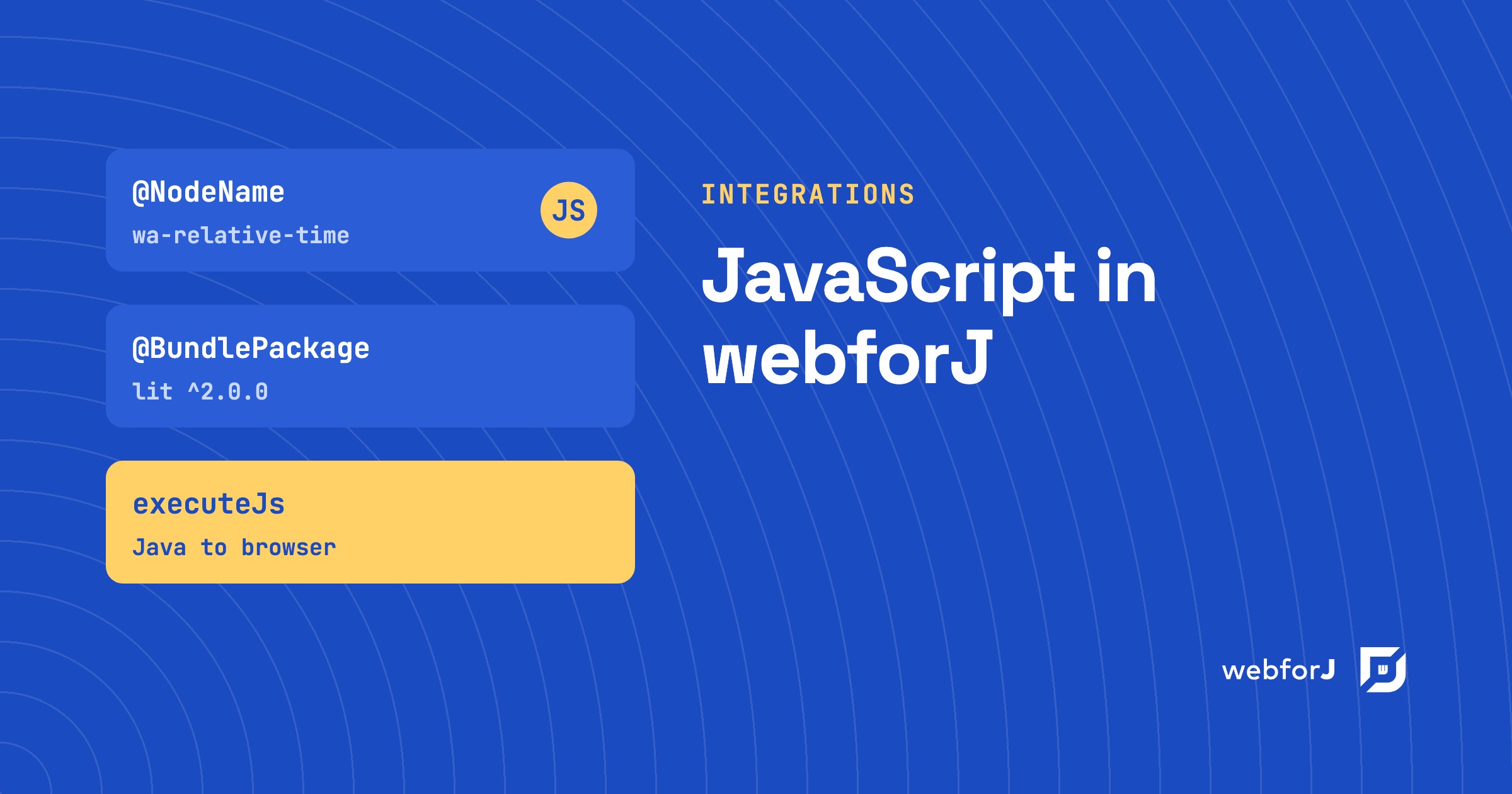 webforJ JavaScript Integration: Use the Libraries You Already HavewebforJ JavaScript integration explained for evaluators: wrap web components in Java, run client-side JavaScript, load scripts, and bring npm packages and React, Svelte or Lit components.