Eric Handtke
Software Developer
View all authors

Loading spinner for slow backend calls in Java web apps

· 6 min read

Eric Handtke
Software Developer

cover image

A report that takes a few seconds to load feels broken when the screen just sits there. Users click again, or leave.

A loading spinner shows the user that the app is still working on a slow request. In webforJ, you add one with the Loading component for a single area, the BusyIndicator for the whole interface, or a Spinner placed inline. This tutorial covers each one, plus how to run the slow call off the UI thread and update the page when the result arrives.

Building an Interactive SVG Viewer with webforJ

· 6 min read
Eric Handtke
Software Developer

Building an Interactive SVG Viewer with webforJ

I was building a demo that needed to display an SVG diagram in a webforJ app, and at first I figured it was a straightforward image-loading job. Drop the file on the page, give it a size, done.

Then the real requirements showed up. The diagram was larger than its viewport, so users needed to zoom and pan around it. Its individual sections also represented meaningful things, so the Java app needed to react when a user clicked one. At that point it wasn't really an image anymore, it was an interactive part of the app.

The behavior was self-contained enough to deserve its own component. That turned into SvgViewer, a webforJ composite that displays trusted SVG markup with built-in zoom and pan, and fires a typed Java event with the ID of any region the user clicks.

Install npm packages in a Java web app with webforJ

· 6 min read
Eric Handtke
Software Developer

cover image

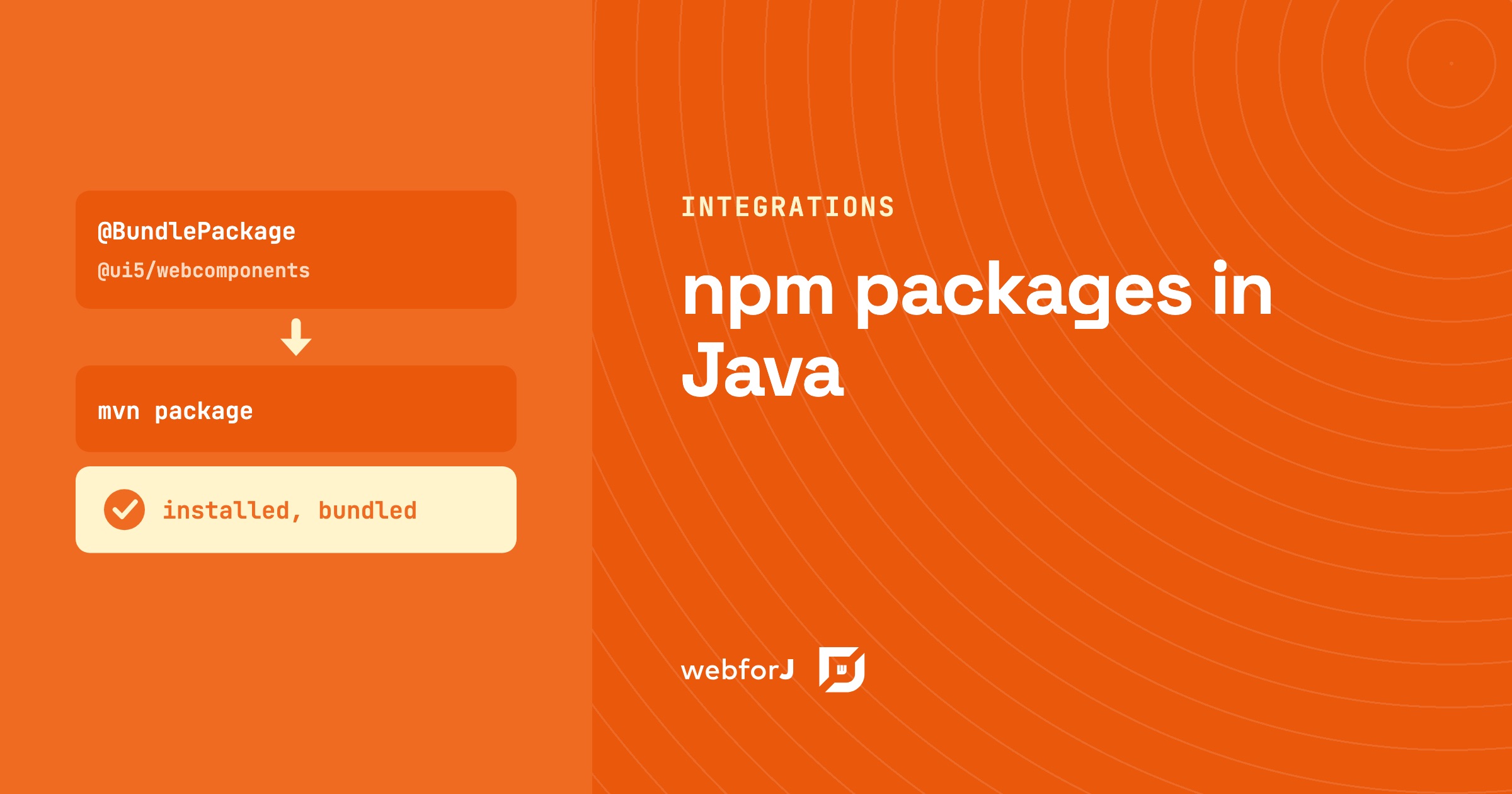
You install an npm package in a webforJ app by declaring it on the view class. @BundlePackage names the package and its version range. @BundleEntry names the module you use. The build installs the package with Bun and compiles it into the app, so you don't set up a Node toolchain. This is the common way to bring a web component library into a Java web app. Your Java code then creates the component by its tag name and uses it like any other control.

Extract data from an image in Java with AI and webforJ

· 8 min read
Eric Handtke
Software Developer

cover image

To extract data from an image in Java, upload the file with the webforJ Upload component, send the bytes to a vision-capable model through Spring AI, and ask for a typed result. Spring AI maps the answer to a Java record, so your view gets the vendor, invoice number, date, and total as fields. You do not need a separate OCR library or a text parsing step.

Google Charts in Java: add a chart to a webforJ app

· 6 min read
Eric Handtke
Software Developer

cover image

Sooner or later, most business apps need a chart: revenue by month, orders by region, tickets by status. In a Java web app that often means a detour into JavaScript charting libraries, a second build, and code that passes data back and forth between the two.

Google Charts in Java can skip that detour. With webforJ, a chart is one more component in your view. You pick a chart type, hand it your rows and a few options, and it draws itself in the browser while your code stays in Java. This guide builds a chart step by step, from the first pie chart to live updates and click handling.

Java web front end for a database: browse and edit

· 10 min read
Eric Handtke
Software Developer

cover image

You have a database that has been running for years. The tables are in good shape, a few Java services already read them, and now someone wants a screen where people can browse the rows, search them and fix a value without opening a SQL client.

A Java web front end for a database needs four things: an entity mapped to the table, a repository, a grid, and a form. With webforJ, the full-stack Java framework, you write all of it in Java. Spring Data JPA reads the table, the SpringDataRepository adapter hands it to a webforJ Table, data binding drives the edit form, and route annotations lock the screen down. No separate front-end project, no REST layer in between.

Production build for a Java web app: smaller, cacheable assets

· 6 min read
Eric Handtke
Software Developer

cover image

Out of the box, a webforJ app needs no build tuning. The framework's own components and runtime ship ready for both development and production with no extra setup, so a plain webforJ app has nothing to minify and no build step to configure.

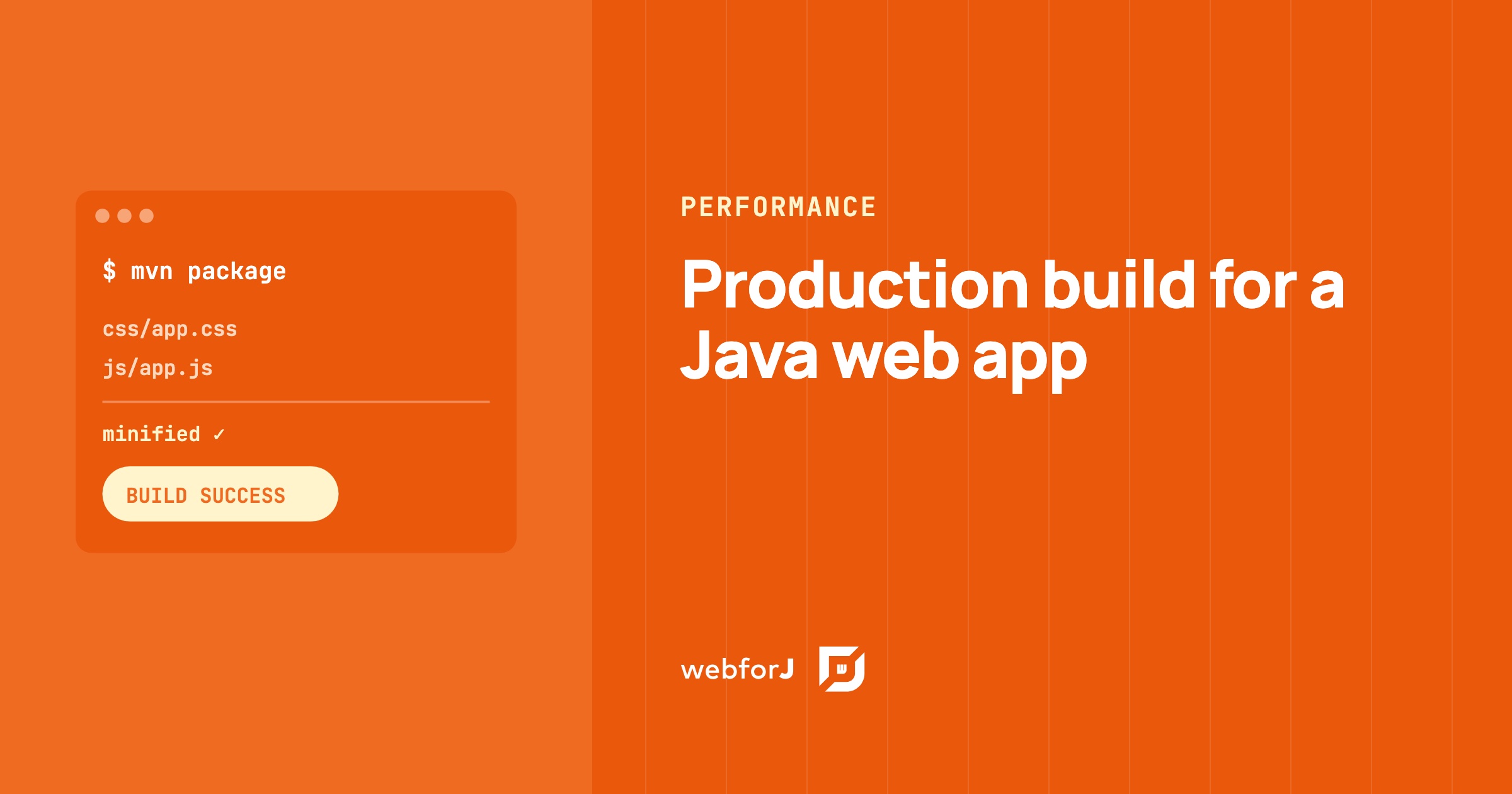
A production build for a Java web app only comes into play once you add your own assets: custom CSS, JavaScript, or npm packages. For those, mvn package compiles the frontend, puts a hash of each file's content into its filename, and minifies the CSS and JavaScript. Browsers download less, and they keep each file in cache until its content changes. Below are the steps for your custom assets, from the build plugin to the minifier plugin for apps that load assets through annotations.

Stream ChatGPT responses into a Java web UI with markdown

· 6 min read
Eric Handtke
Software Developer

cover image

To stream ChatGPT responses in a Java web app, send each chunk from the model into a webforJ MarkdownViewer. The component renders Markdown as it arrives, keeps the newest text in view, and gives you stop() and whenRenderComplete() for the moments when the user cancels or the answer ends. The model call stays in a plain service, and the view only appends text.

Swing to JavaScript communication with webforJ and Webswing

· 9 min read
Eric Handtke
Software Developer

cover image

Webswing gets a Swing app into a browser tab in an afternoon. Then someone asks for the obvious next thing: when the user picks a customer in the Swing window, the web page around it should show that customer's orders. And the web page can't see anything that happens inside the Swing window.

That is the real problem with Swing to JavaScript communication. The fix is a message channel: the Swing app announces what happened as a named action, the web side reacts, and it can send actions back. In webforJ that channel is one component, and both ends are plain Java.

Spring Boot login page: a Java UI with webforJ Login

· 7 min read
Eric Handtke
Software Developer

cover image

Almost every business app starts with the same screen: a username, a password, and a Sign in button. Building it by hand means a dialog, two required fields, an error message and a button that shouldn't be clicked twice, before you've checked a single credential.

A Spring Boot login page with a Java UI takes one component in webforJ. Login brings the dialog, the fields, the checks and the error message, so your code only has to decide whether the credentials are right.

Toast notification in Java: show messages with webforJ

· 5 min read
Eric Handtke
Software Developer

cover image

A toast notification is a short message that appears on screen and then disappears by itself. In webforJ, you show one from any Java click handler with a single call: Toast.show("Changes saved", Theme.SUCCESS). The Toast component has been part of webforJ since version 24.10. It handles timing, colors, and screen placement, so you don't write JavaScript for it.

This guide shows you how to add toasts to a view, control how long they stay, and keep important alerts on screen until the user dismisses them.

Build a web app in Java without JavaScript, step by step

· 8 min read
Eric Handtke
Software Developer

cover image

You write Java for a living, and the next project needs a browser interface. Every guide you open tells you to learn a second language first, plus a package manager, a bundler and a framework that changes every few years. It is fair to ask whether you really need all of that.

You don't. You can build a web app in Java without JavaScript, and with webforJ you do it by writing components, event handlers and routes as plain Java classes. The browser still runs JavaScript, but webforJ ships it and talks to it for you, so none of it lands in your source tree.