
2 posts tagged with "UI Customization"

Customizing the look and behavior of webforJ UI components.

View all tags

The Data Binding Feature Past Matthew Really Needed

· 9 min read
Matthew Hawkins
Software Developer

cover image

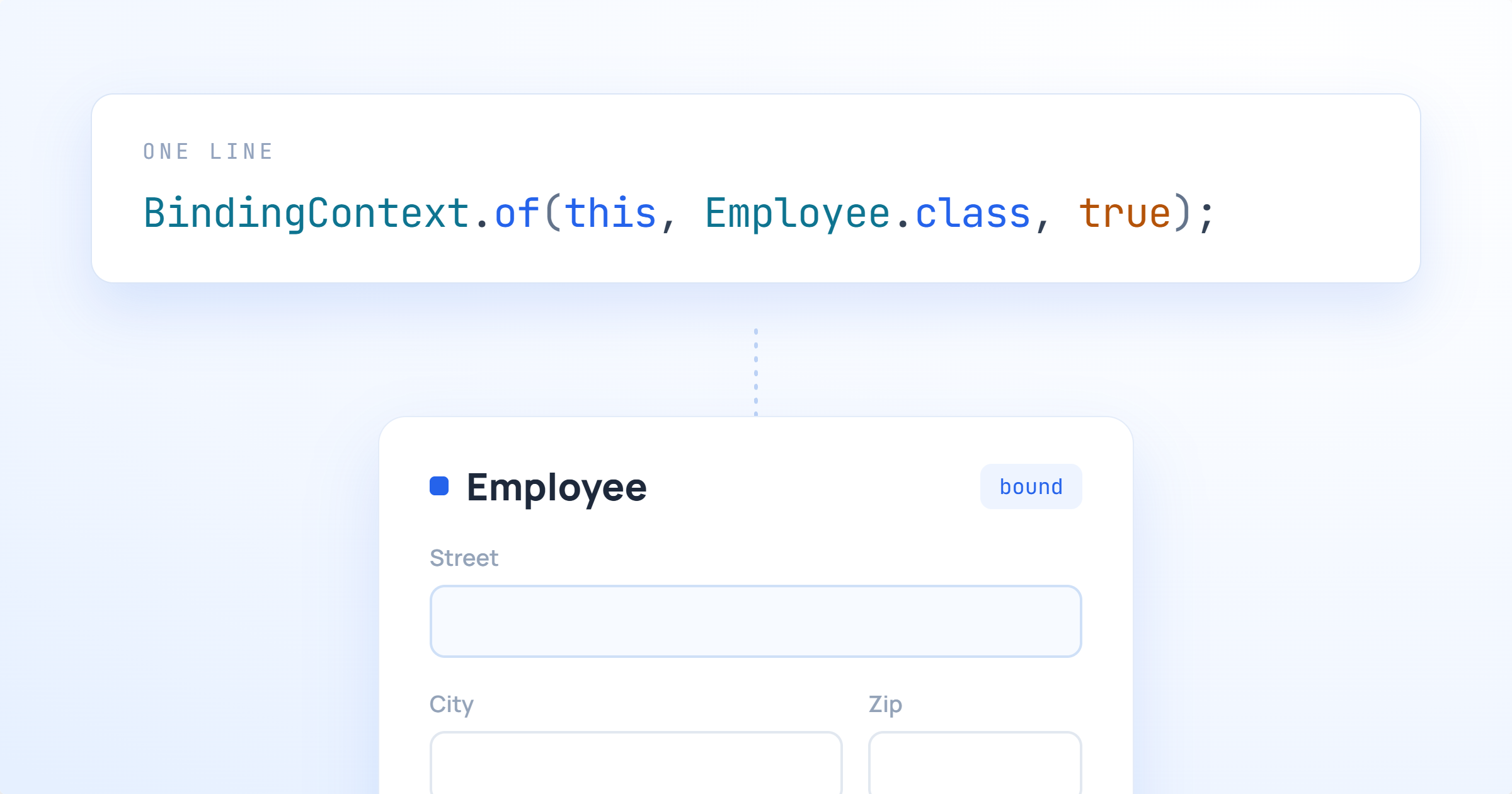
A little while after moving back to the US from working in Germany I was tasked with a colleague of mine to learn some Spring. Bryan and I were in the exact same boat of being totally new to anything more than Java basics, and one of the first tasks we bumped into together was this: take a form on the screen, and wire it up to a Java object that had, of all things, another Java object nested inside of it.

Sounds simple, and it no doubt is to those who are used to Spring and how it works. For us, it was not.

We were told to work with our colleague in Bulgaria to get help, and while he was certainly a Spring expert, the time different meant that we ended up spending days on it. We wrote getter chains, we wrote wrapper DTOs, and we eventually got something working that neither of us really understood. Of course, these days I'd just ask Claude, but he and I hadn't yet been acquainted back then.

If you'd asked me at the time what the "right" way to bind a nested object was, I would have been painfully clueless.

Fast forward to now, and webforJ has this feature baked right in. Past Matthew and past Bryan would have been genuinely thrilled.
Making Data Display Less Boring in webforJ

· 9 min read
Matthew Hawkins
Software Developer

cover image

Data is the lifeblood of business applications, and displaying it properly can make or break someone's experience using your app. In order to visualize data, most developers quickly turn to tables for displaying that data. Here's the problem: just throwing information into rows and columns doesn't always tell the story clearly enough.

When users glance at a table, the idea is that they immediately understand what matters. Is that price change good or bad? Which items need attention? What's trending up versus down? If your users have to pause and think, squint at numbers, or do mental math to understand their data, your interface isn't working hard enough for them. Perhaps your first instinct is to say that tables aren't the answer, but that isn't the case.

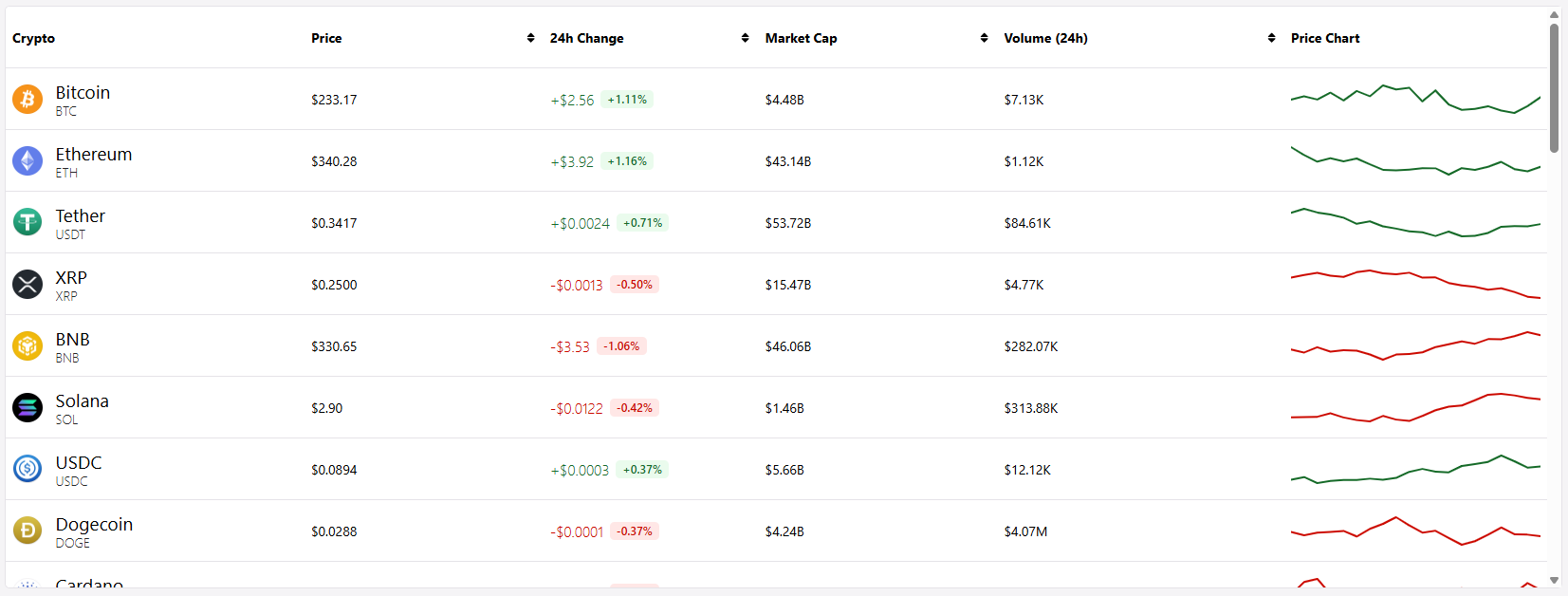
This is where renderers come in. In webforJ, cell renderers let you transform raw data into visual, instantly understandable information. Earlier this year, I built a mock cryptocurrency dashboard, which is a perfect example of an app that needs quick, understandable information at a glance, since crypto data is fast-moving, emotionally charged, and needs to be digested within seconds. Green numbers for gains, red for losses, formatted prices, inline charts—all rendered dynamically to tell the story your data is trying to communicate.

The fun part was using renderers to contain all of this information inside a tidy table, and in this post, we'll explore when and how to use these renderers to build tables that don't just display data, but actually communicate with your users.